In the sections that follow, we’ll cover:
- Pricing Quick Info – How licenses, products, tiers, and add-ons work.
- Accessing Dashboard – Where admins can access and manage settings.
- Doc Management Settings – Connecting storage accounts, managing libraries, and handling conflicts.
- Doc Sharing Settings – Configuring link creation, branding, compliance, and viewer options.
- License & Billing Settings – Managing user licenses, subscriptions, and billing.
- Account Settings – Updating account info, API keys, and subscription details.
- HubSpot Settings – Managing app logs, permissions, and app cards in HubSpot.
Pricing Quick Info
The CloudFiles HubSpot Integration is priced in a way that you only purchase what you need. The pricing structure is built around a few core concepts. Licenses, Products, Tiers & Add-Ons.
You purchase license(s) for your users by deciding the Product(s) and Tier you need. All the purchased licenses will be on the same Product(s) and tier. Only users who will be using CloudFiles functionlaity through HubSpot need a license (i.e. all HubSpot users do not need a license). There is no limit on minimum licenses.
Each license offers some credits on things like views, automations etc... These can be extended using add-ons. Discounts are available for annual & bundled purchases.
Licenses start as low as $5 / user / mo for document management business plan. Add-ons start as low as $10 / mo. Refer to our Subscription Plans guide for more info on this.
Accessing Dashboard
For admins, it’s easier to access the dashboard settings by logging in at https://app.cloudfiles.io. For more options, refer to this article How to go to the CloudFiles App Dashboard?
Doc Management Settings
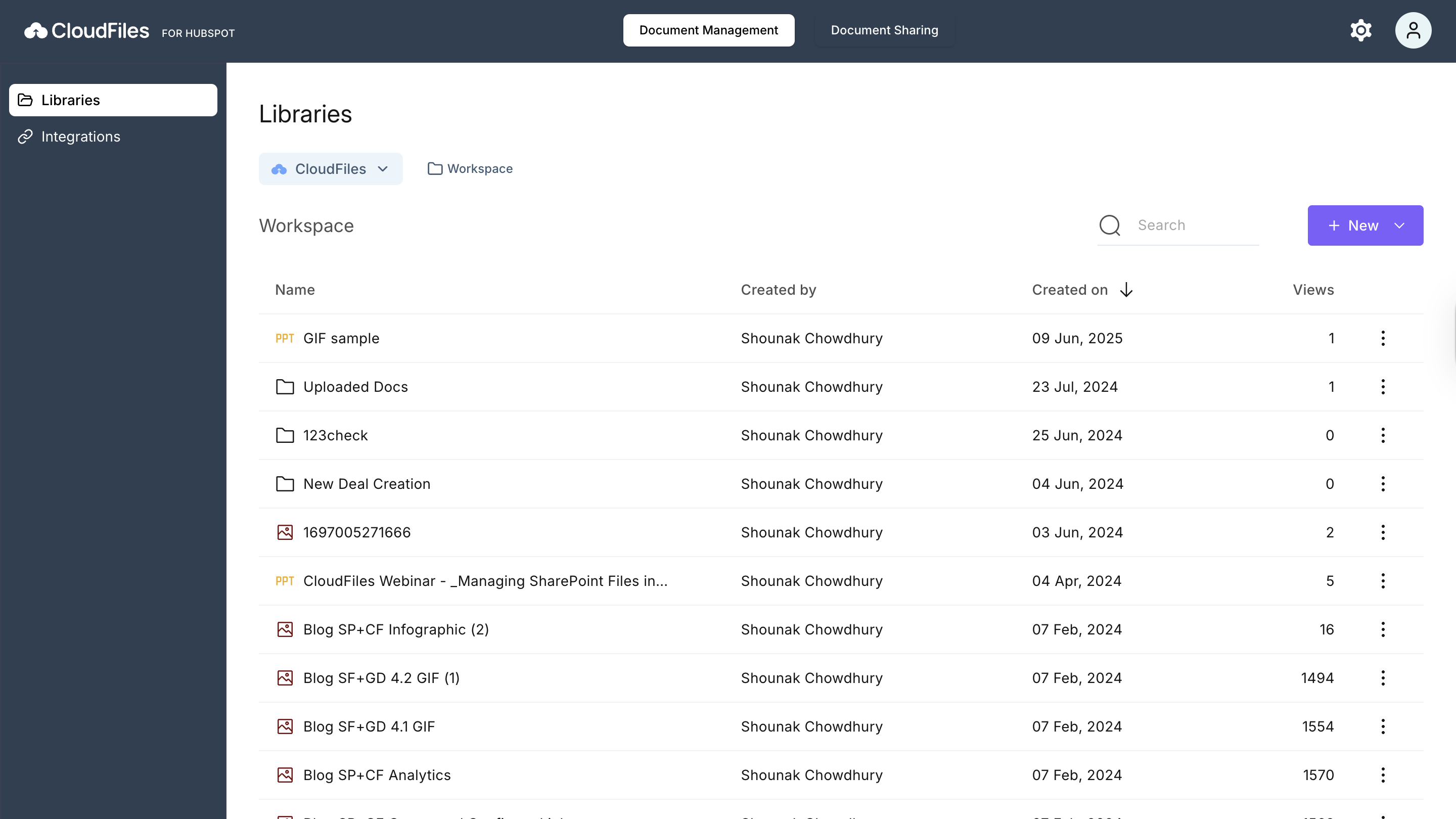
The Document Management settings are used to connect cloud storage accounts and define how files and folders are handled. In this, you can connect supported storages for automations, manage libraries, and set rules for handling duplicate files or folders. Refer to the Doc Management Settings articles for more information.
Doc Sharing Settings
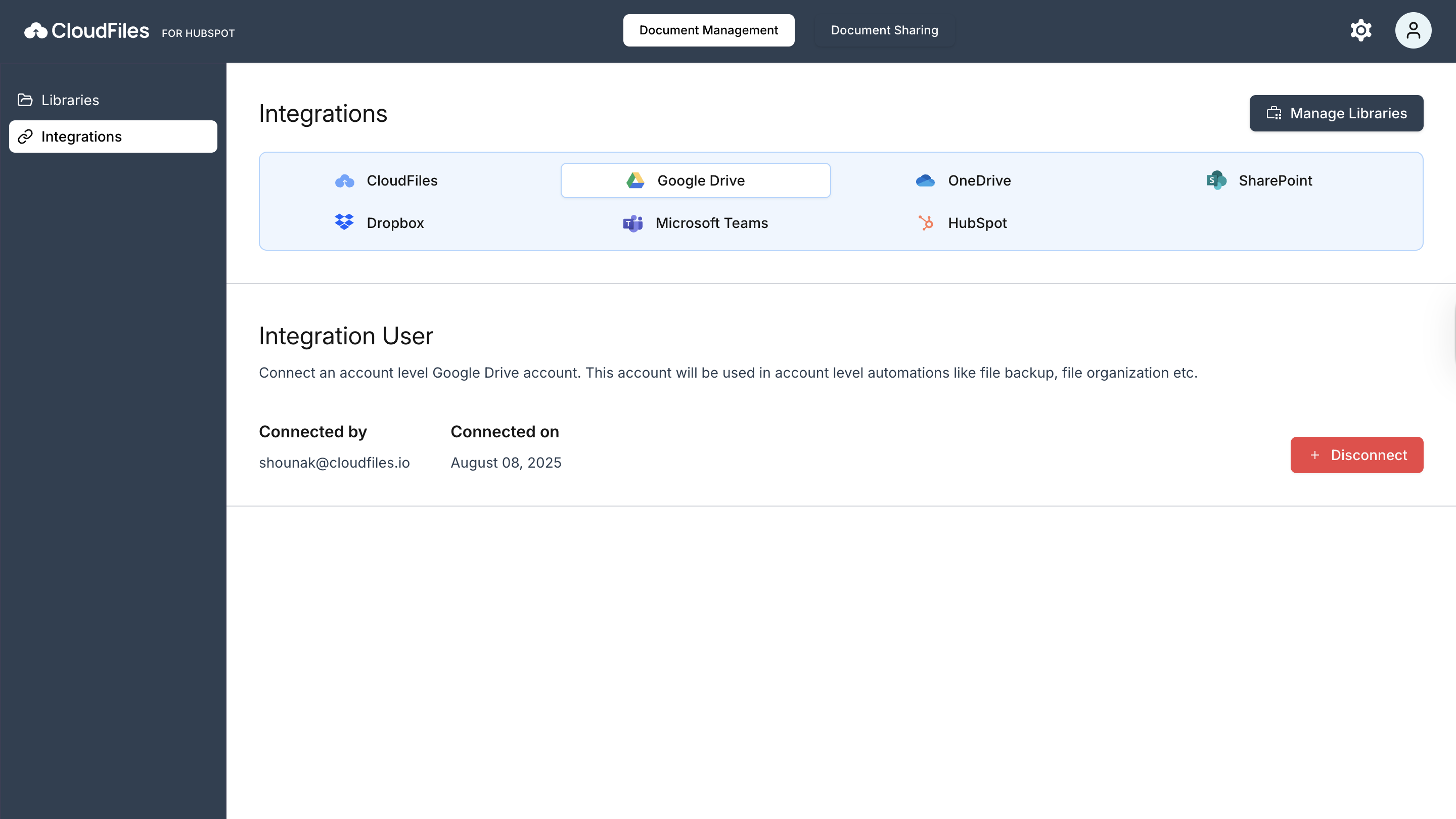
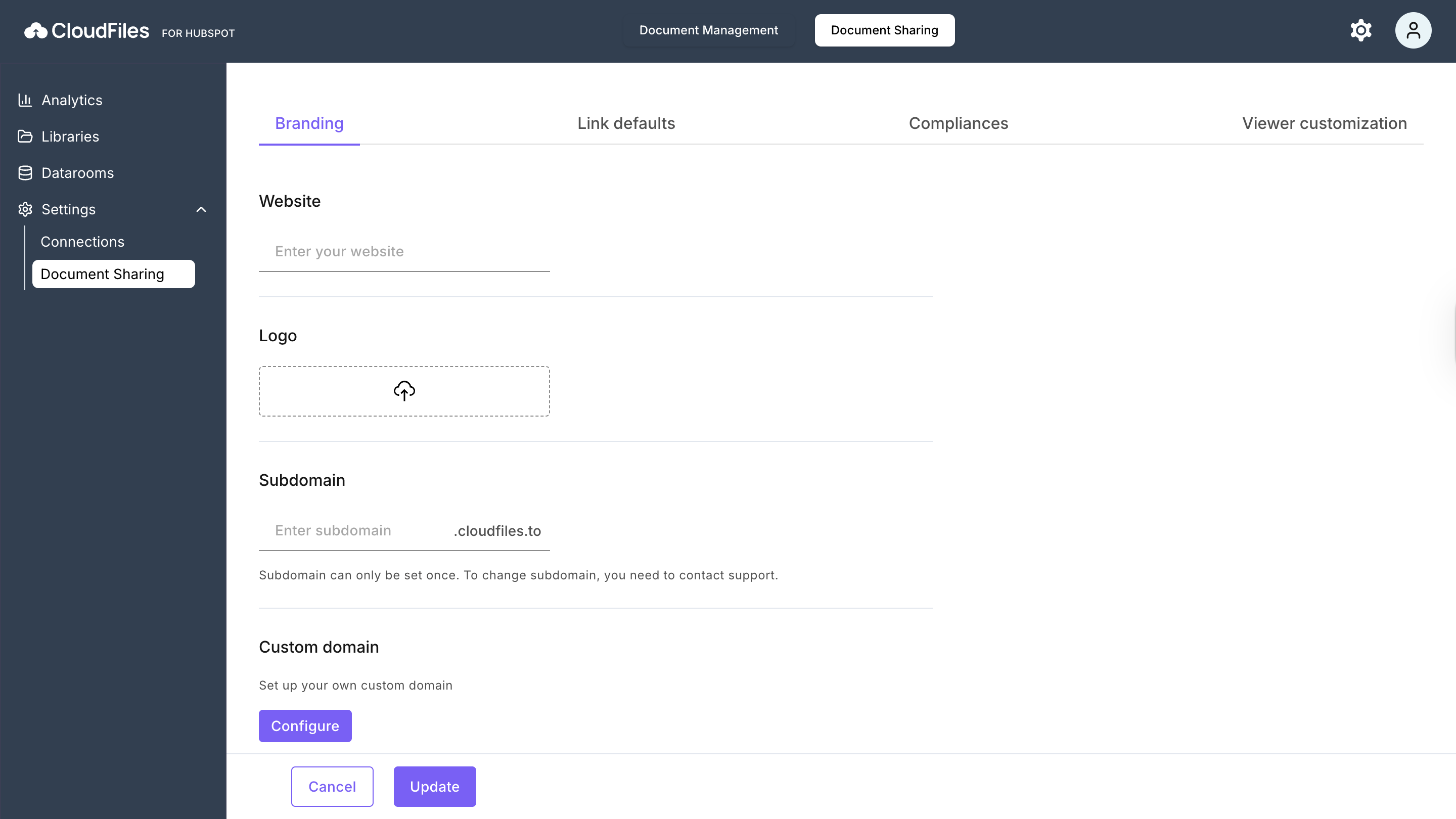
The Document Sharing settings allow you to configure how links are created, branded, and secured when sharing files through CloudFiles. These settings apply at the account level, but users can still adjust options at the individual link level if required. Refer to the Doc Sharing Settings for more information.
Doc Generation Settings
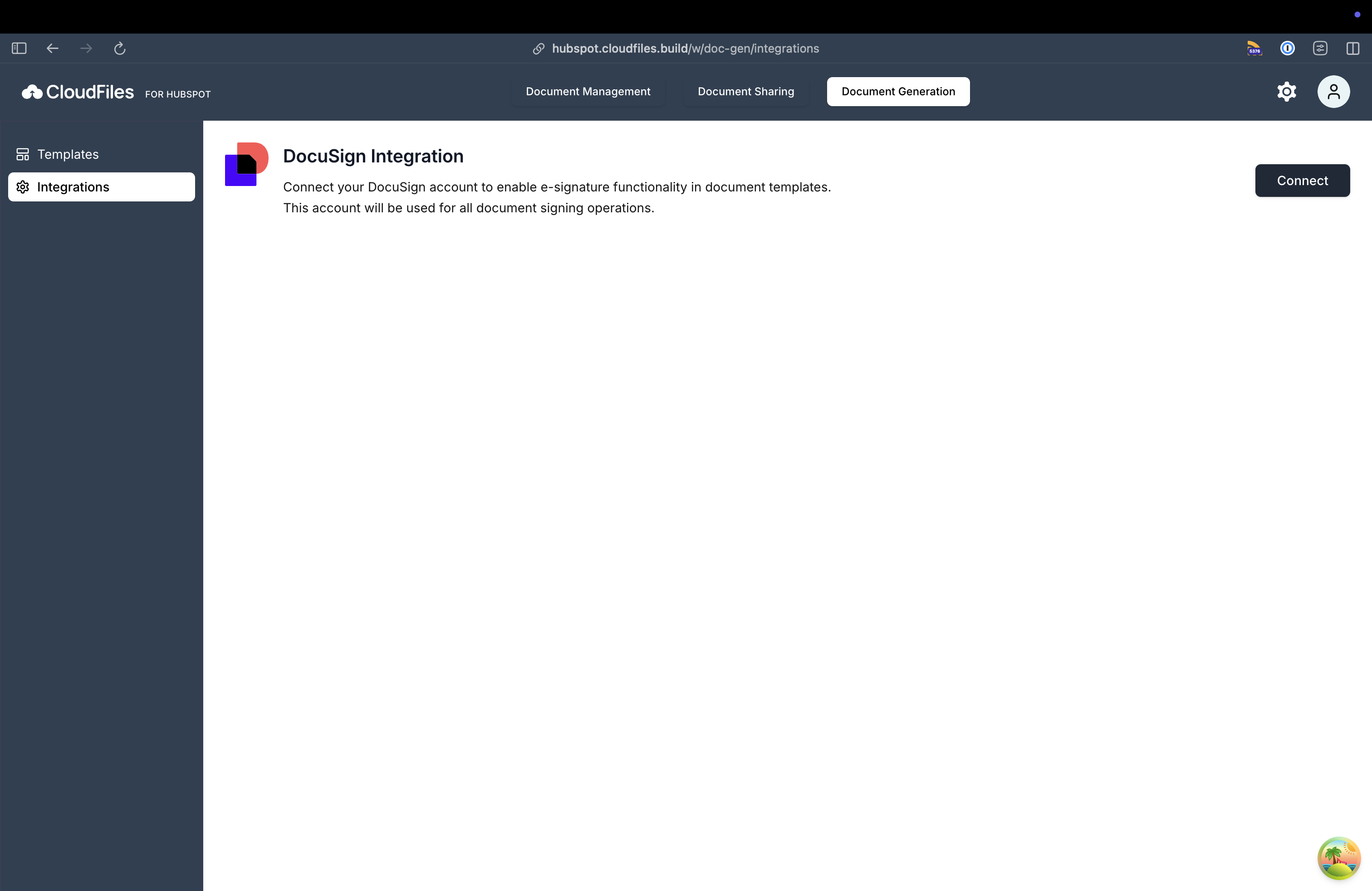
Connect docusign, manage templates and view version history using the Doc Generation tab on CloudFiles webapp dashboard.
Account Settings
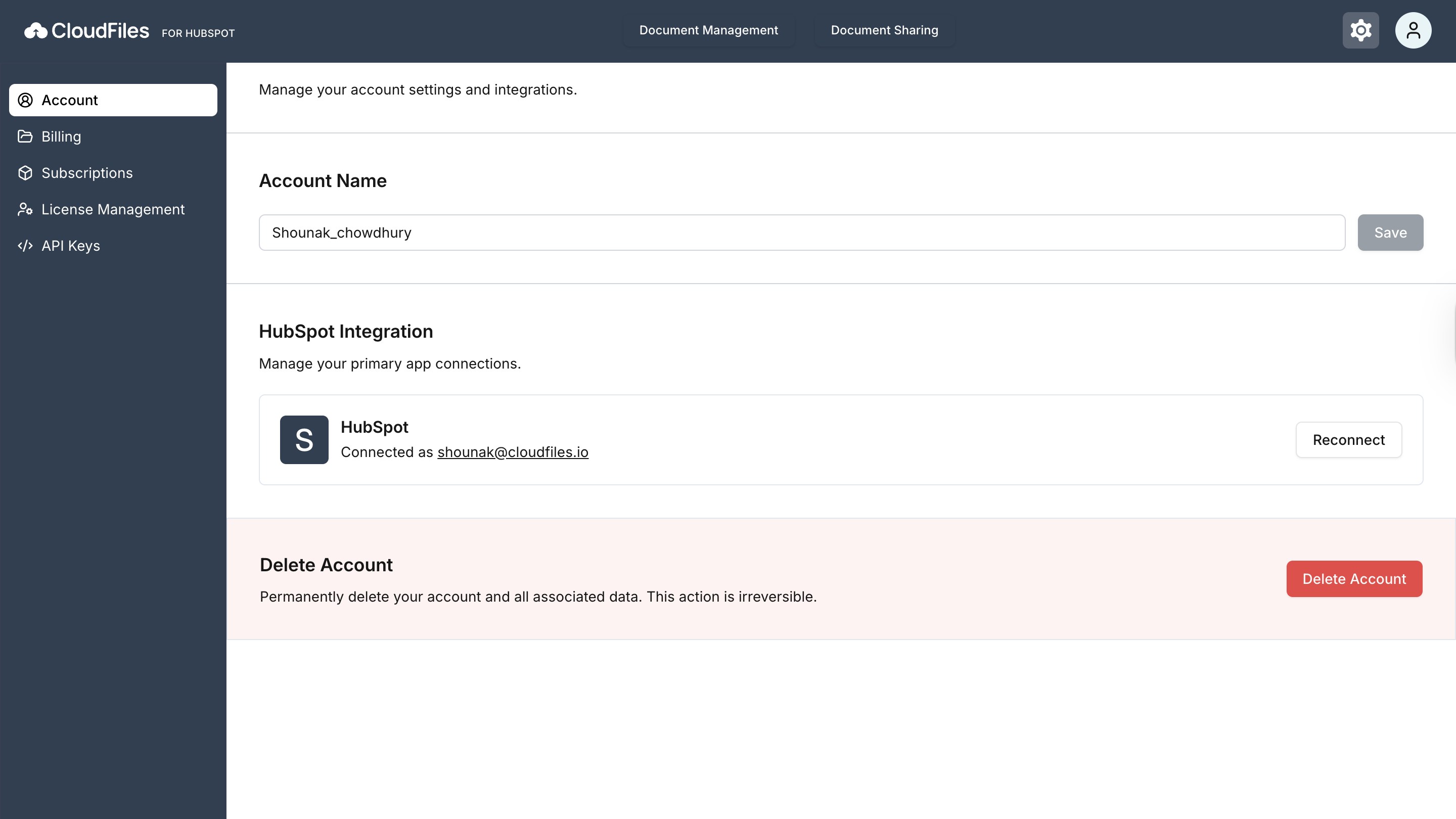
You can click on the Gear button at the top right corner to access the Account settings page. The Account Settings section includes options to manage your account information, billing, subscriptions, licenses, and API keys. Refer to the Other Account Settings article for more information.
License & Billing Settings
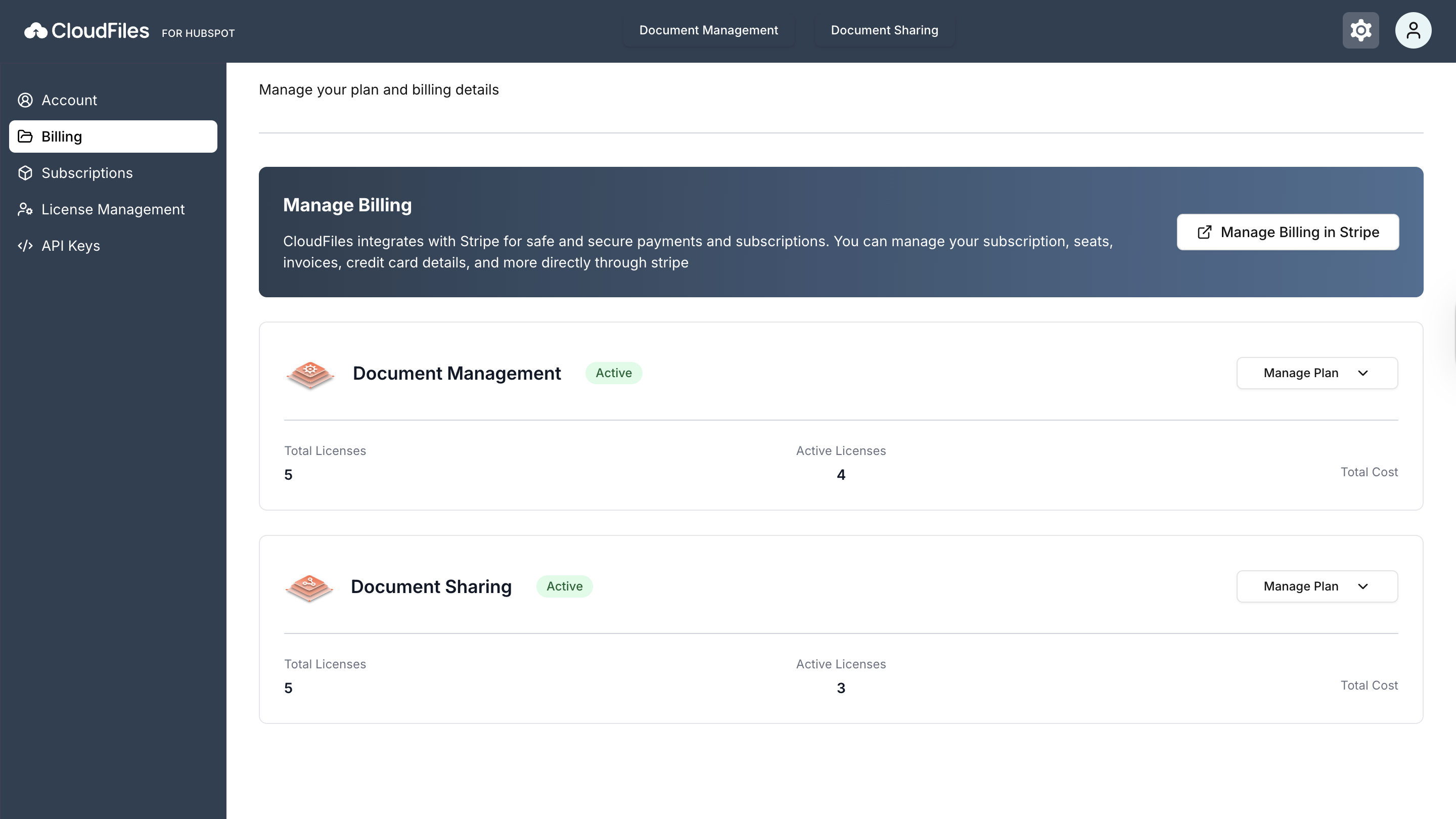
The License and Billing settings let you manage user licenses and subscription details for Document Management and Document Sharing. Refer to the License & Billing Settings article for more information.
HubSpot Settings
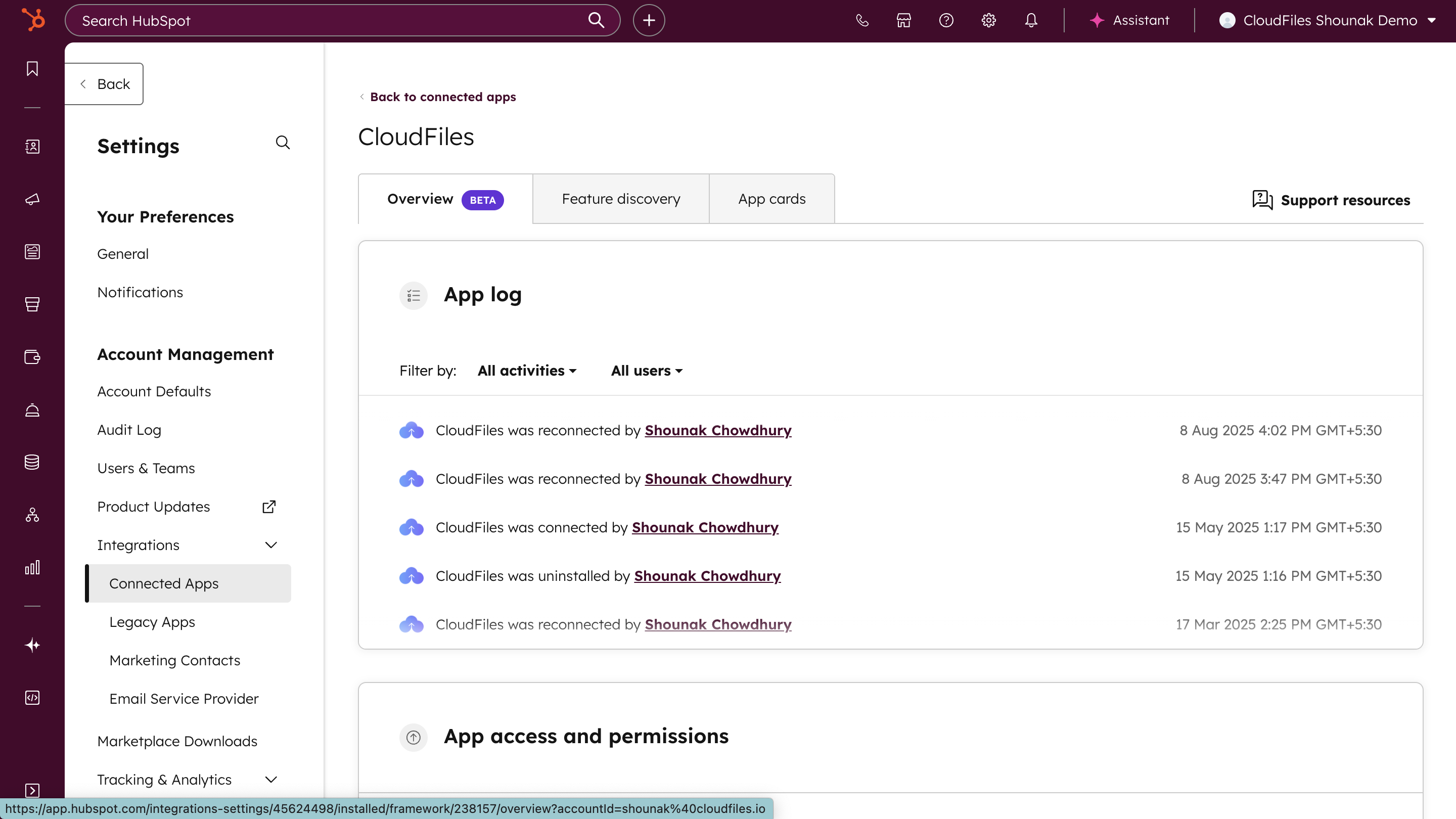
CloudFiles settings in HubSpot can be managed from the Connected Apps section. The App Log records connection activities with user and time details.
The App Access and Permissions lists the granted permissions, including CRM data, workflows, files, tickets, form submissions, and timeline events.
The App Cards define where CloudFiles appears in HubSpot (e.g., contacts, companies, deals, or tickets), and you can manage their placement from this section.