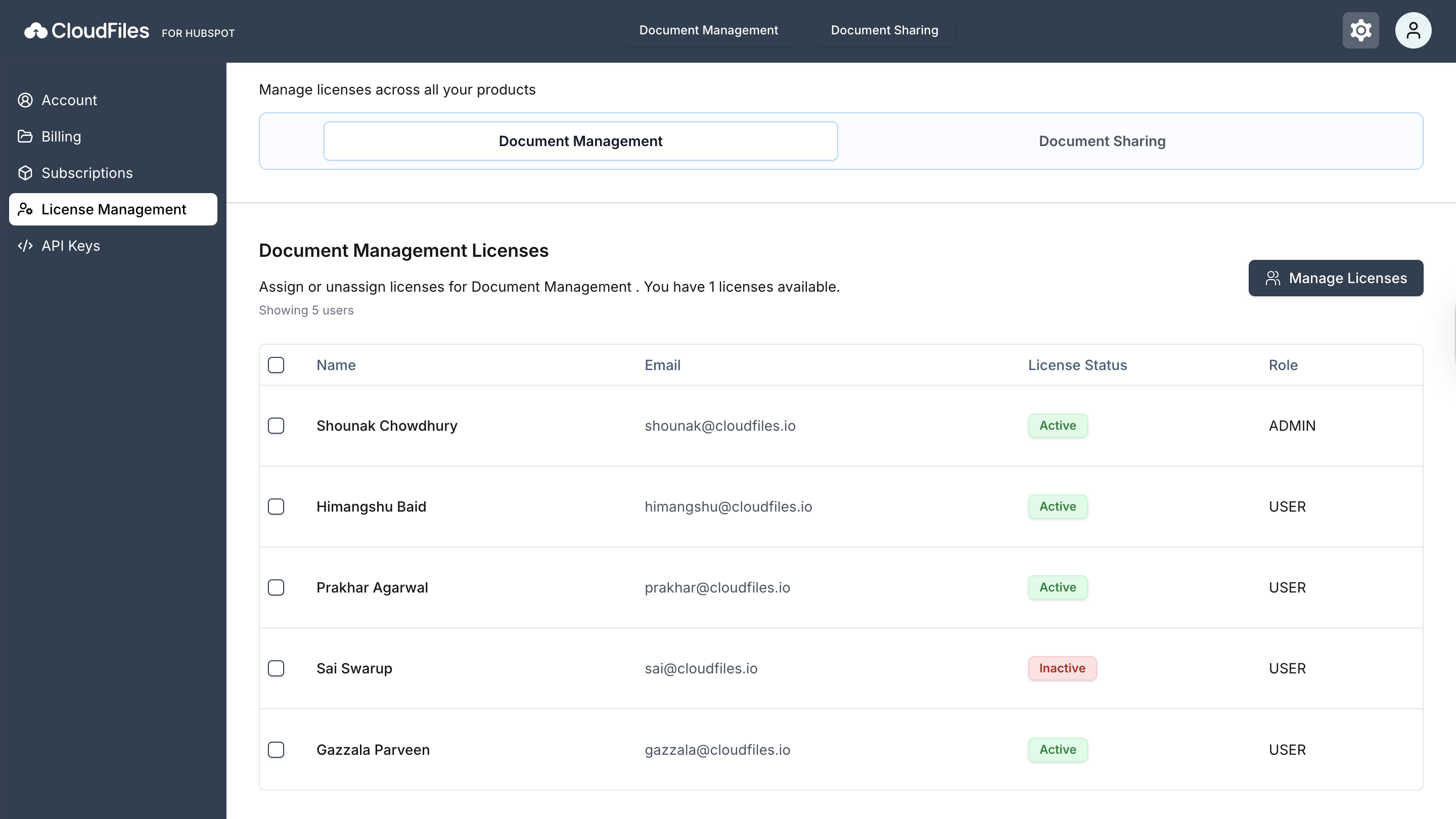
Licensing
Under License Management, Admin can assign or remove licenses to an user or delete users from CloudFiles. Each product (Document Management/Document Sharing/ Document Generation) shows the user list with email, license status, and role (Admin or User). The page also shows how many licenses are active and how many are available.
You can refer to License Management for more information on managing licenses and roles.
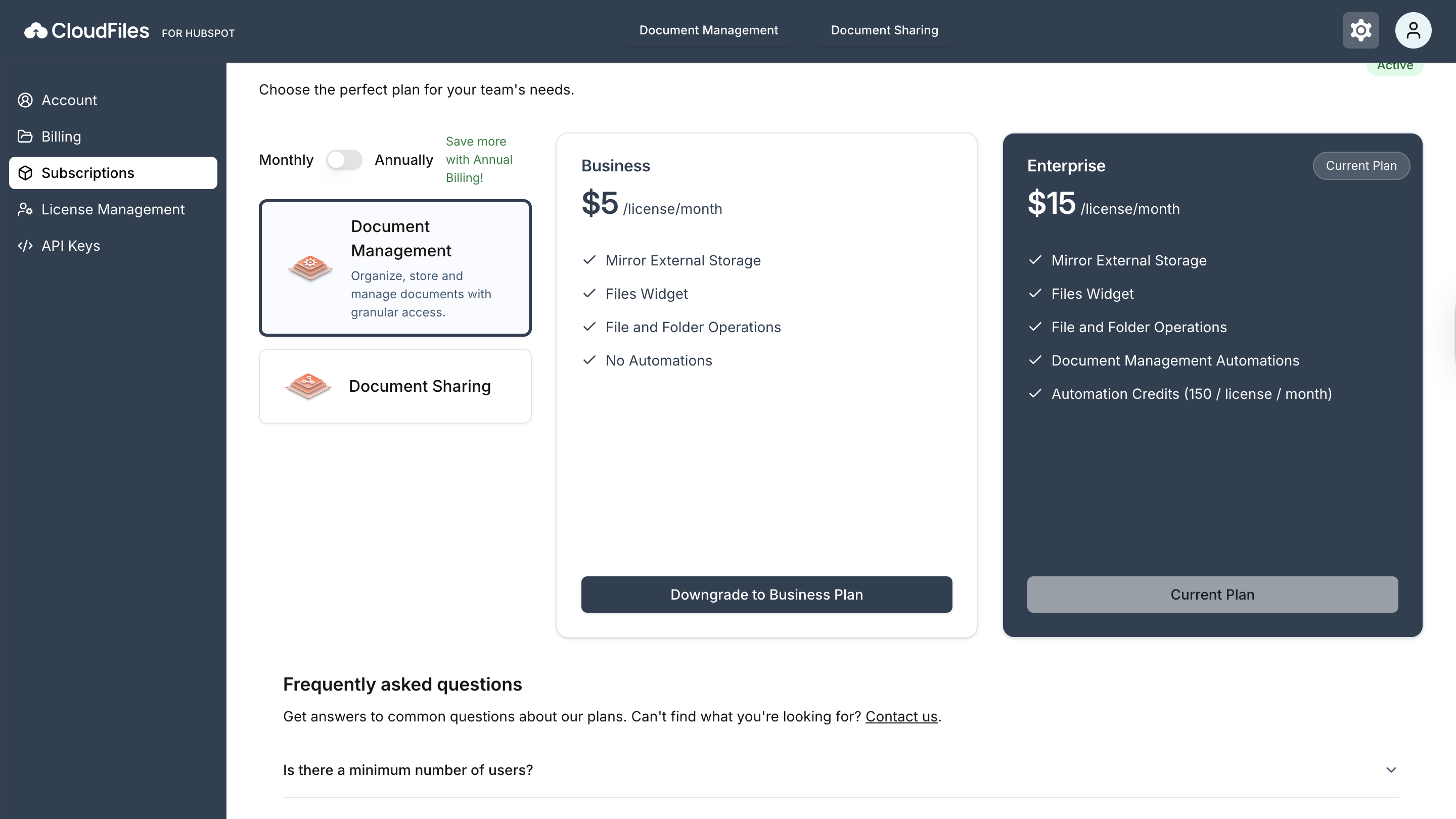
Subscriptions
View and switch between available plans for Document Management and Document Sharing. Choose monthly or annual billing, and upgrade or downgrade as needed.
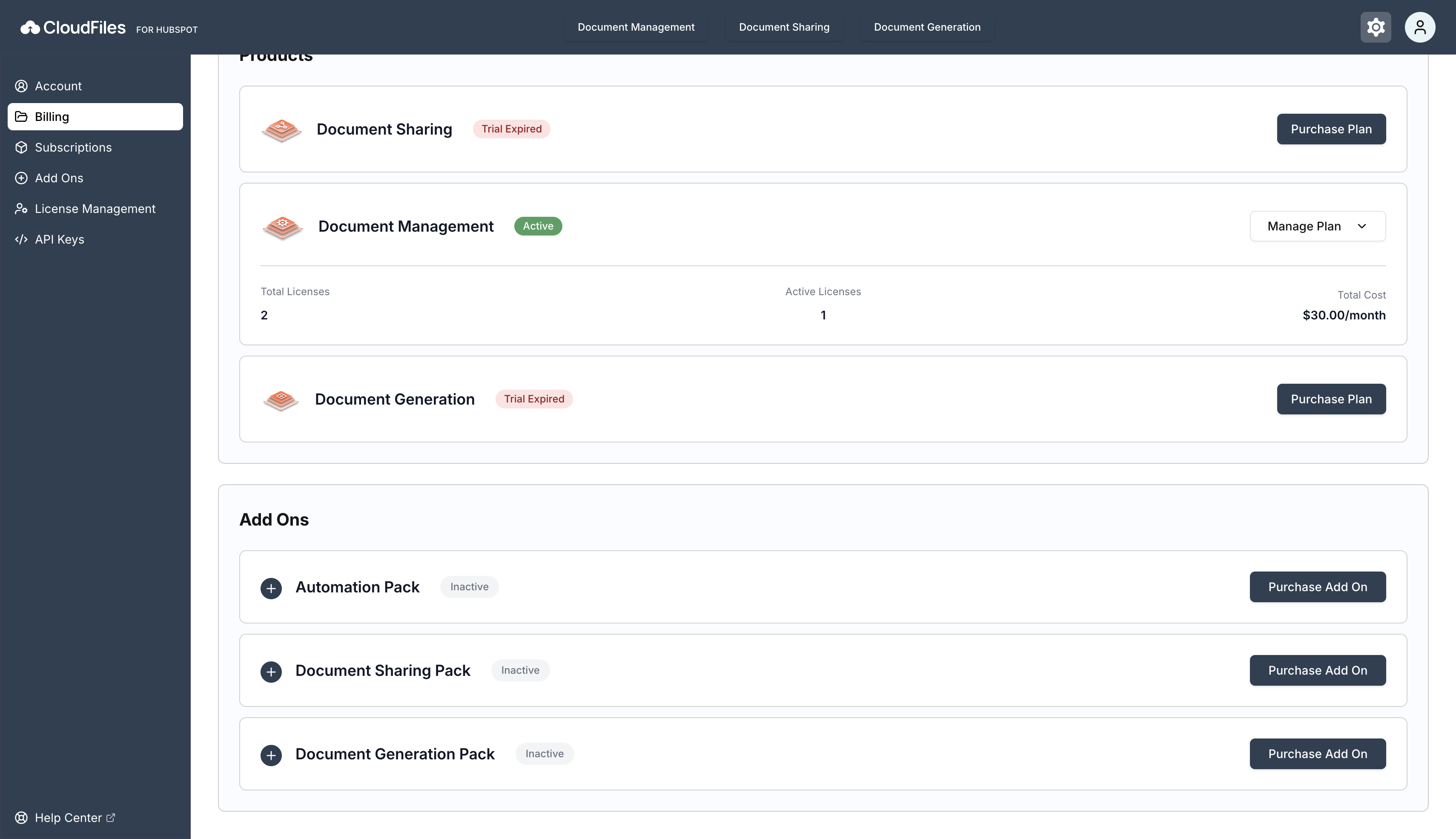
Billing
The Billing section allows you to manage your Subscription Plans and payment details through Stripe. Here you can view total and active licenses for each product, add-on packs purchased, update your plan, change the billing cycle, or cancel a subscription. The Manage Billing in Stripe option opens Stripe for updating payment methods and invoices.