What is the Issue?
Some users may see the following Microsoft prompt when trying to access SharePoint through the CloudFiles widget inside Salesforce:
“CloudFiles needs permission to access resources in your organization that only an admin can grant. Please ask an admin to grant permission to this app before you can use it.”
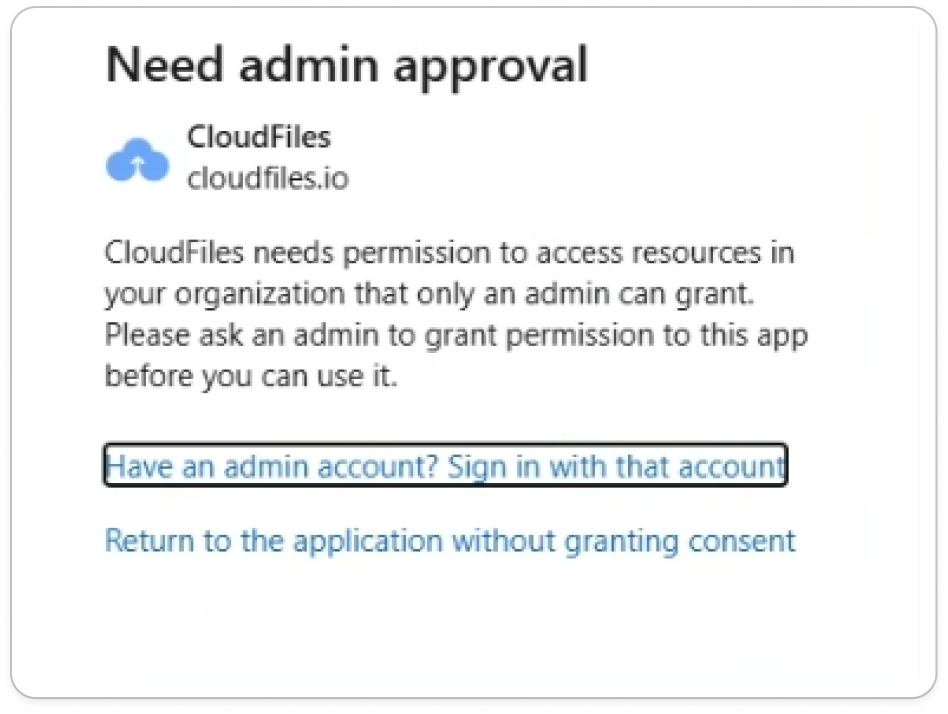
This message appears even if the user is a Salesforce admin and has an active CloudFiles license. It is not related to Salesforce permissions, CloudFiles roles, or CloudFiles license status.
Why does it happen?
This message is generated by Microsoft Azure, not CloudFiles.
CloudFiles connects to SharePoint and OneDrive using Microsoft’s OAuth permissions model. For some organizations, Azure security policies block third-party applications from accessing Microsoft resources unless an Azure Global Admin or Azure App Administrator explicitly approves the app.
In other words:
- You may be a Salesforce admin, but Azure has not granted your tenant permission for CloudFiles to access SharePoint.
- Until an Azure admin approves CloudFiles, Microsoft will block the connection and show the “Admin approval required” message.
How to fix this Issue
An Azure Administrator must grant consent for CloudFiles to access SharePoint for your organization.
Step 1: Share this link with your Azure Admin
Ask your Azure Global Admin / App Admin to open the following URL in their browser:
https://login.microsoftonline.com/common/adminconsent?client_id=eb406824-efe3-4989-8247-b80f25f73ae2
This link takes them to Microsoft’s admin consent screen for CloudFiles.
Step 2: Admin signs in and approves
The Azure admin must:
- Sign in with their Microsoft admin account
- Review the required permissions
- Click Accept to grant consent
Step 3: Retry the SharePoint connection
Once approved, any licensed CloudFiles user can connect seamlessly to SharePoint from within Salesforce—no further Microsoft approvals will be needed.