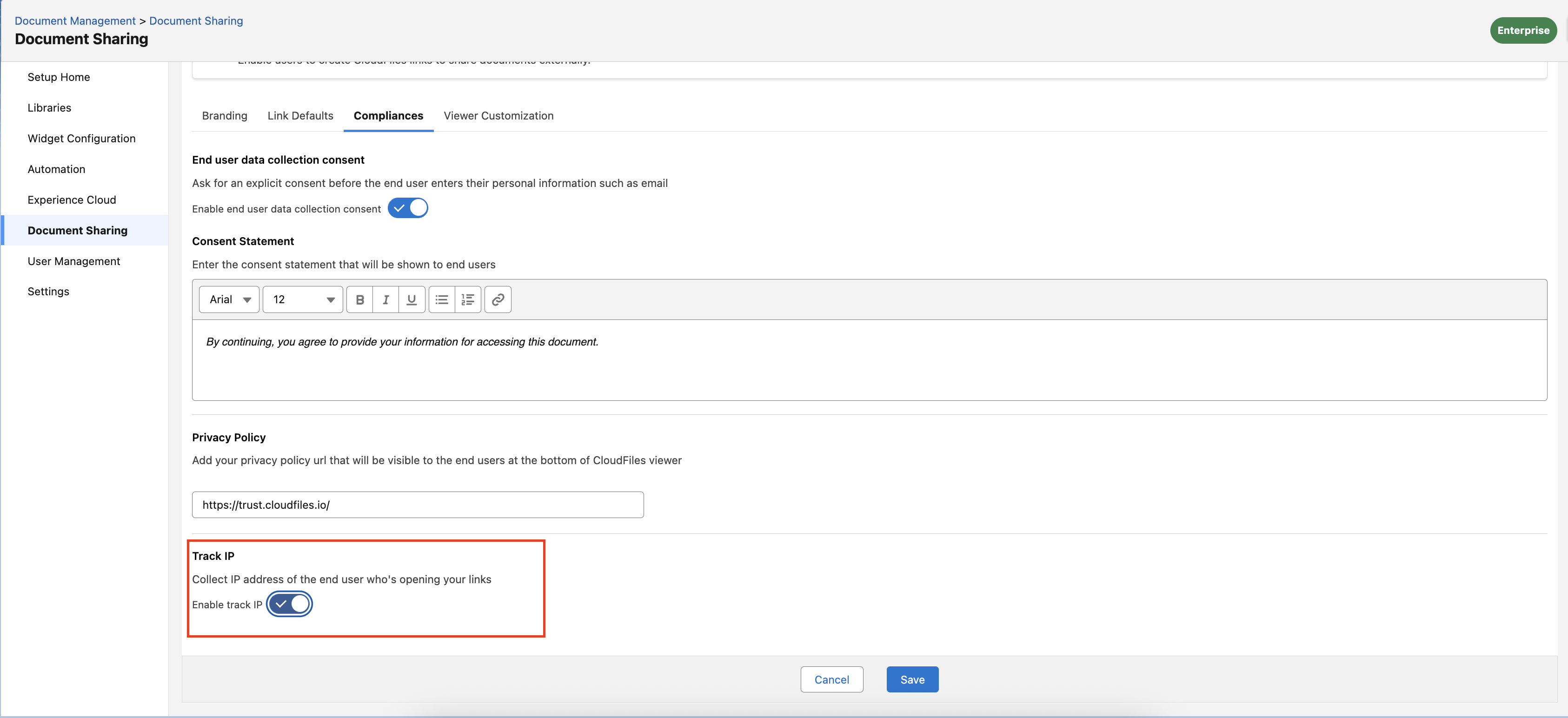
Once configured, Compliance applies to all CloudFiles shared links. Whenever an end user accesses a CloudFiles link, they will see the relevant consent prompts or privacy notices based on the settings enabled.
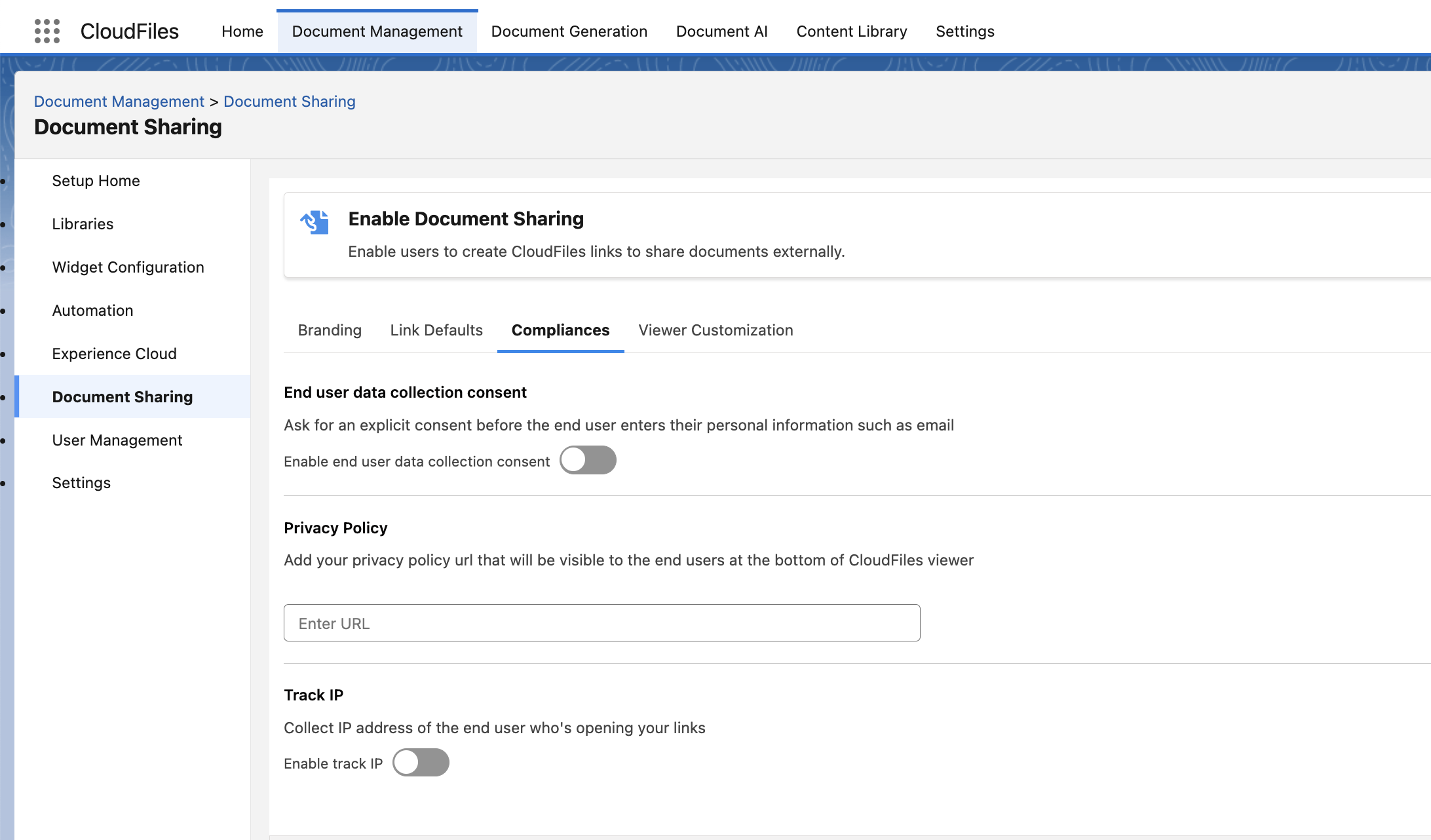
End User Consent
Users may be prompted to accept a consent message before entering personal information, such as their email address while accessing a shared file.
Enable End User Data Collection Consent
Toggle this option ON to require viewers to explicitly agree before entering any personal details.
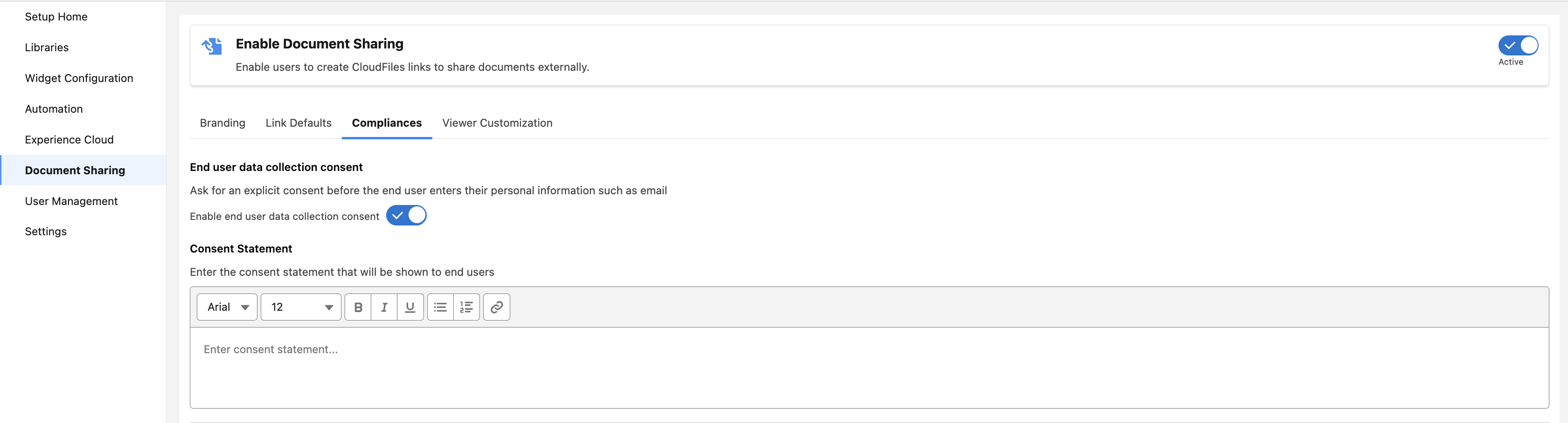
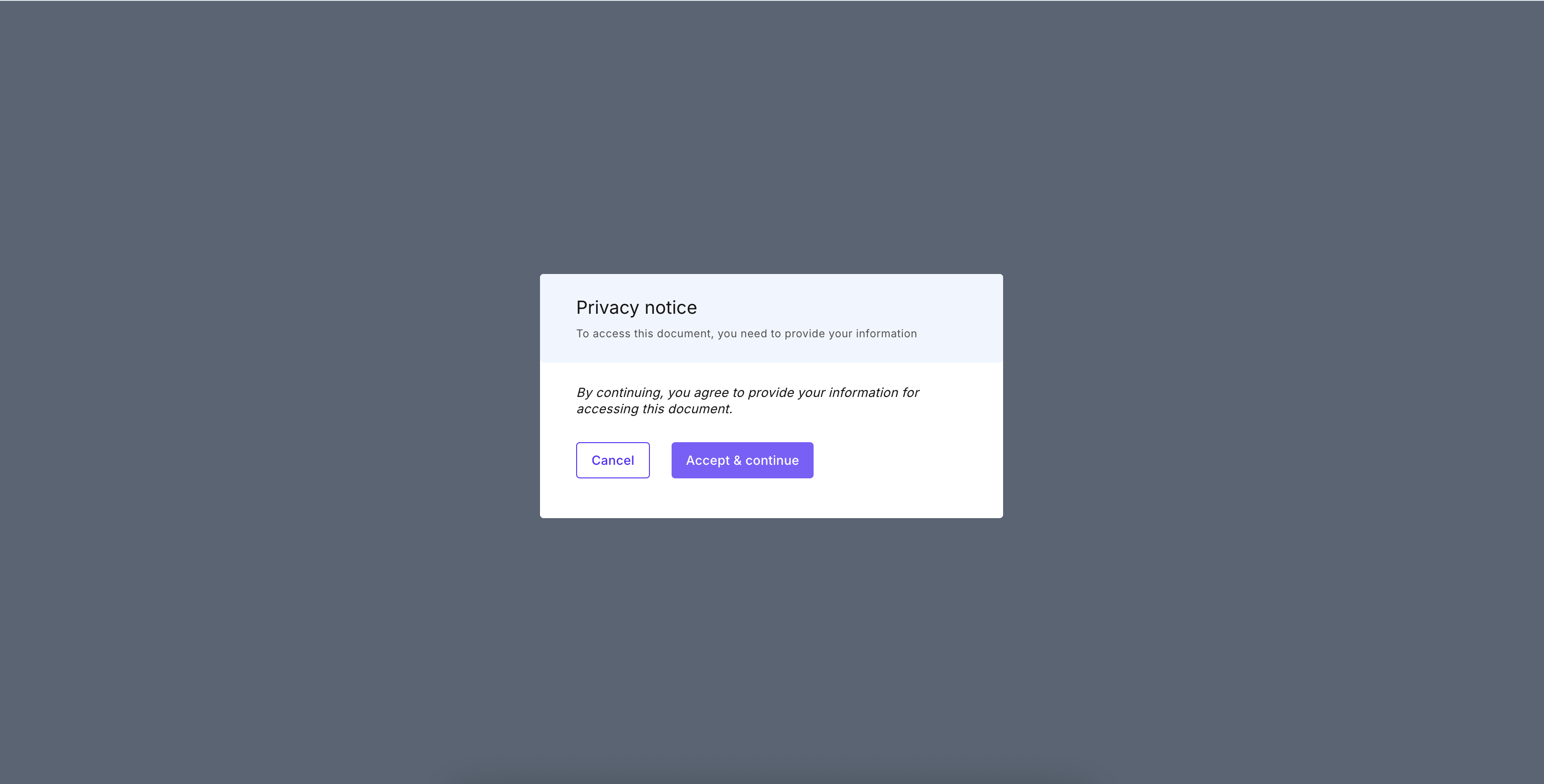
When enabled, users will see a popup notice asking for their consent before proceeding.
Consent Statement
This section allows admins to define the message that will be shown inside the consent popup.
You can customize the consent text using the rich text editor.
Example: “By continuing, you agree to provide your information for accessing this document.”
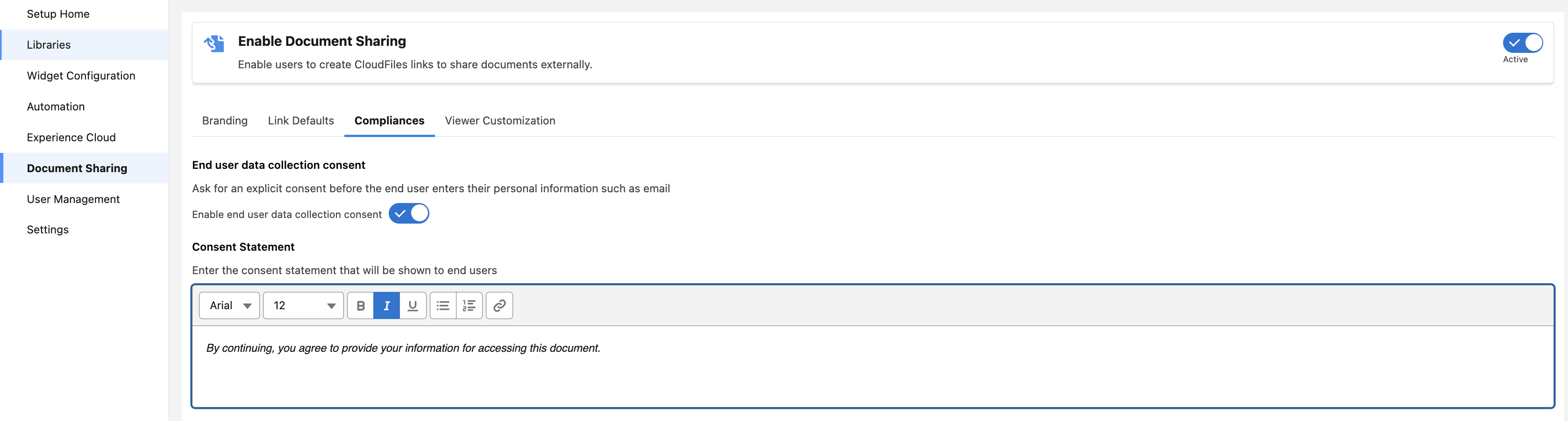
The message appears inside the privacy notice that the user must accept before viewing the file. Example:
Privacy Policy
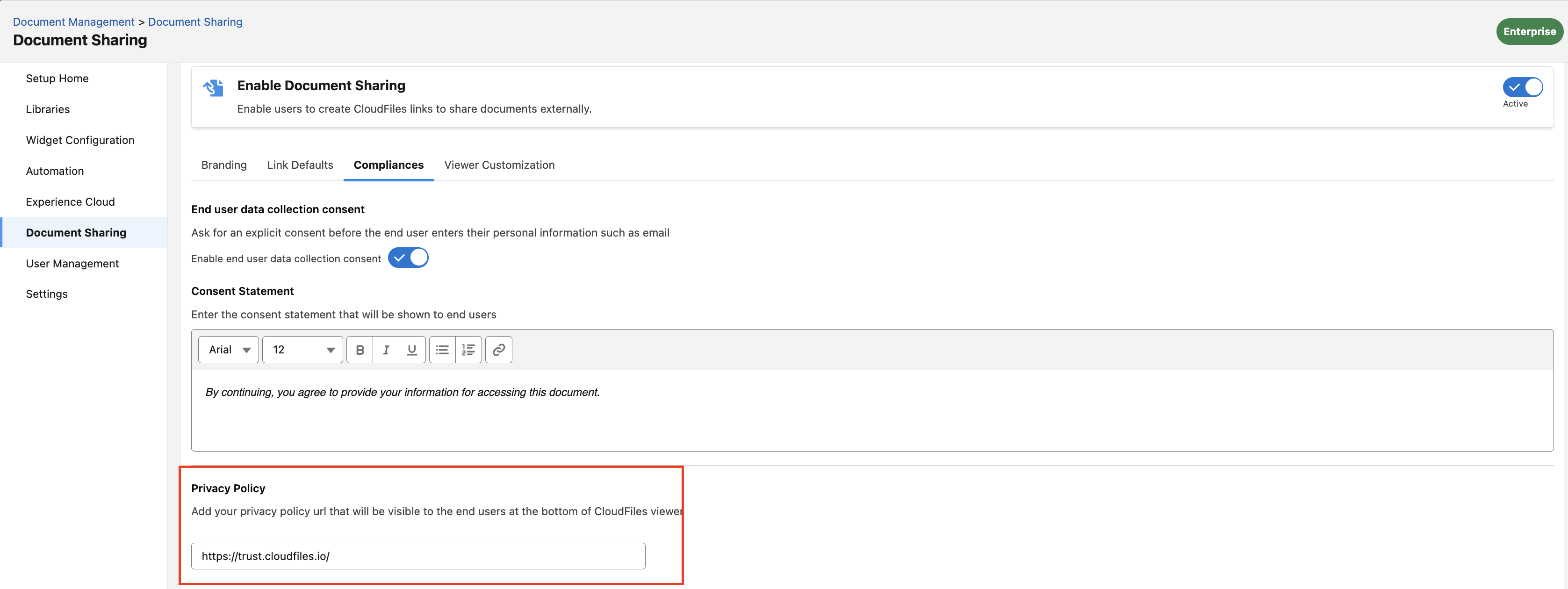
You can add your organization’s Privacy Policy URL to display inside the CloudFiles viewer. This ensures that end users can easily access your privacy guidelines when viewing shared documents.
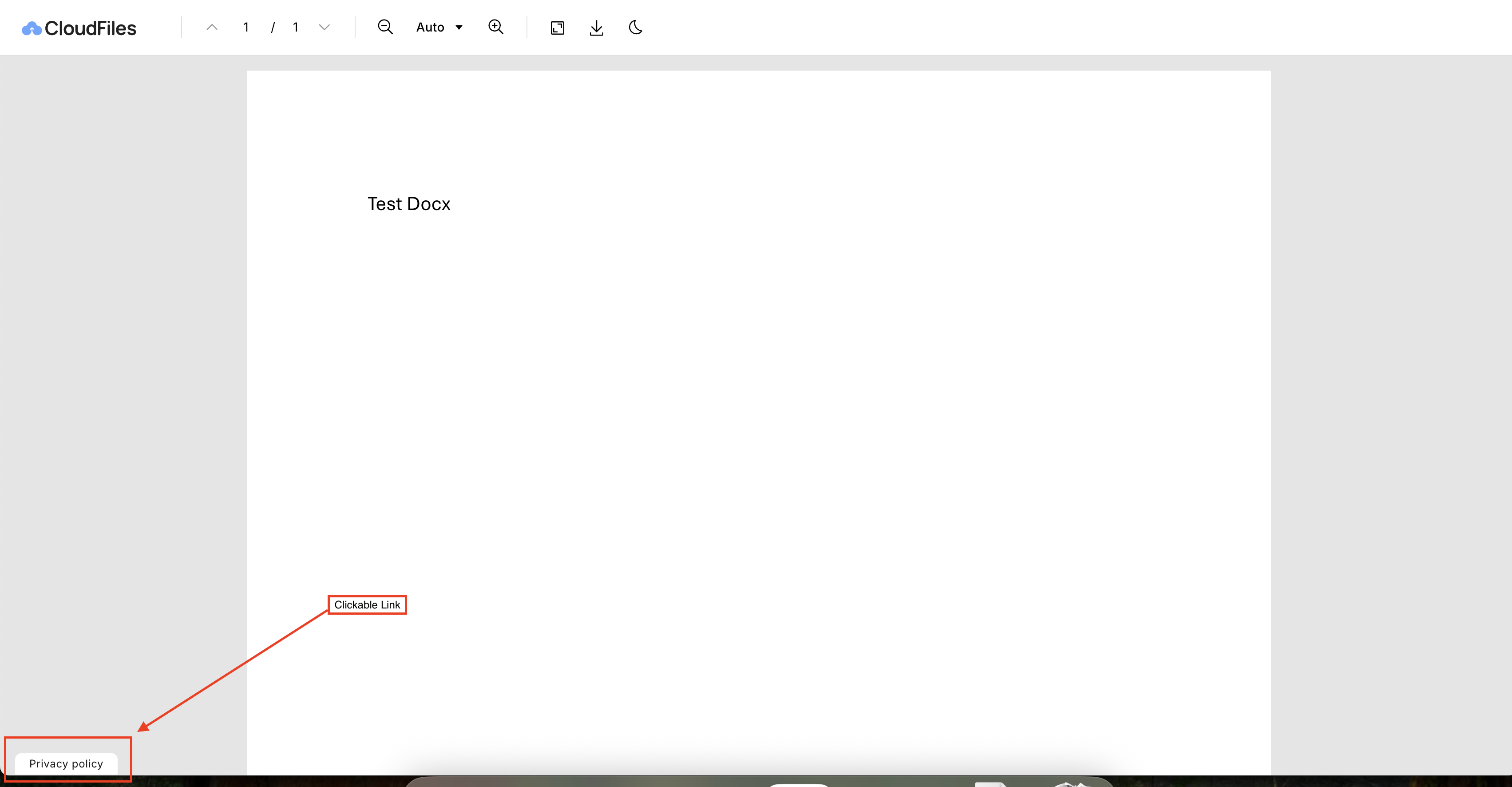
When link is accessed, viewers will see a small “Privacy Policy” link inside the file viewer interface, ensuring transparency and compliance with privacy requirements.
Track IP
Enable this option if you want to collect the IP address of users who open your shared links.