Connections Settings
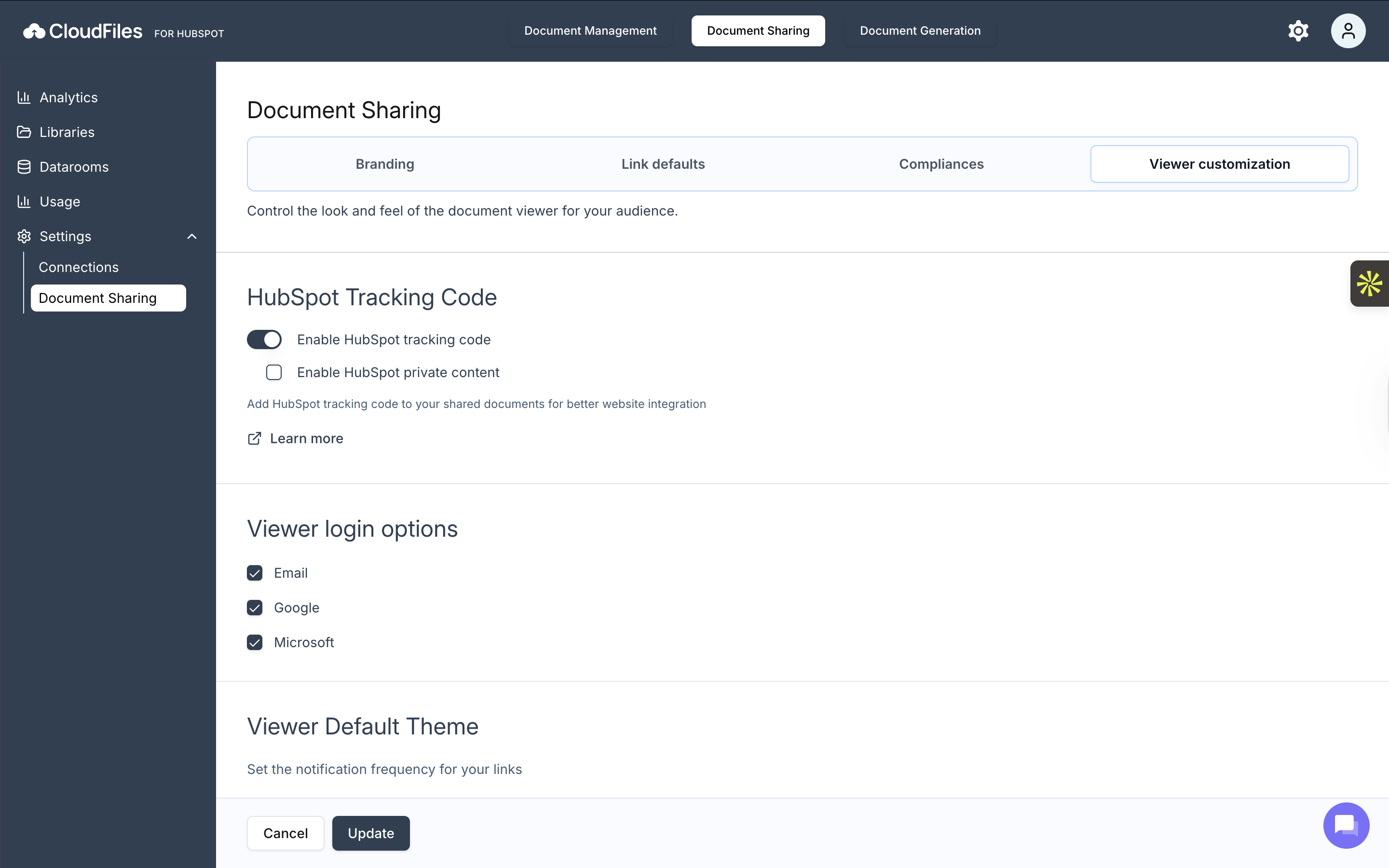
The Connections settings determines where documents can be sourced from for sharing. From this page, you can enable one or more supported cloud libraries for Document Sharing, including:
- CloudFiles Library
- Google Drive
- OneDrive
- SharePoint
- Dropbox
- Box
- Microsoft Teams
- HubSpot
Once enabled, files from the selected libraries become available for creating shareable links. You can toggle libraries on or off at any time and save changes instantly.
Document Sharing Settings
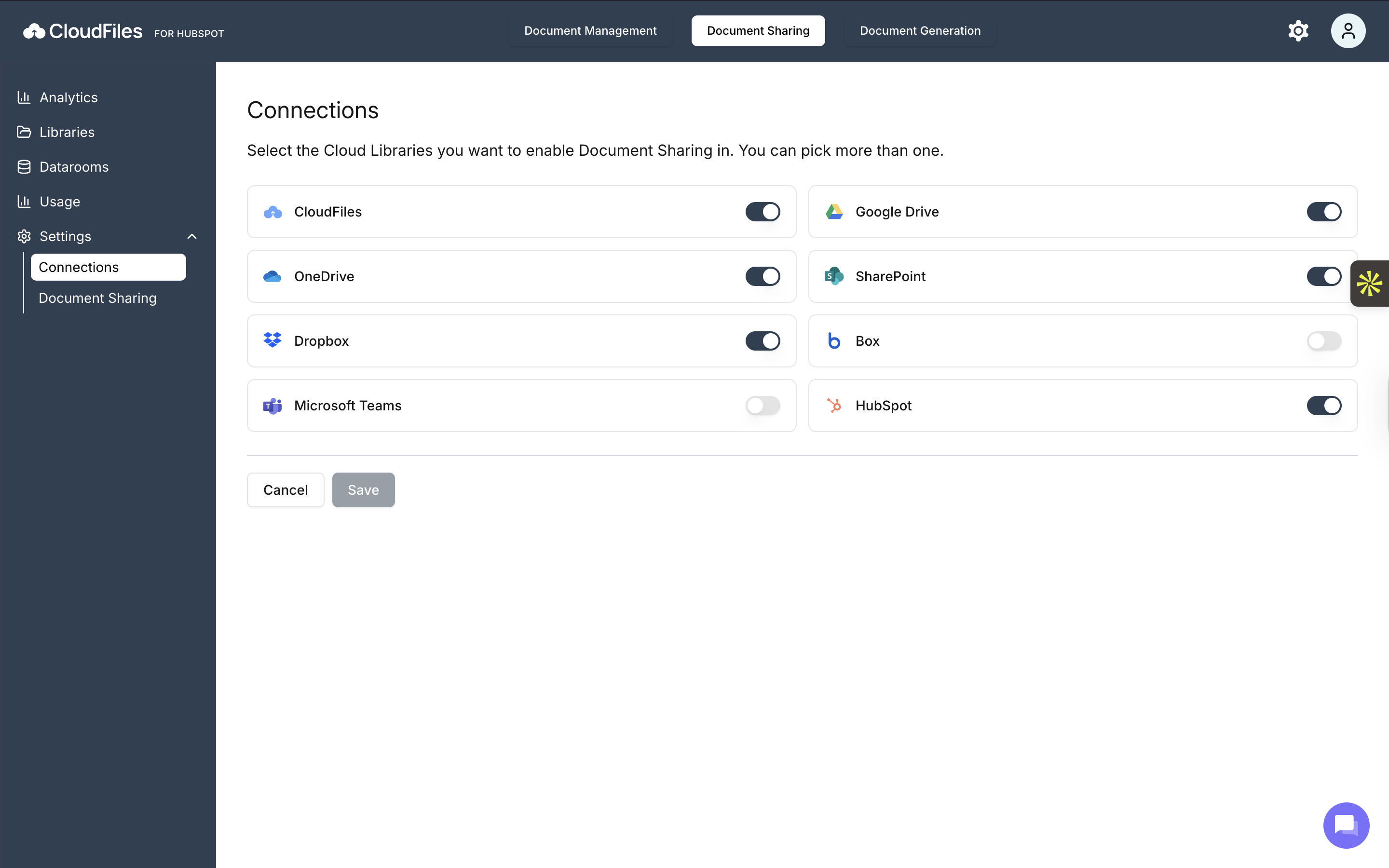
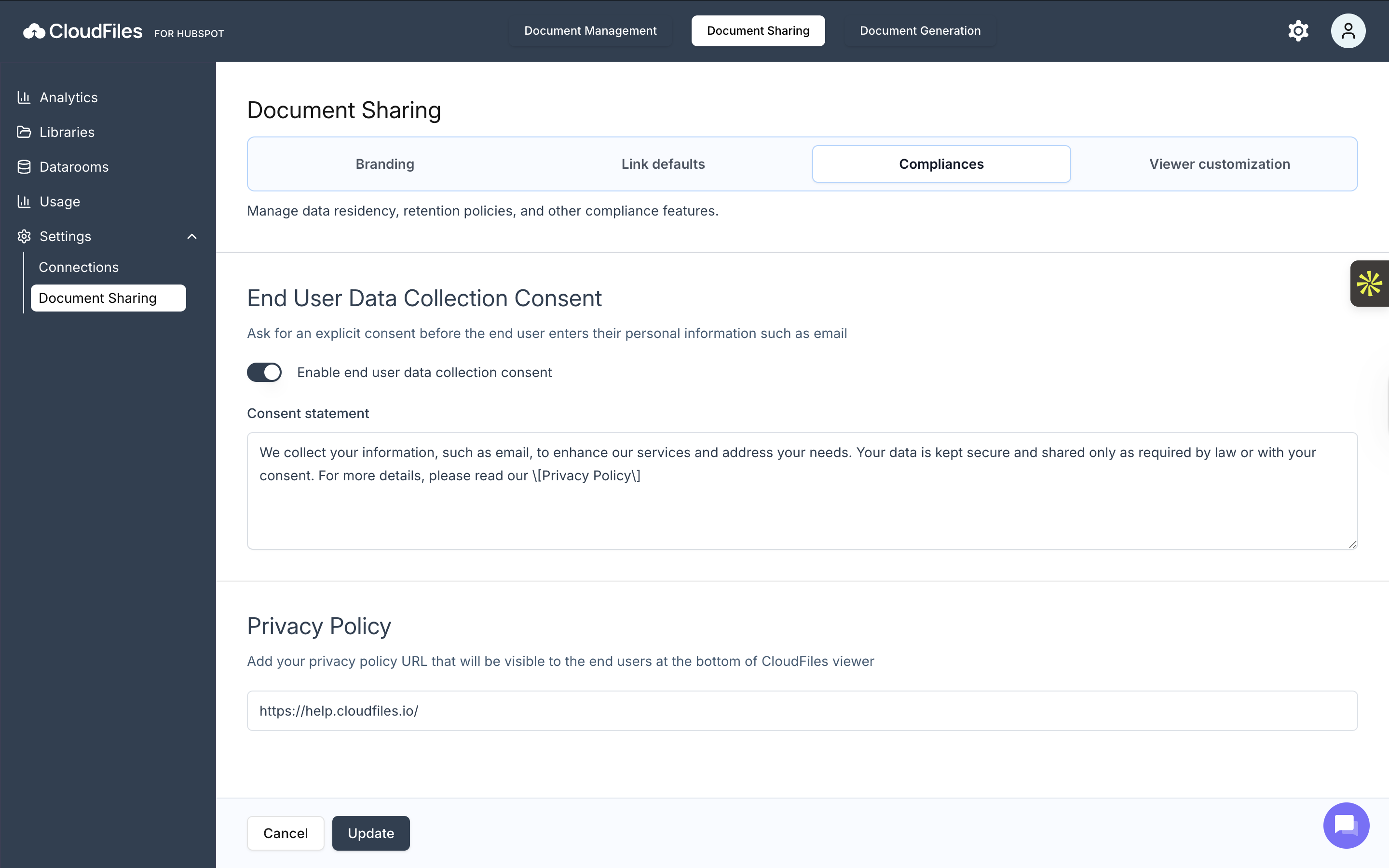
The Document Sharing settings section allows you to control branding, default link behavior, compliance requirements, and viewer experience. These settings apply across all newly created sharing links. Below is a brief overview of each available tab:
Branding
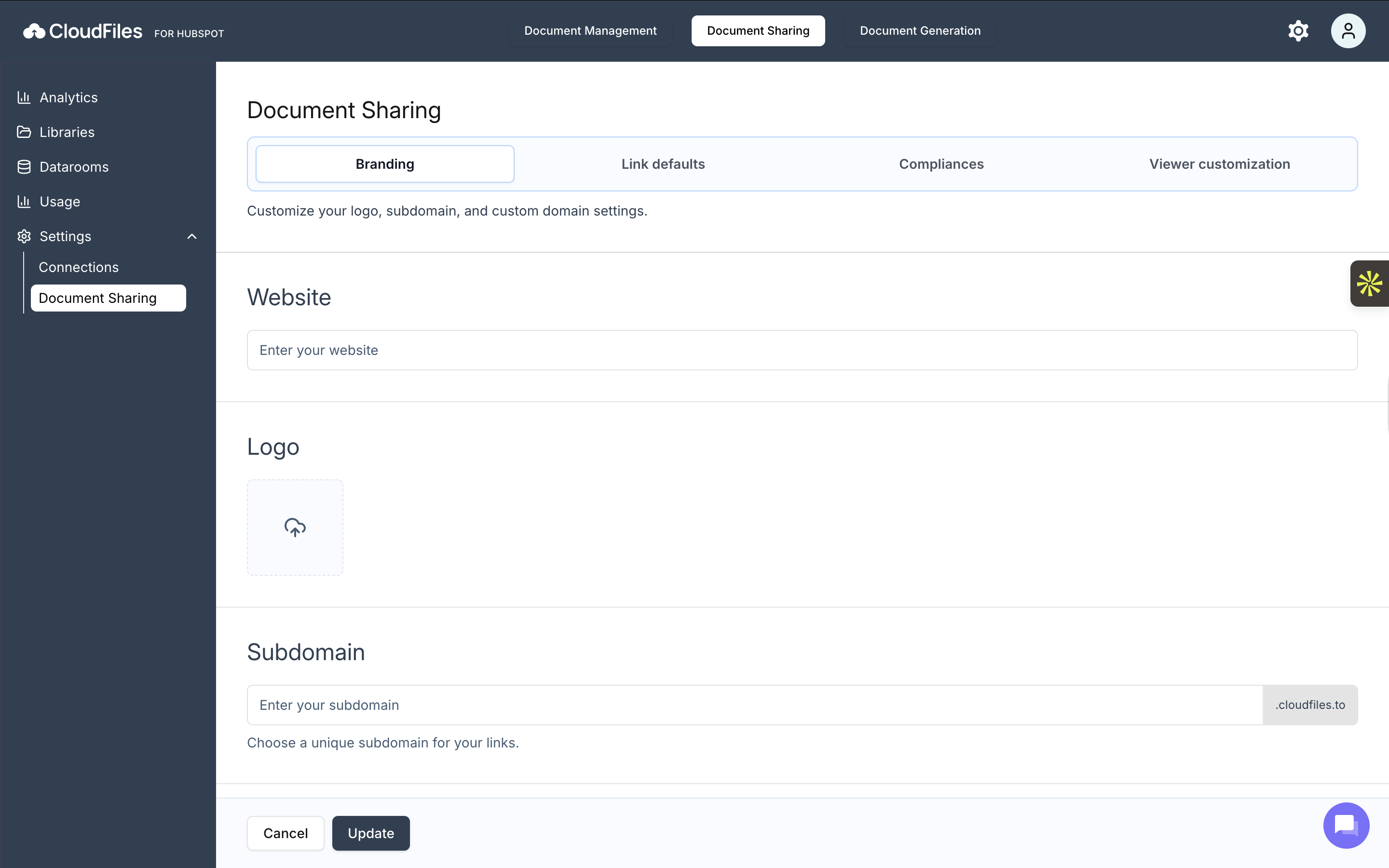
The Branding tab lets you customize how your shared links represent your company. Here, you can configure your website URL, upload a logo, and set a branded subdomain or custom domain for sharing links.
Link Defaults
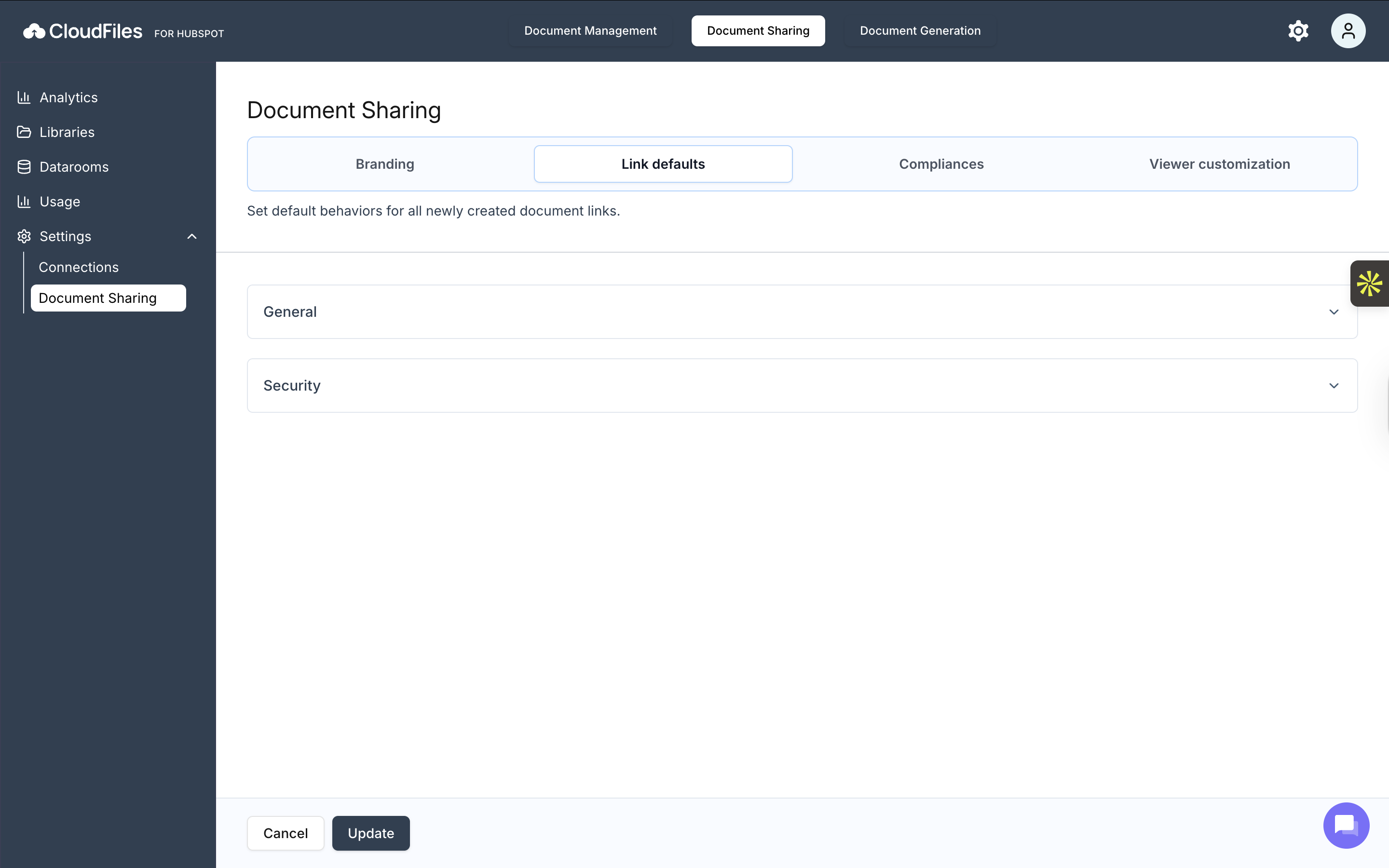
The Link Defaults tab defines the default behavior for all newly created document links. You can control whether links are online by default, allow downloads, and set expiration rules to manage access automatically.
Compliances
The Compliances tab helps you meet privacy and regulatory requirements. It allows you to enable end-user consent, customize consent statements, and add your privacy policy URL, which is shown to viewers when accessing shared documents.
Viewer Customisation
The Viewer Customisation tab controls the end-user viewing experience. From here, you can enable HubSpot tracking, configure login options for viewers, and adjust the default theme and interface behavior of the document viewer.