Introduction
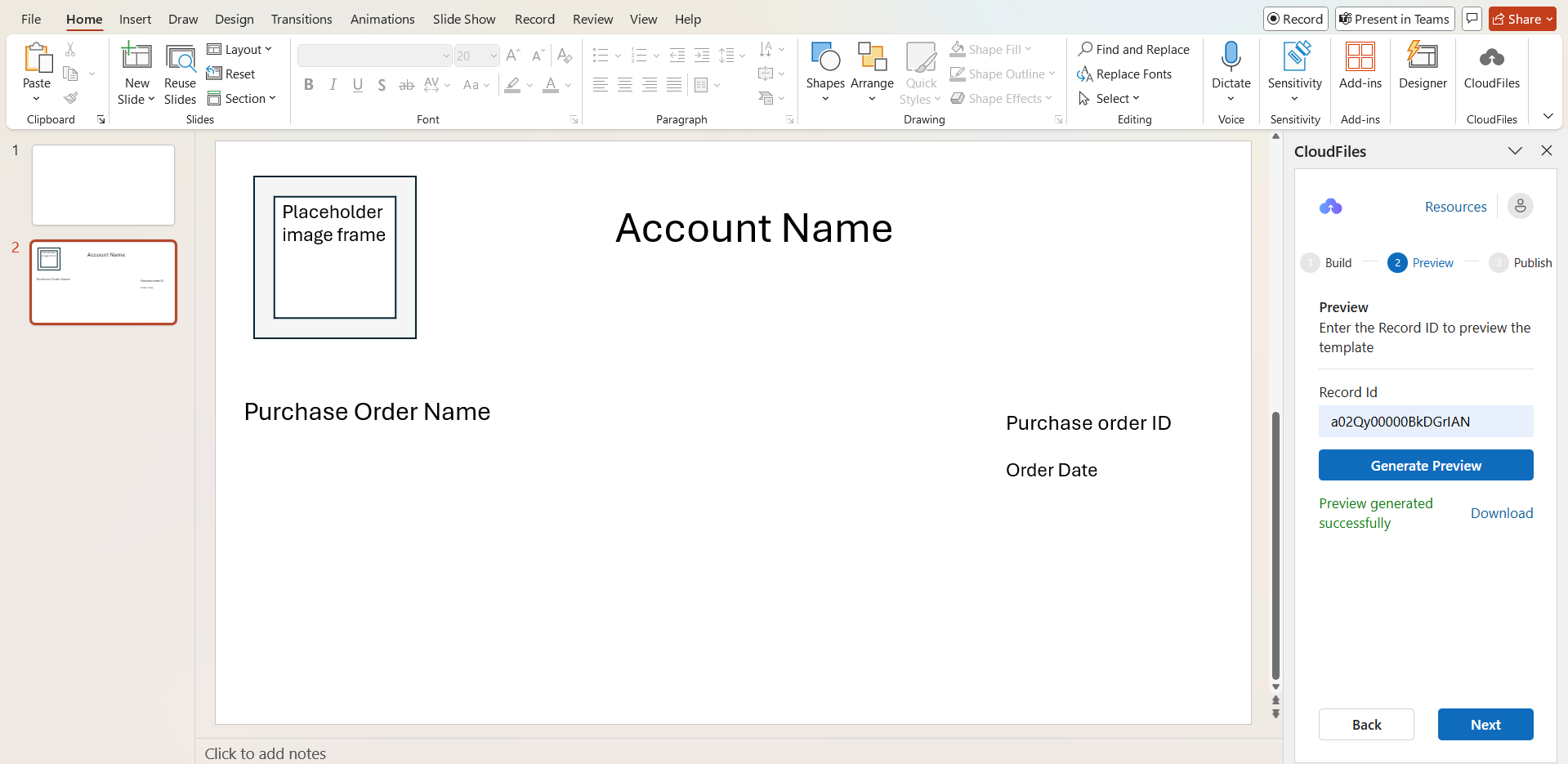
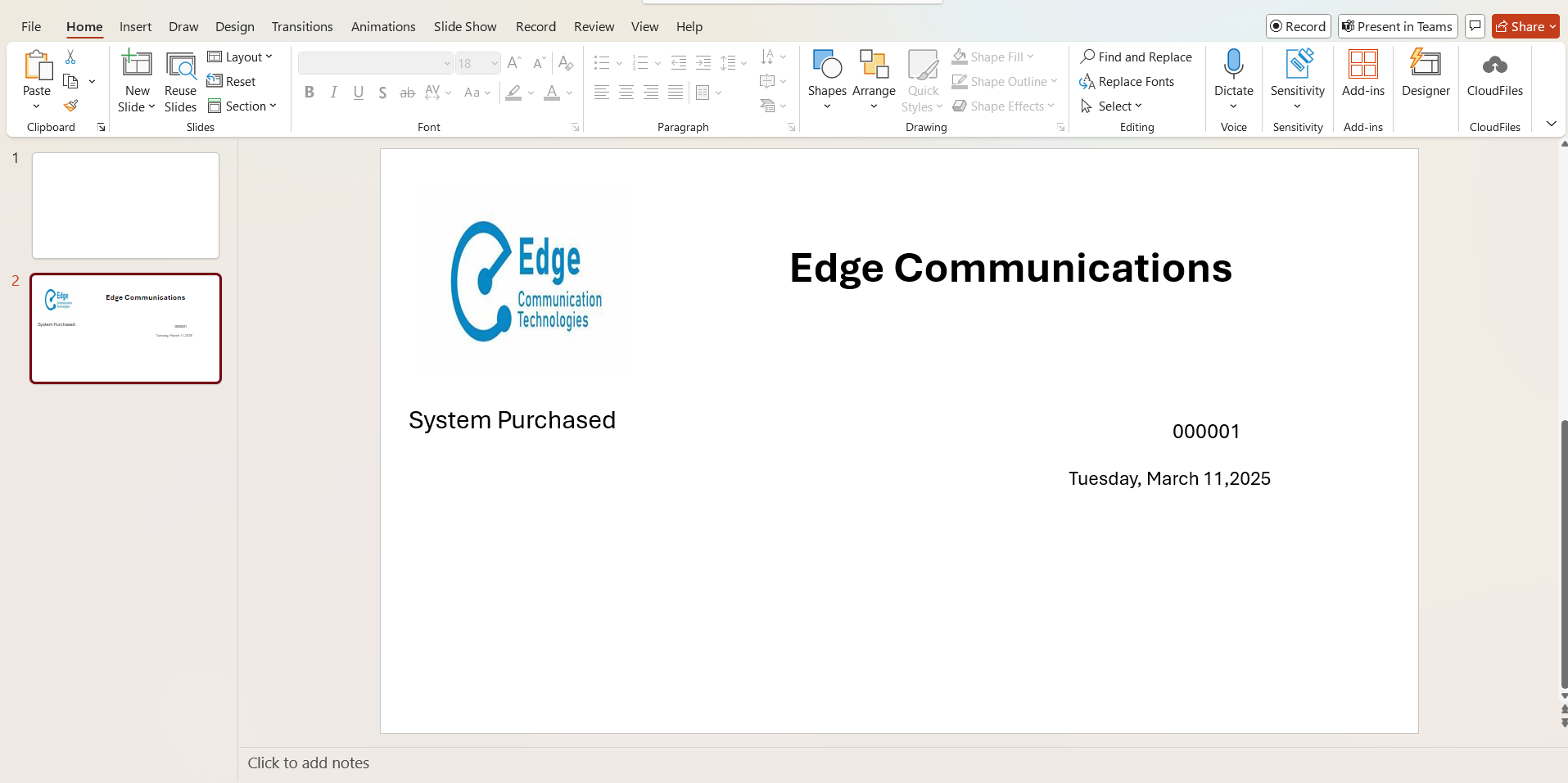
Using CloudFiles PPT template actions, you can define how HubSpot data is added and formatted within your PowerPoint templates. This includes inserting record properties, dynamically adding images and assigning titles to generated documents.
Once your resource variables are configured, you can use the following actions to build and personalize your template:
- Insert Field – Add HubSpot records properties from master records or any associated records
- Insert Picture – Insert images dynamically using image URLs
- Document Title – Define the title of the generated document for easier identification and organization.