Introduction
The Doc-Generation widget allows users to manually generate documents (Word, excel, ppt, pdf) from any HubSpot record page using predefined templates. Once you create and publish a template using the How to build a template tutorial, you can manually generate documents via a record. To do so, you must add the Doc-Generation widget to the record page. This guide explains how to set up the widget and use it to generate documents.
What to Expect
By the end of this tutorial, you will know how to:
- Add the Doc-Gen widget to a HubSpot record page
- Generate documents manually from a record
Pre-requisites
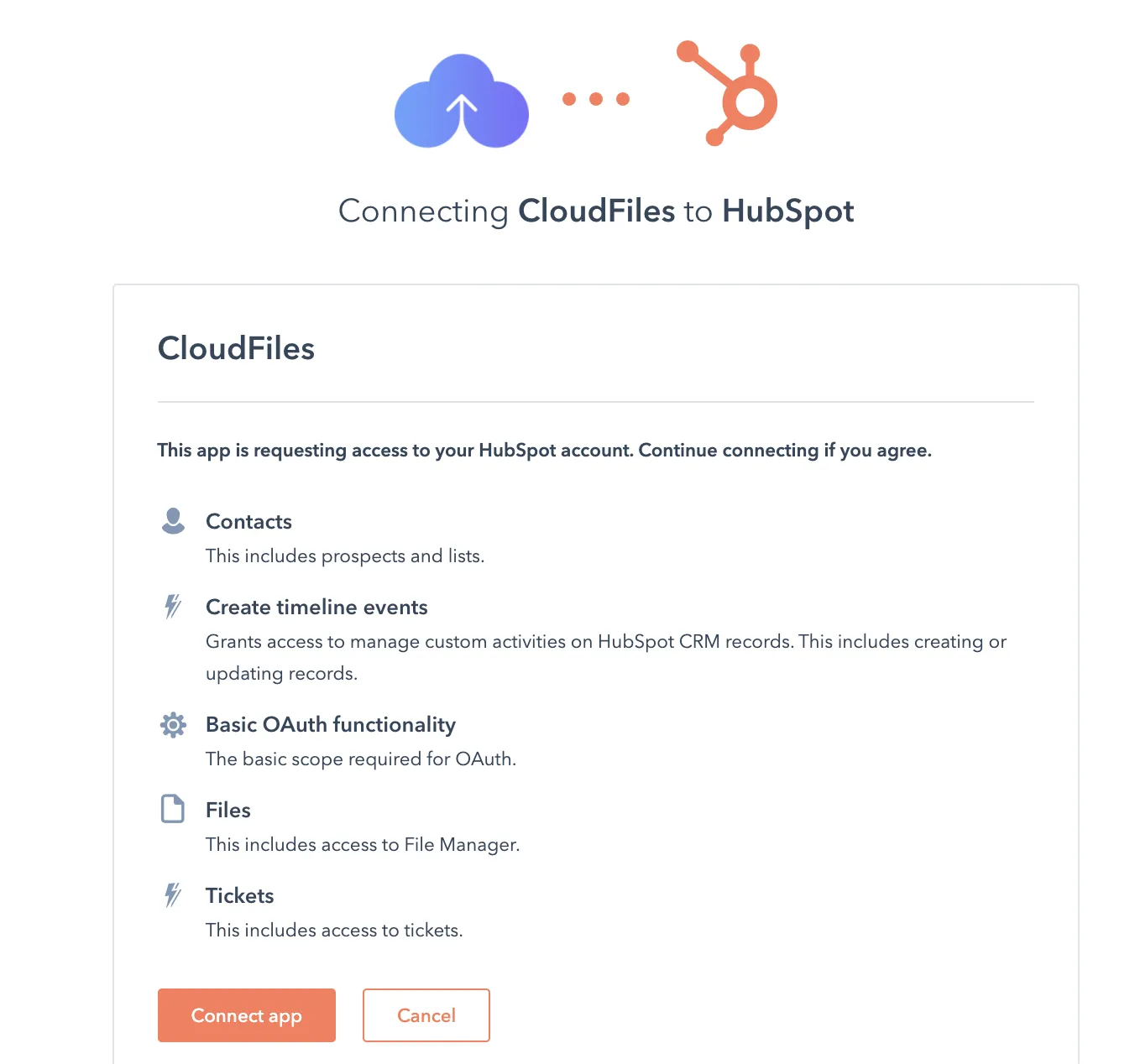
Install CloudFiles in HubSpot
CloudFiles is available on the app marketplace and can be installed using the standard app installation process. Check out Installation guide for CloudFiles HubSpot Integration.
Insert Doc Generation Card
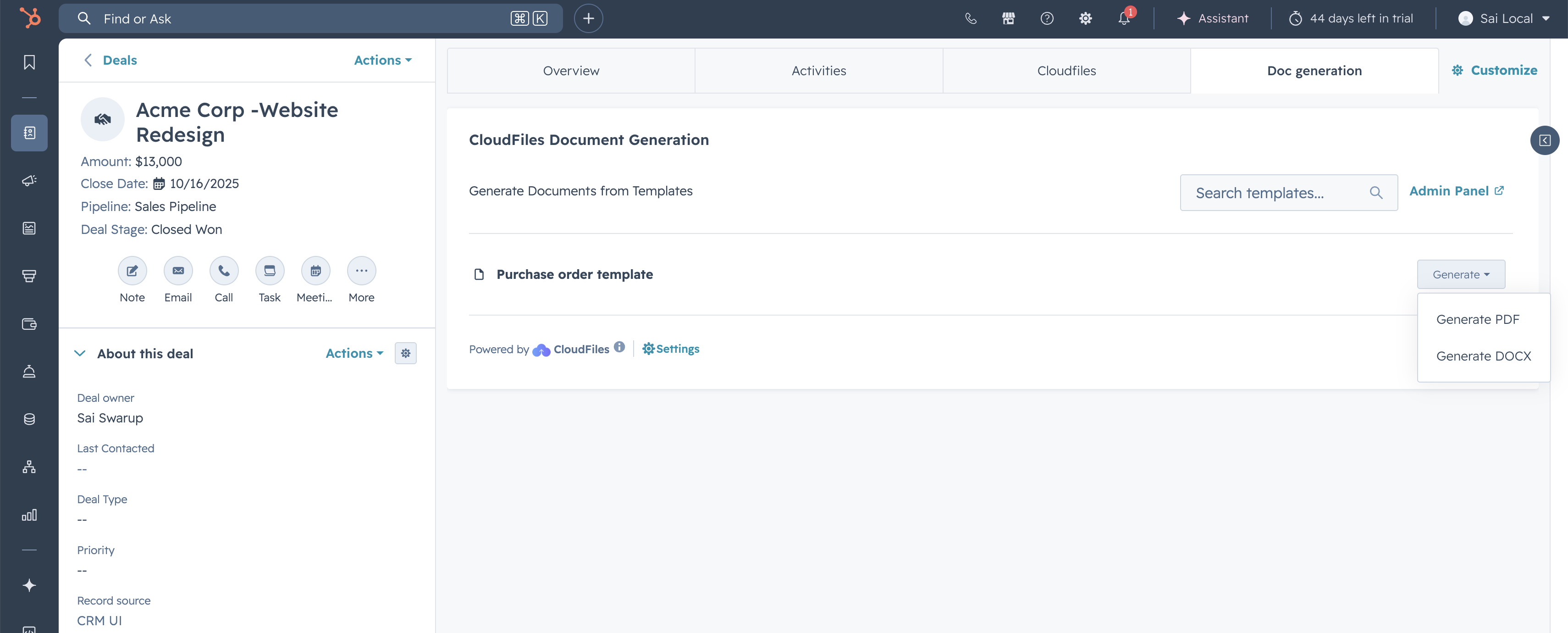
The Doc Generation App Card is integrated into HubSpot across the four primary objects: Contacts, Deals, Companies, and Tickets. It allows you to see a list of all your templates and generate & download documents manually from HubSpot records. The card appears in the middle section of the HubSpot record, either in the standard tabs or in any custom tabs.
The CloudFiles card is not added by default on the record pages. To add the card, go to any record, click on the customize button on the top right, open the default view and add the card to an existing tab / new tab.
Once the widget is added to the record page, the record will automatically display the published templates available for that object within the widget.
Test the setup
- Navigate to a record where the widget has been added.
- In the CloudFiles Doc-Gen widget, you’ll see a list of all published templates.
- Click the dropdown next to the template you want to use. Choose Generate Docx or Generate Pdf from the menu.
- File is Downloaded and the file is saved to your local computer.