Introduction
The Partner Portal helps you track your CloudFiles program performance, manage campaigns and monitor commissions. Currently, the portal includes the following sections:
- Dashboard
- Campaigns
- Earnings
- Analytics
Each section provides insights into different parts of your program performance
Dashboard
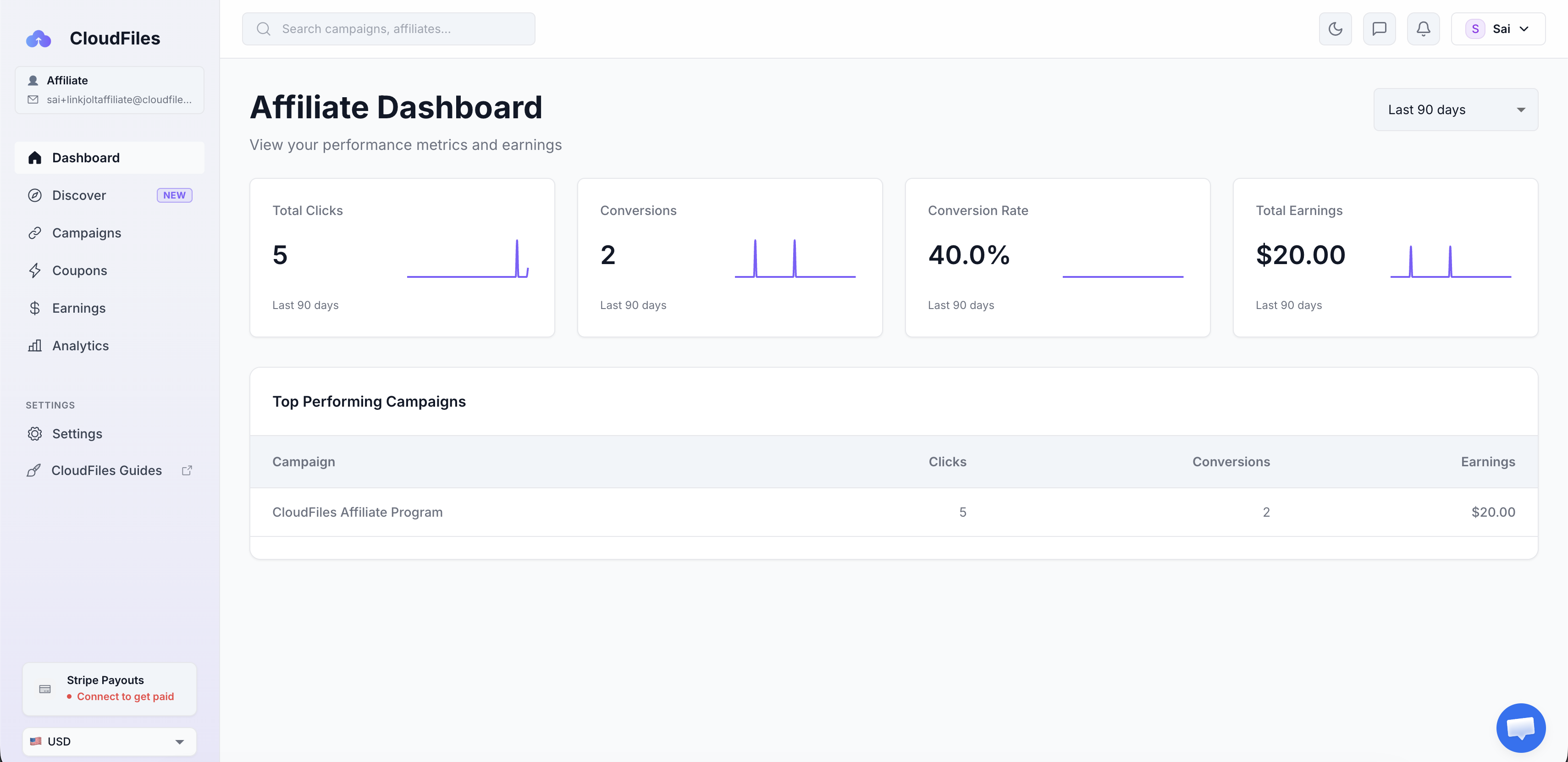
The Dashboard provides a quick overview of your Referral link performance which includes total link clicks, conversion percentage and earnings for a selected period. Use the date range dropdown in the top-right corner to filter metrics for different time periods.
Campaigns
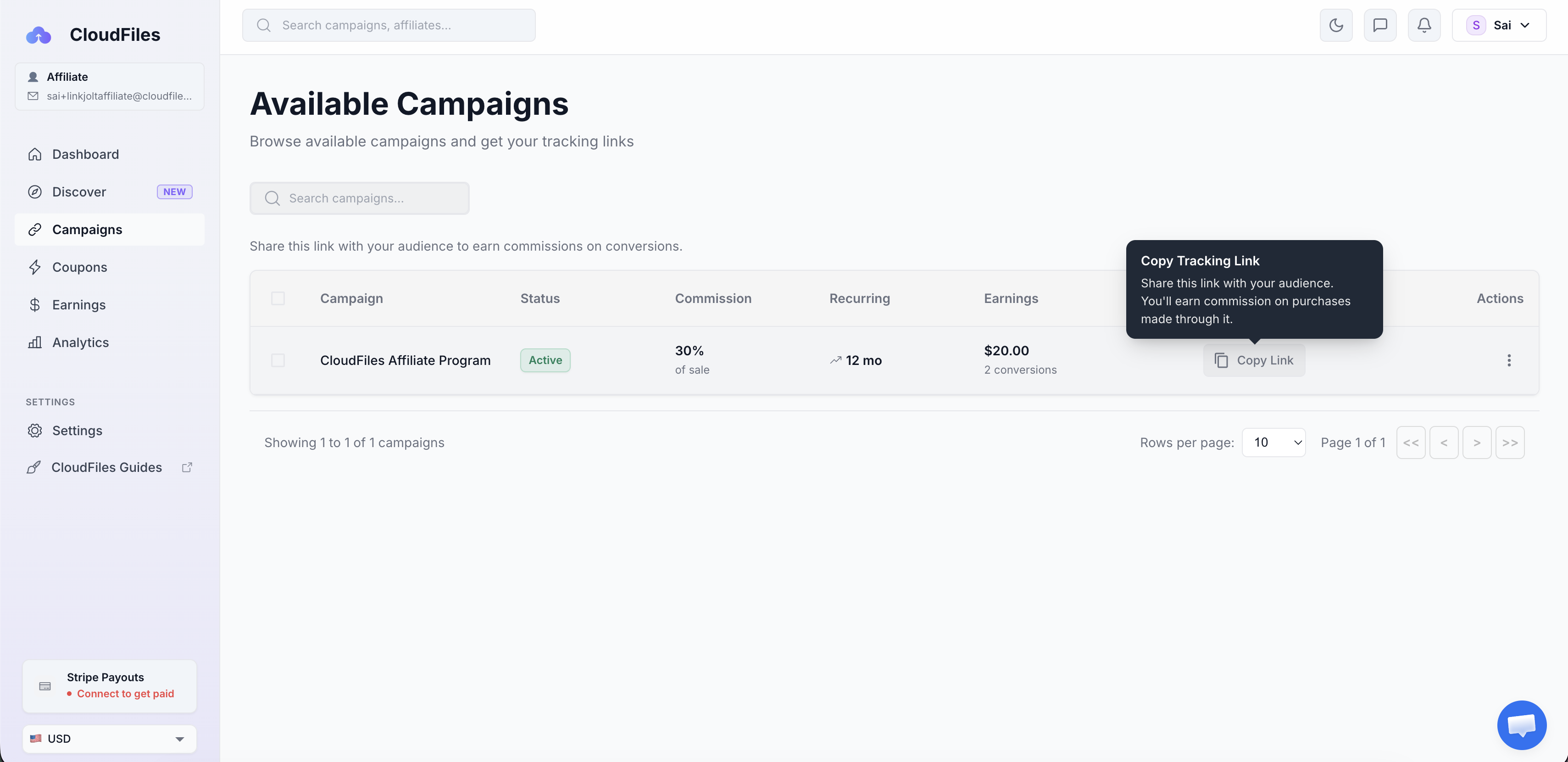
The Campaigns section displays the active CloudFiles affiliate campaign along with campaign performance details. Here, you can view commission information, total earnings, conversions and copy your unique referral link from the Tracking Link column.
Use the referral link when promoting CloudFiles to ensure clicks, conversions, and commissions are tracked accurately
Before sharing the referral link with customers, CloudFiles recommends testing link to confirm clicks and tracking are working correctly. Learn more in Testing Referral Link
Earnings
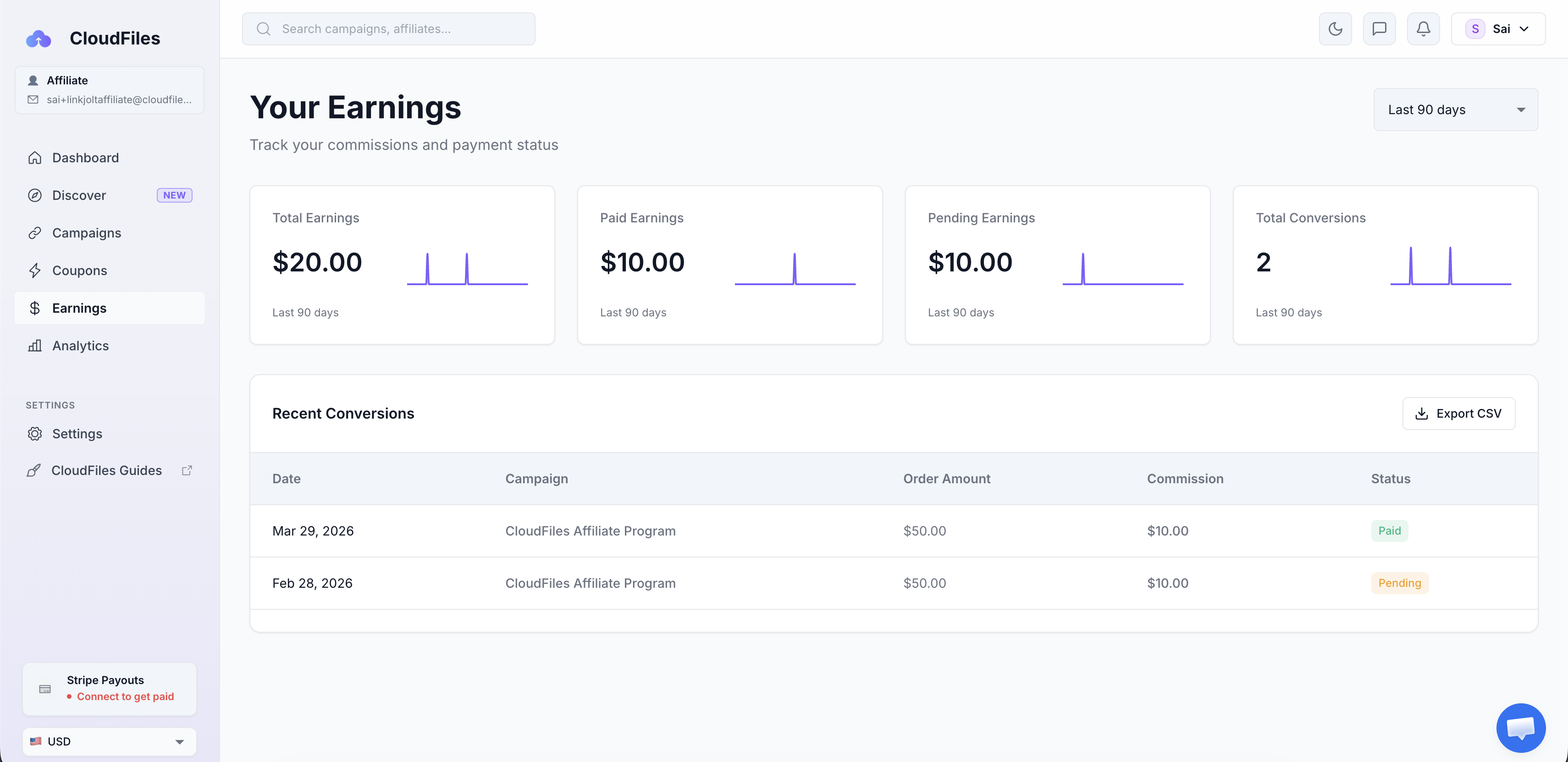
The Earnings section helps you monitor commission activity and payout status. It includes details such as total earnings, paid/pending earnings and recent conversion activity. This section provides complete visibility into your commissions.
Analytics
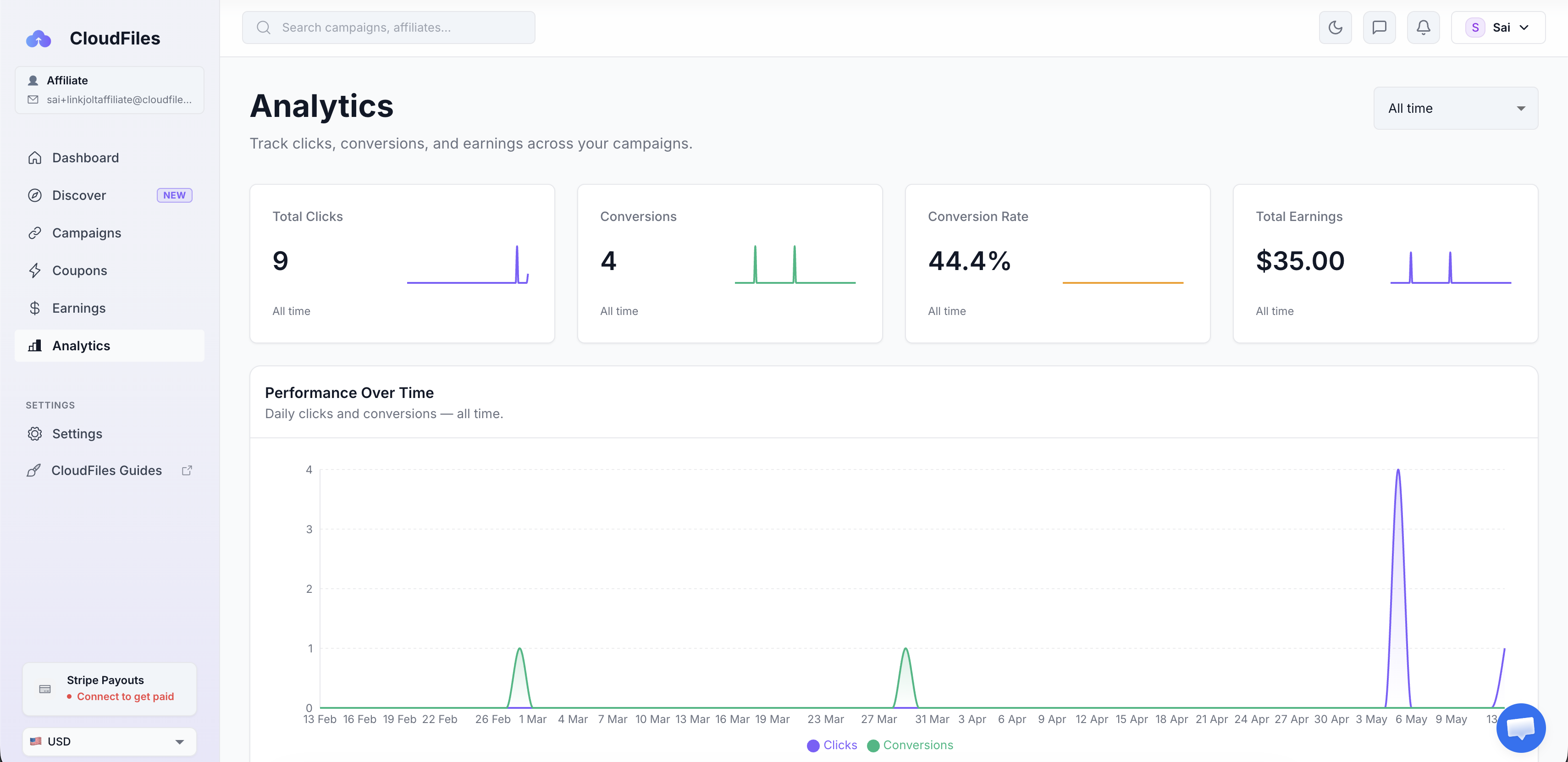
The Analytics section provides performance insights for your referral activity over a selected period. It helps you track clicks, conversions, conversion trends and overall earnings performance over time. Use the analytics data to understand how the referral efforts are performing best.