Introduction
The Document Generation Account Setup section in CloudFiles provides a centralized view for managing document templates, configuring integrations and Usage . From this area, admins can review published templates, track template versions, Usage analytics and connect to DocuSign to enable e-signature functonality.
Account Setup
The Document Generation section within the CloudFiles app includes three tabs:
- Templates
- Integrations
- Usage
Managing Templates
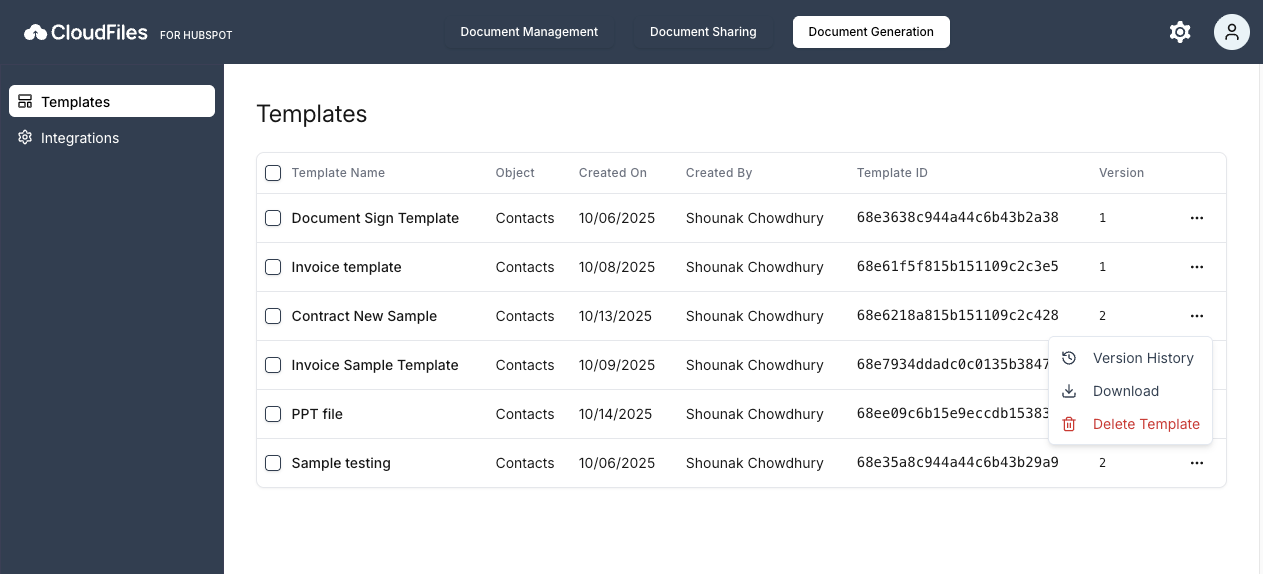
The Templates tab provides an overview of all document templates published in CloudFiles.For each template, you can view key details such as the HubSpot object template is associated with, the user who created the template, the date it was created, and its current version information. This overview makes it easy to understand how templates are being used across different HubSpot records.
Template Actions
Using the three-dot menu next to a template, users can:
- View version history
- Download the template
- Delete template
Version History
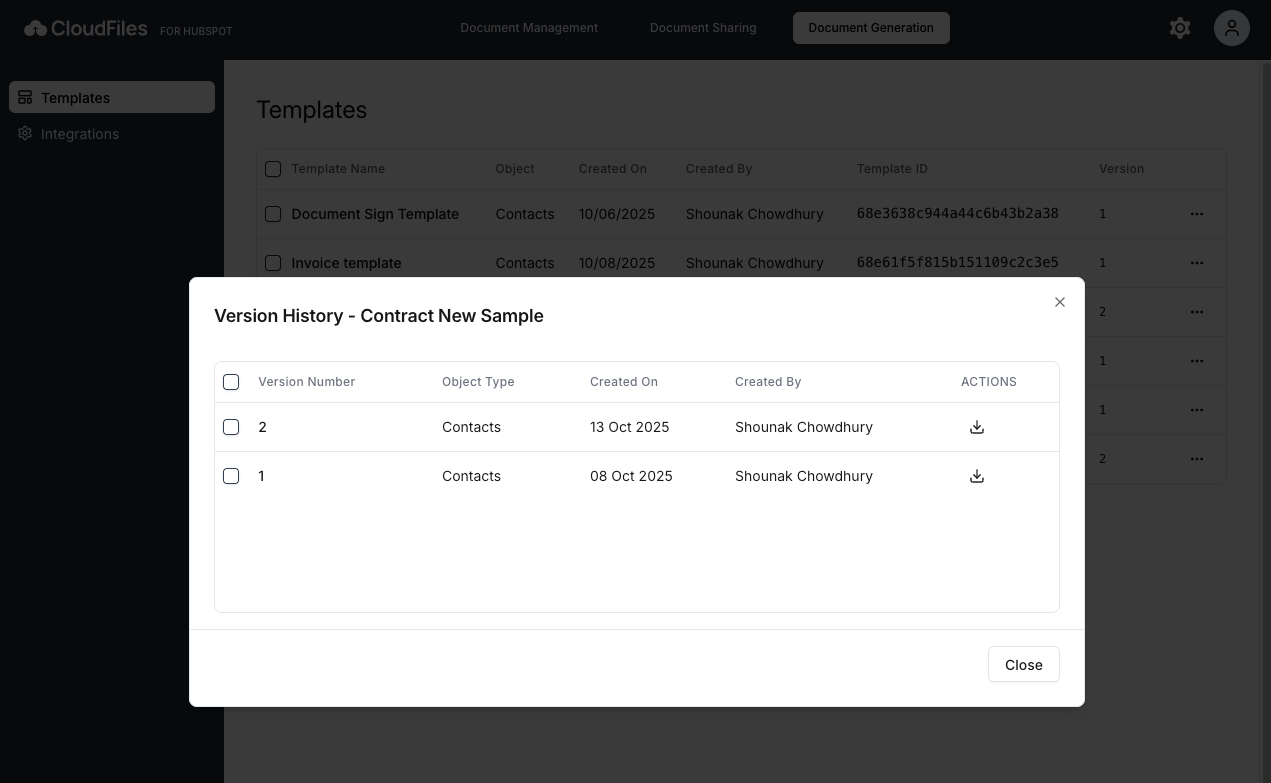
The Version History view provides a detailed record of all versions published for a template. Each version can be individually downloaded, allowing teams to review or restore earlier versions when needed.
Integrations
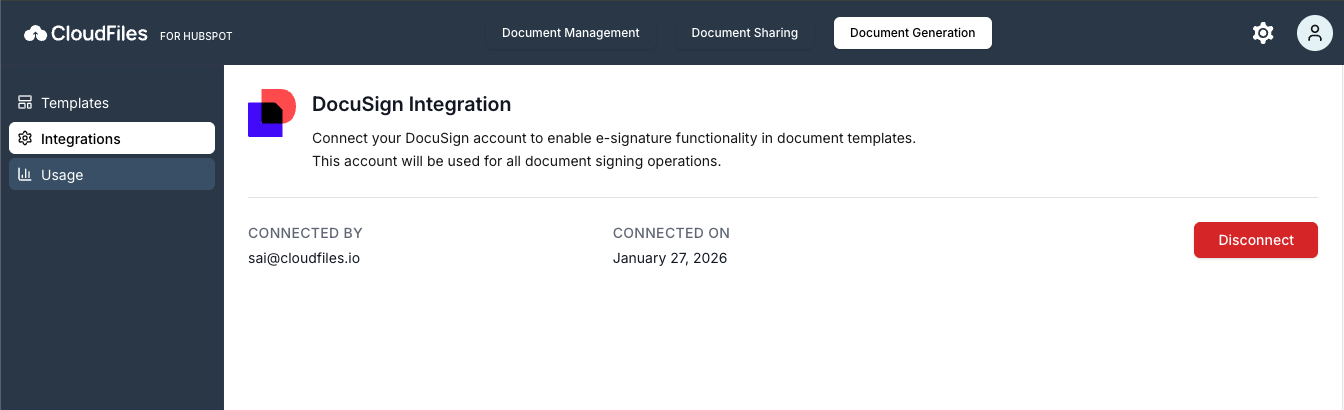
The Integrations tab allows you to configure and manage DocuSign integration for document generation.
CloudFiles supports integration with DocuSign to enable e-signature functionality within document generation workflows. Once a DocuSign account is connected, it is used for all document signing operations initiated through CloudFiles.
The Integrations tab displays:
- DocuSign connection status
- Connected DocuSign user details
In section- eSignature Integration, we covered about how to setup Docusign account and e-sign field integrations.
Usage
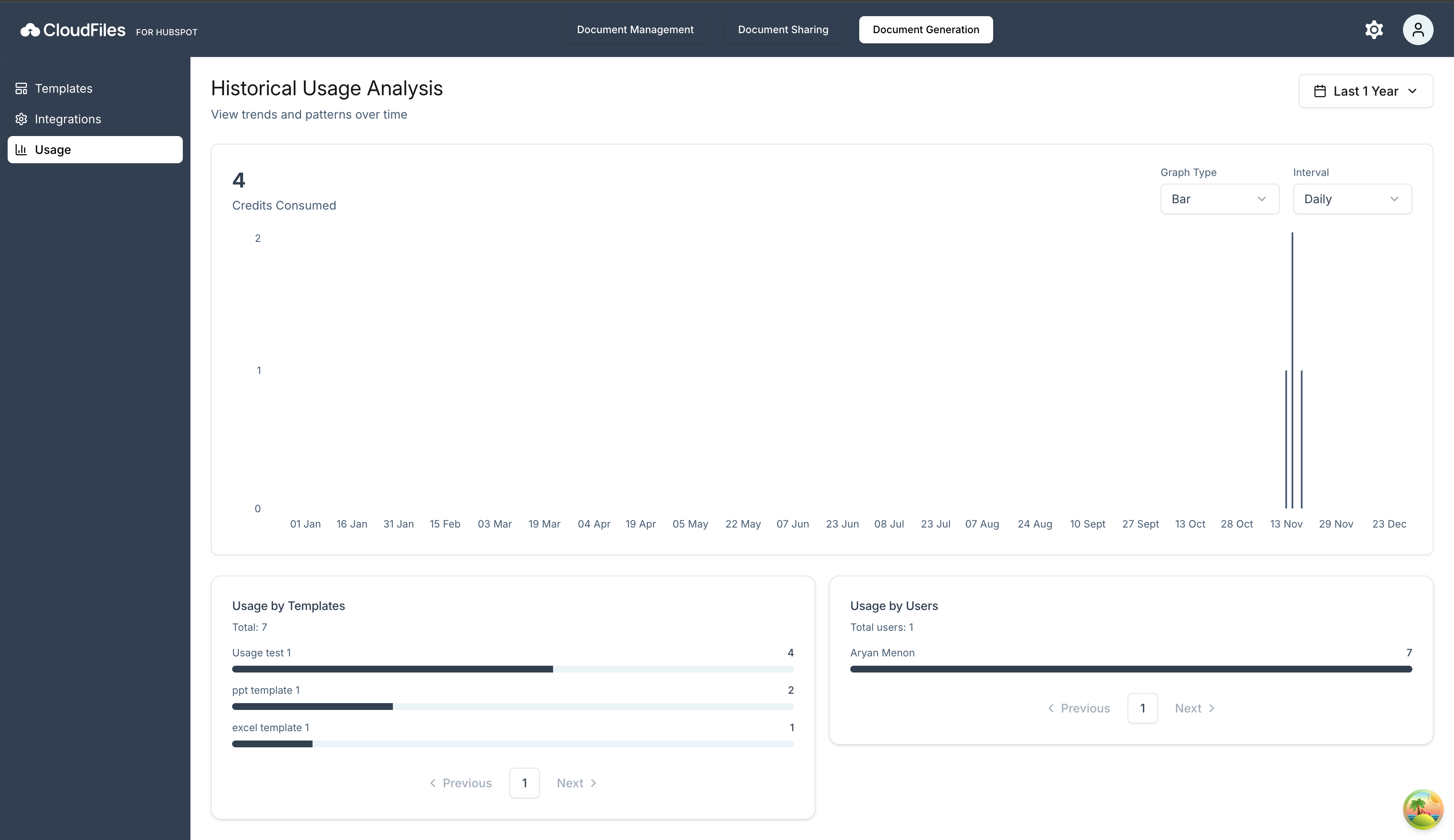
The Usage tab provides analytics to help you monitor how CloudFiles Document Generation product is being used across your account. It gives visibility into document generation activity, template usage and overall user consumption.
You can view usage data across multiple predefined time periods and these flexible time filters allow you to analyze trends and patterns over time, making it easier to track growth, identify high-usage templates or users and review activity during specific periods.