Introduction
Formatting controls in CloudFiles Document Generation let you control how dynamic data appears in your generated documents.These controls help you format text, dates, numbers, currency and also allow you to apply native Microsoft styling for complete design flexibility.
Formatting Options:
Text formatting
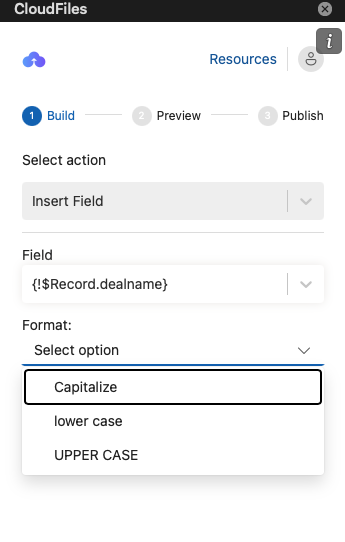
You can choose to capitalize(first letter in uppercase), use lowercase or uppercase for the text.
Font: All inserted fields can be formatted like regular text in Word, including changes to font, size, and style.
Date Formatting
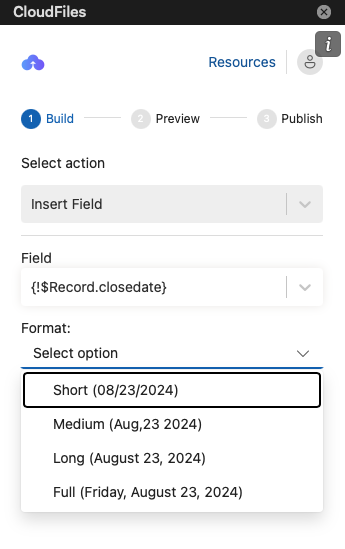
You can format dates as Short (08/23/2024), Medium (Aug 23 2024), Long (August 23, 2024) or Full (Friday, August 23, 2024).
Number Formatting
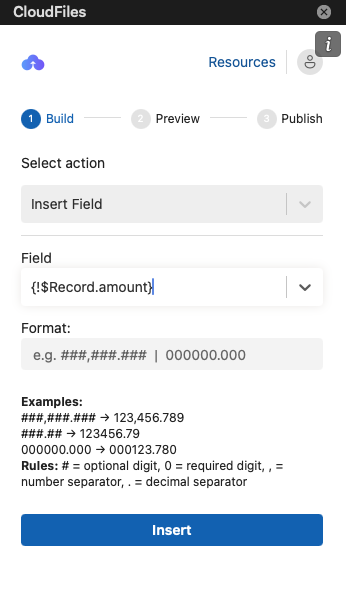
For number fields (like int or double), you can apply custom formats:
- # – shows digit only if present (e.g., ###,###.### → 1,234.56)
- 0 – always shows digit, even if zero (e.g., 000,000.000 → 001,234.560)
- , – thousands separator
- . – decimal separator