This article covers:
- Preview Mode: how to check a document as a recipient would see it, before you send it.
- What Your Recipients See: the viewer itself, and who is able to open your link.
- Viewer Errors: the three messages a recipient can get instead of your document, and what each one means.
- Viewer Customisation Settings: the tracking, login, theme and IP settings that control how the viewer behaves.
The settings are in the CloudFiles for HubSpot app, under Document Sharing settings in the Document Sharing product tab.
Preview Mode

Preview Mode opens your own file exactly as a recipient would see it, without recording a view. Use it to check a document before you send the link out. The viewer shows a “Preview Mode” message across the top, and the dark theme is not available in this mode.
Files your browser can display open in the viewer directly. Files it cannot display are downloaded by your browser instead, and you open them in whatever software you normally use.
What Your Recipients See
Your recipient clicks the link and the document opens in the CloudFiles viewer. They read it in the browser without downloading anything, and without needing a CloudFiles account of their own.
By default the link works for anyone who has it. Once you apply security to a link, only the people you allow can open it and everyone else is turned away. Passwords, email capture, allow lists, block lists, expiry dates and view limits are all set per link: see Link Settings and Security.
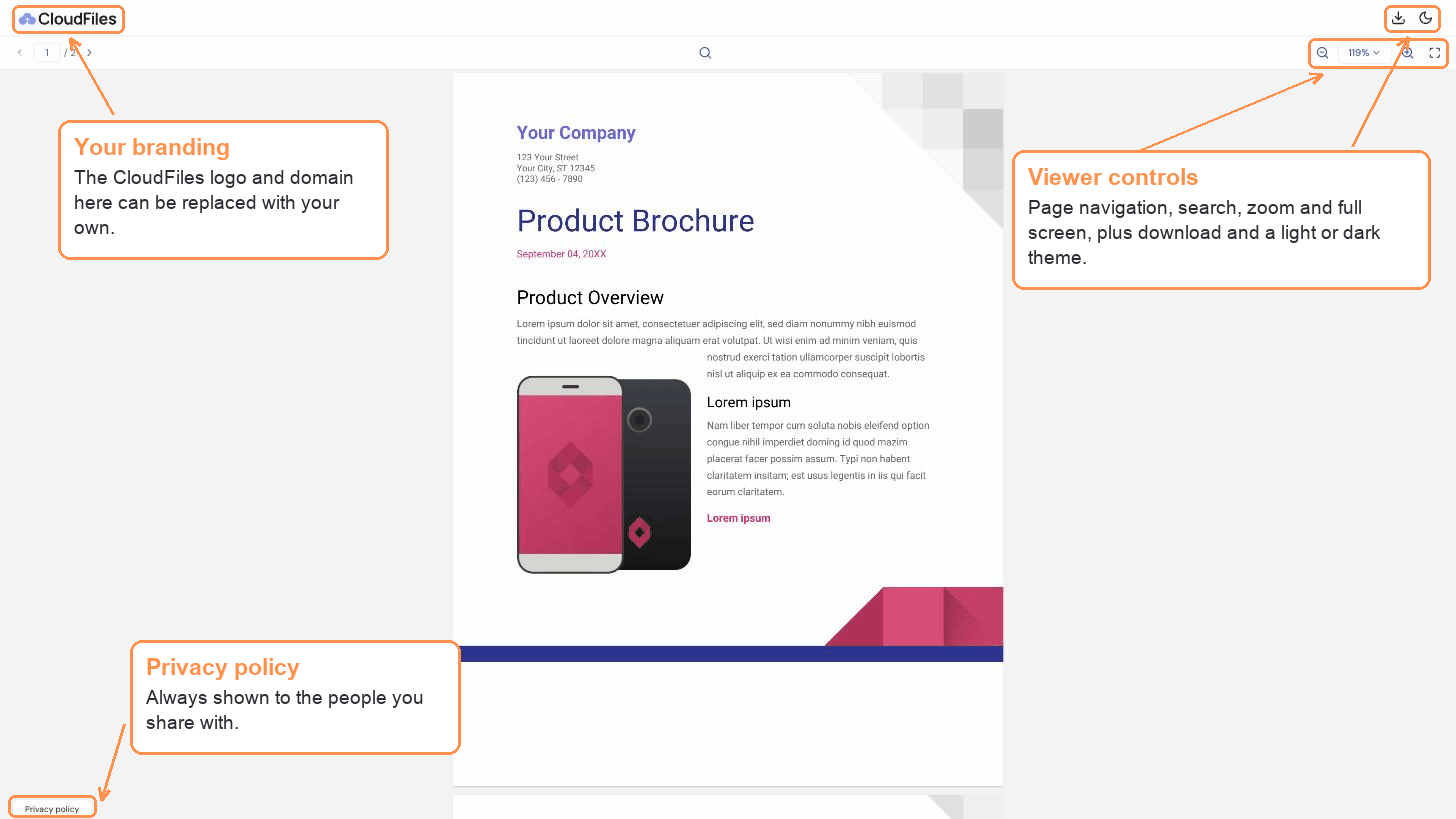
Every view is recorded, so you can see who opened the document, when, and how long they spent on each page. See Engagement & Analytics. To put your own logo and domain on the viewer, see Custom Branding & Domain.
Viewer Errors
If a recipient reports a message instead of your document, it is almost always the link's security settings doing their job. These are the three they can meet.
Not Found Error
CloudFiles security features stop unauthorised people from reaching your files. Someone opening a link without the right access sees a Not Found message. Two other things produce the same message:
- The link's status is set to Offline.
- The link has reached its viewing expiry limit.
This document is password protected
The link has a password on it, and the recipient must enter the correct password to open the file. Send the password separately from the link rather than in the same message.
The person does not have access
Their email address was not on the link's allow list, or it was entered on the block list.
All three are controlled per link. To change them, see Link Settings and Security.
Viewer Customisation Settings
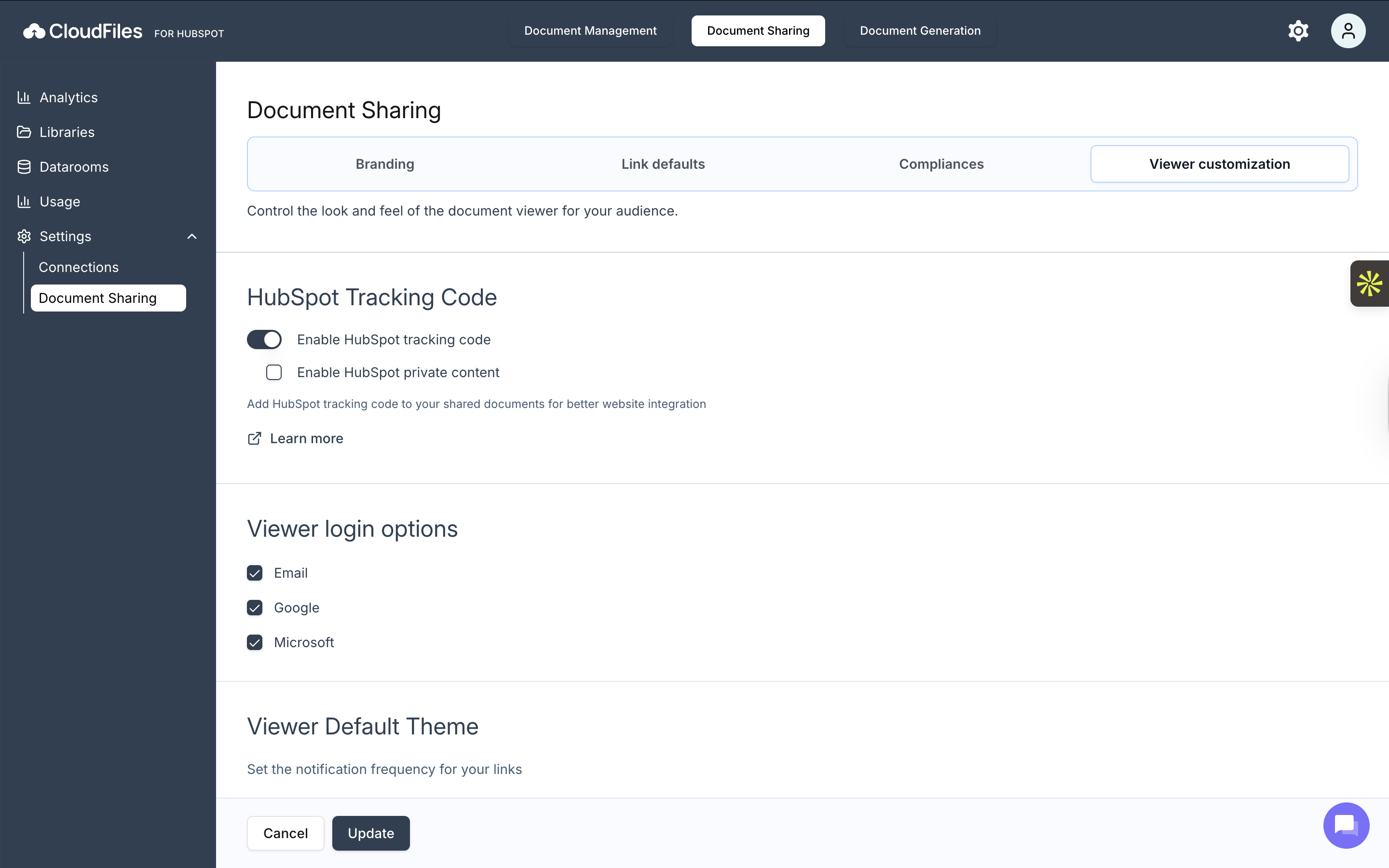
These four settings control how the viewer behaves for every link in your account. They apply to your whole account rather than to one link, so change them once and every document you share follows them.
HubSpot Tracking Code
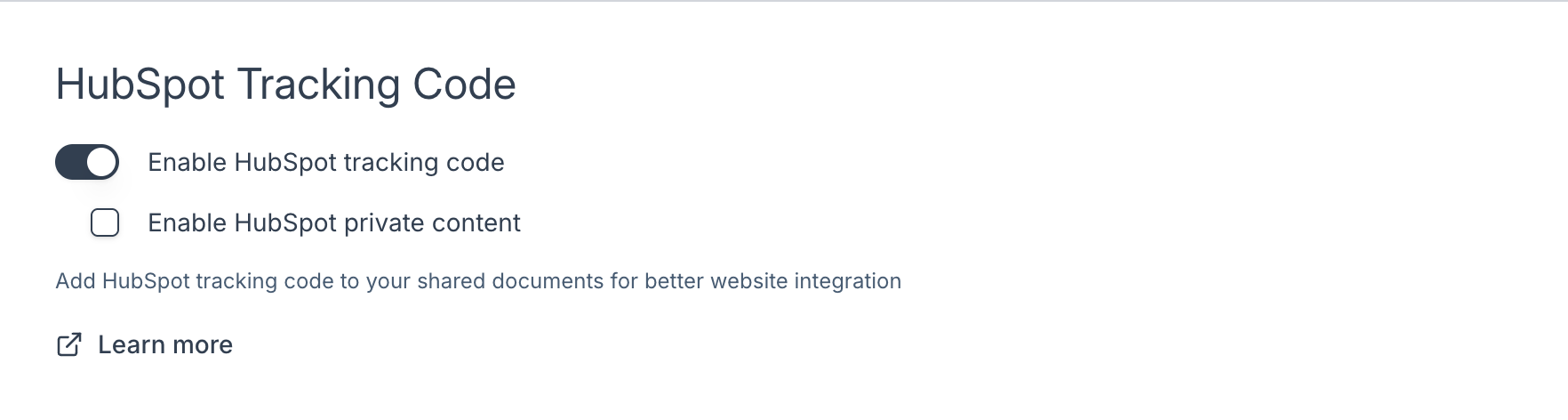
This option allows you to embed your HubSpot tracking code directly into the CloudFiles viewer. When enabled, viewer interactions become trackable within HubSpot, helping you measure engagement and gain deeper insights into how users interact with your shared content. If needed, you can also enable HubSpot private content, which ensures that tracking works even when the content is protected behind HubSpot’s private access model.
Viewer Login Options
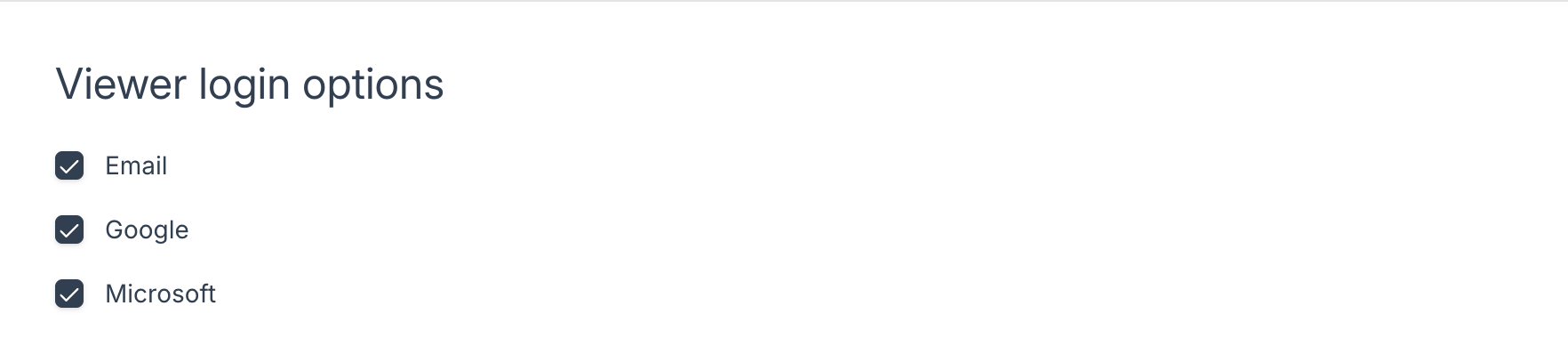
These settings define the login methods viewers can use before accessing your shared documents. You can enable multiple options, including Email, Google, and Microsoft, giving your audience flexibility while ensuring you capture verified viewer information.
Viewer Default Theme
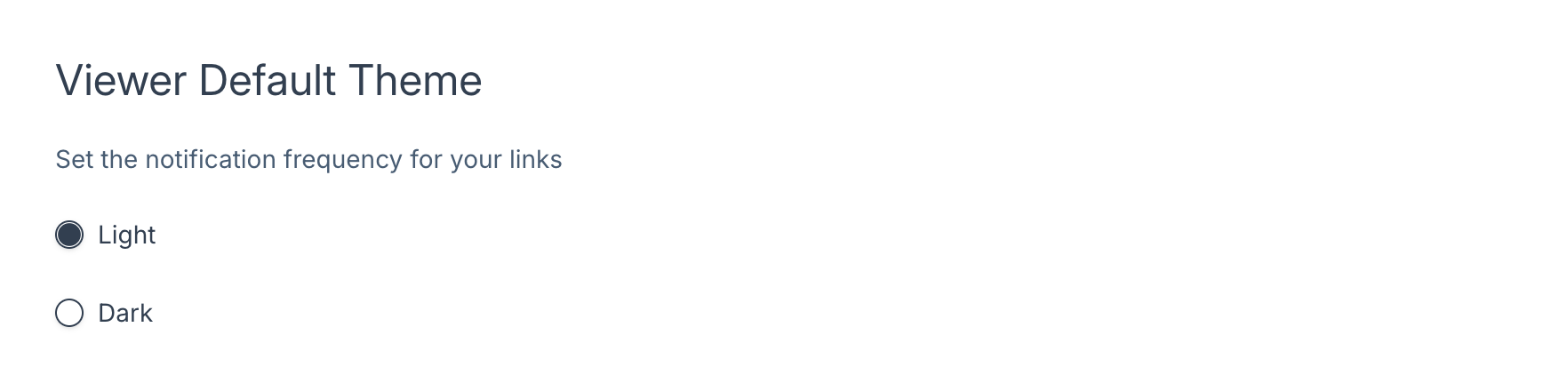
This option allows you to control whether your document viewer uses a light or dark theme by default. Selecting Light or Dark defines the initial appearance for all viewers, though users may still switch modes if allowed. Setting a default theme helps you maintain brand consistency or accommodate preferences for readability.
Track IP
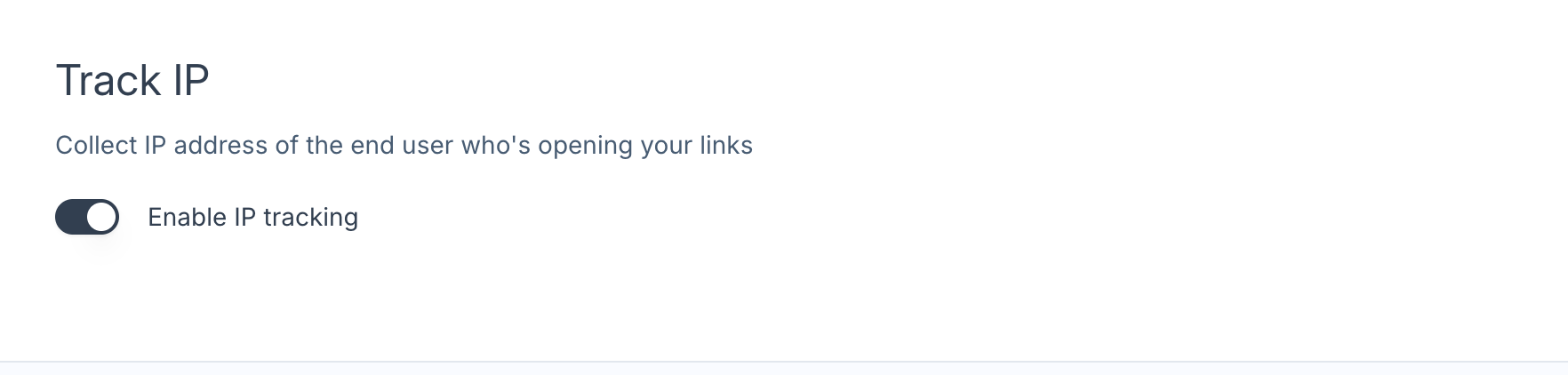
Track IP enables CloudFiles to capture the IP address of each viewer who opens your link. This provides additional visibility into viewer location and access behaviour, which may be valuable for auditing, security monitoring, or compliance processes. When disabled, CloudFiles will not record any IP information.
When you have finished, click Update to save your changes.
Confirm the Viewer Experience
Once your settings are saved, create a link to any file and open it in Preview Mode. What you see there is what your recipient will see, so it is the quickest way to confirm that your branding, login options and default theme are behaving as you intended. If the document opens as expected, the viewer is configured correctly and you can share the link.