Introduction
Once the Referral link is set up and tested, Partner can start using it to recommend CloudFiles and earn commissions. This article explains where, when and how to use the referral link effectively to drive conversions.
Where to Find Referral Link
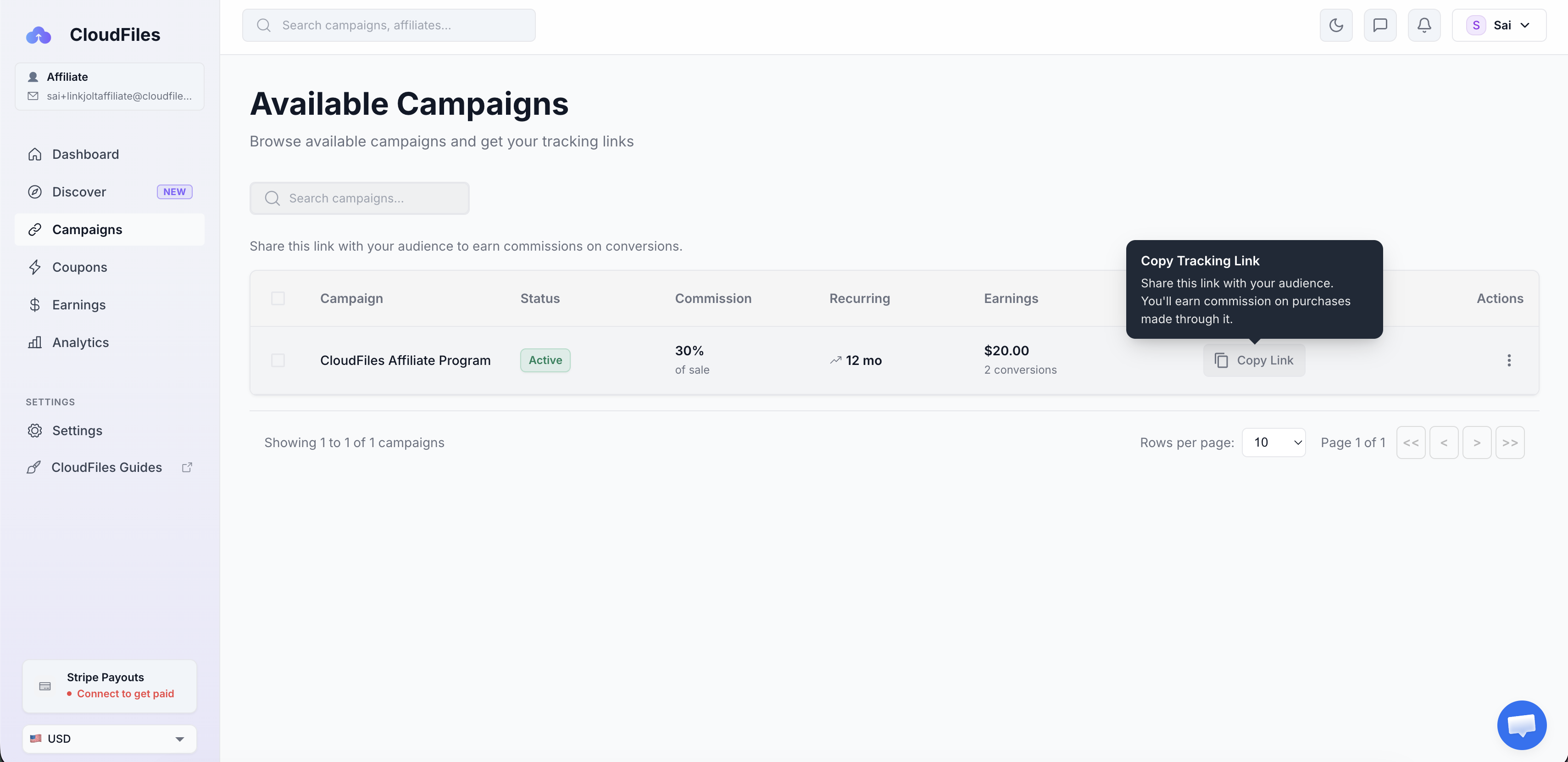
The unique referral link is available inside the Partner portal under the Campaigns section. Copy this link whenever you want to share CloudFiles with potential customers.
How Commissions Work
Partner earns commission when a referred user clicks the referral link, completes onboarding to CloudFiles and subscribes to a paid plan. To qualify for commission, the referred customer must subscribe to a paid plan within 30 days of clicking the referral link.
Commission Details:
- 30% recurring commission
- Paid monthly
- Valid for 12 months per referred customer
Clicks alone do not generate revenue. Commissions are recorded only after a referred customer subscribes to a paid plan.
To understand how commission payouts are processed, check Commission Payouts.
Where to Share the Referral Link
The referral link works best when shared naturally during conversations or workflows where document management challenges already exist in HubSpot. Some common ways partners recommend CloudFiles include:
Client Implementations & Onboarding
Introduce CloudFiles while helping customers set up or optimize their HubSpot portal, especially when documents, approvals, or file collaboration are involved. File handling is a very common pain point and almost every HubSpot customer can use the app in some or the other way.
Content, Communities & Education
Sharing through inbound channels such as content or social handles is also a great idea to quickly stack up clicks & conversions. Share the Referral link through:
- Website, pages or blogs
- LinkedIn posts
- Newsletters
- HubSpot communities
- Educational or tutorial content
- Webinars and enablement sessions
Learn Where CloudFiles Fits Best
Want to better understand where CloudFiles delivers value inside HubSpot? Explore our Co-Marketing Resources to gain better understanding. Here are a few important articles -
- Common Use Cases: Explore common use cases across marketing, sales, customer success and operations teams.
- Easy to Sell: Learn how to explain CloudFiles value, common customer pain points, competitive advantages and positioning strategies during customer conversations.