Introduction
CloudFiles Document Management helps businesses manage, organize and access files directly inside HubSpot while keeping content connected with external storage platforms such as Google Drive, SharePoint, OneDrive, Dropbox, Box, AWS S3, Azure Blob Storage
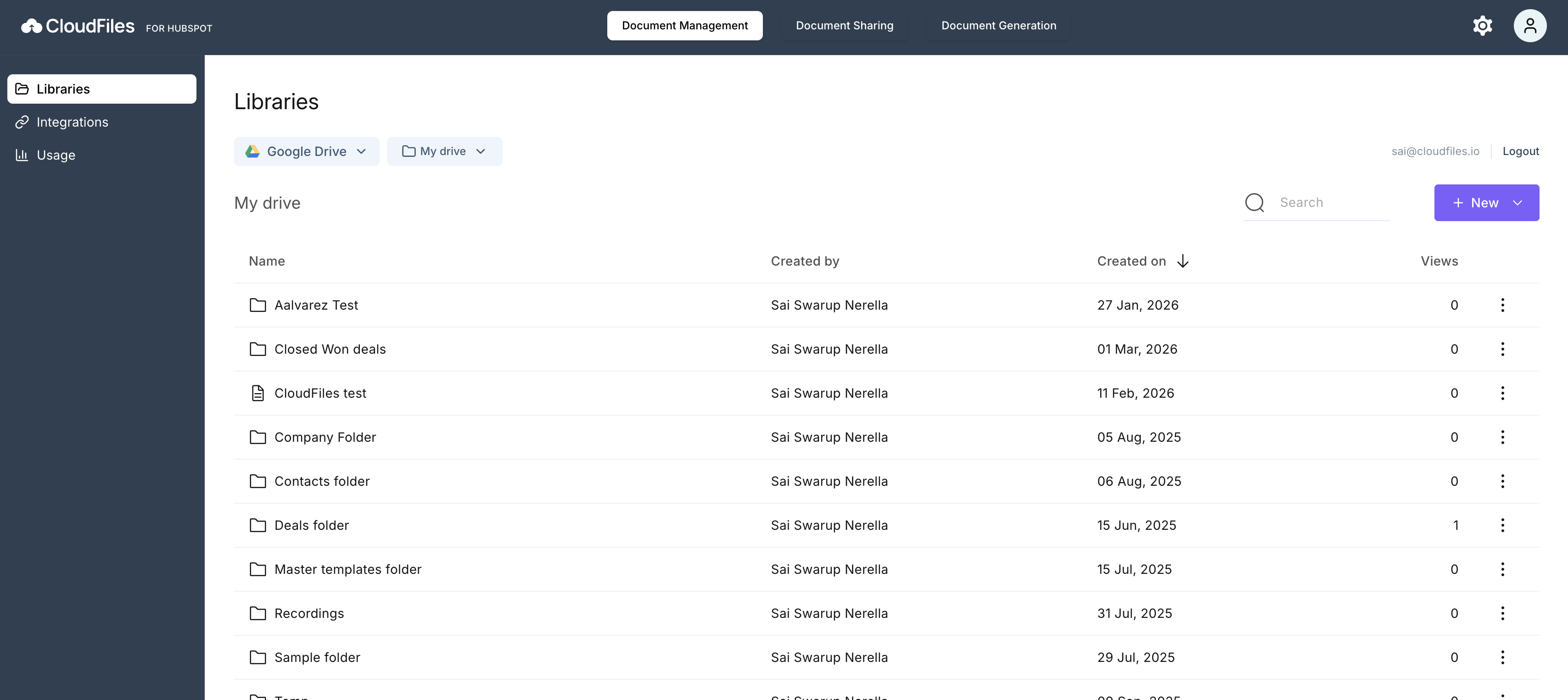
Record Widgets
CloudFiles Record Widgets allow users to access and manage files directly from HubSpot records through the App Card and Sidebar Widget. These widgets support associating files, folders and datarooms within HubSpot records
Users can perform actions such as previewing, downloading, renaming, replacing and sharing without leaving HubSpot.
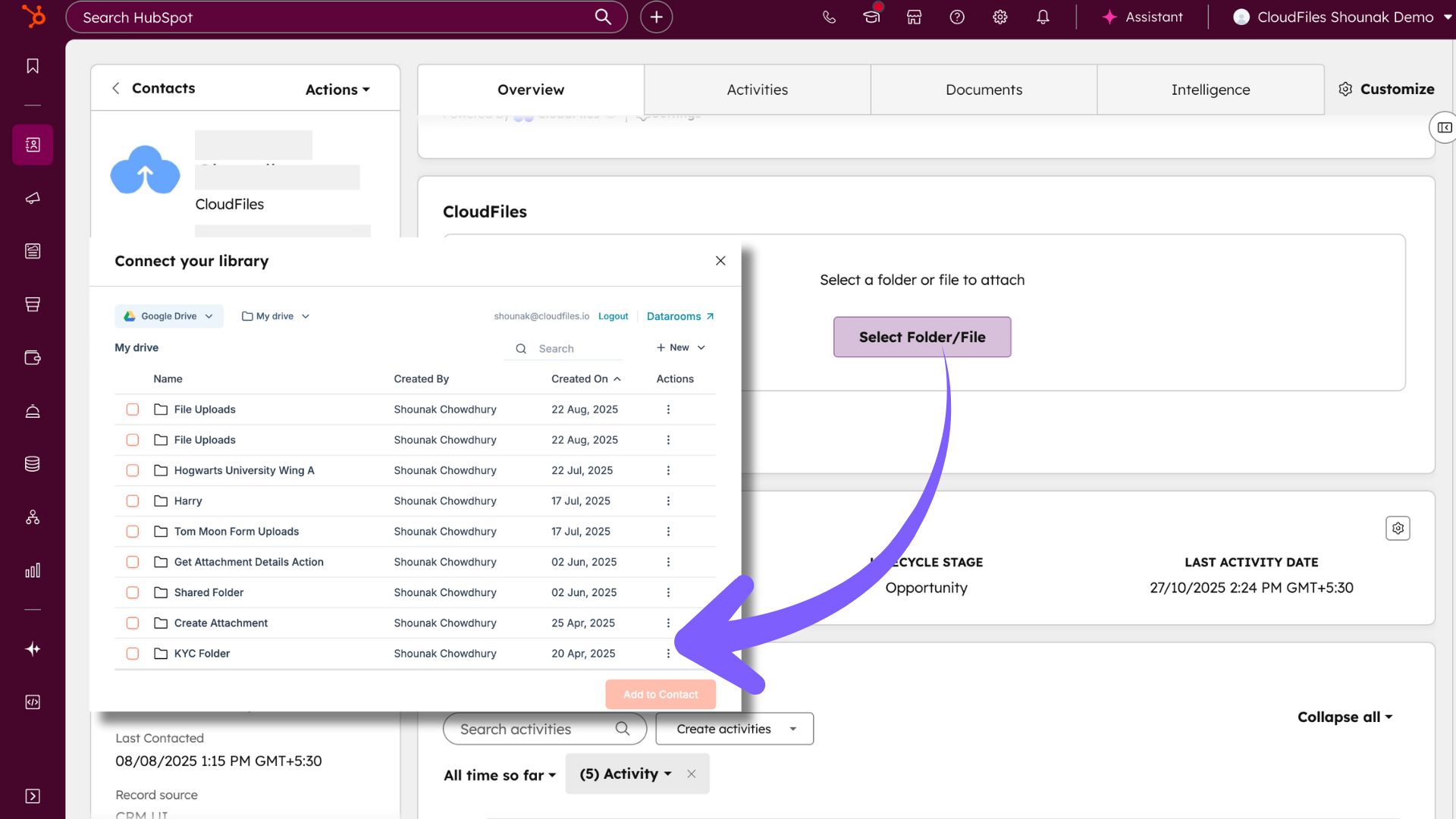
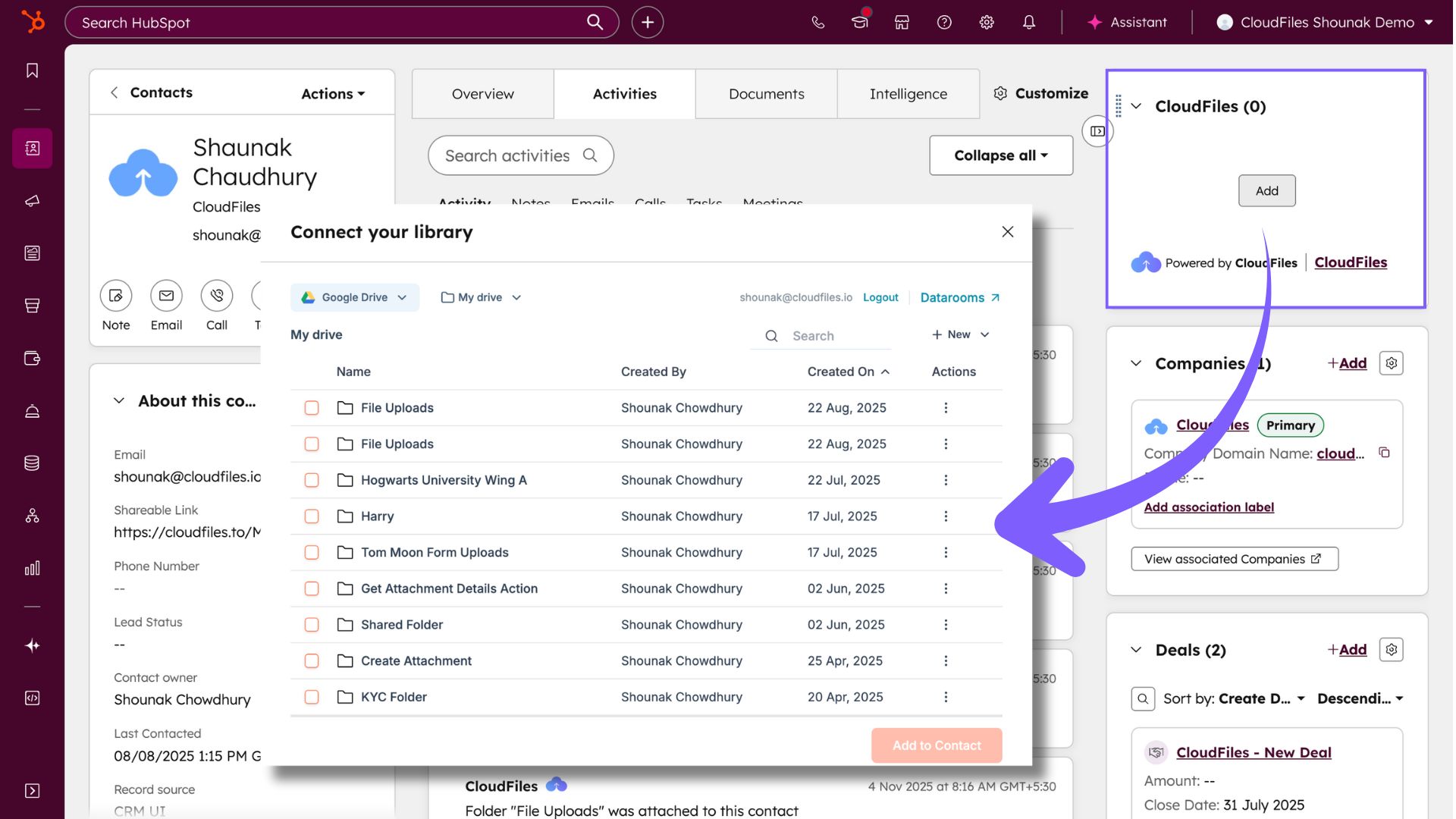
Real-Time Sync
CloudFiles supports real-time synchronization through Mirror Storage. Any changes made in external storage platforms are automatically reflected inside HubSpot, ensuring users always work with the latest version of files and folders. This helps eliminate duplicate storage and reduces the need for manual updates.
File & Folder Operations
CloudFiles provides several file and folder management operations directly inside HubSpot. Users can preview, download, rename, replace, move, share and delete resources while maintaining the connection to the original storage platform.
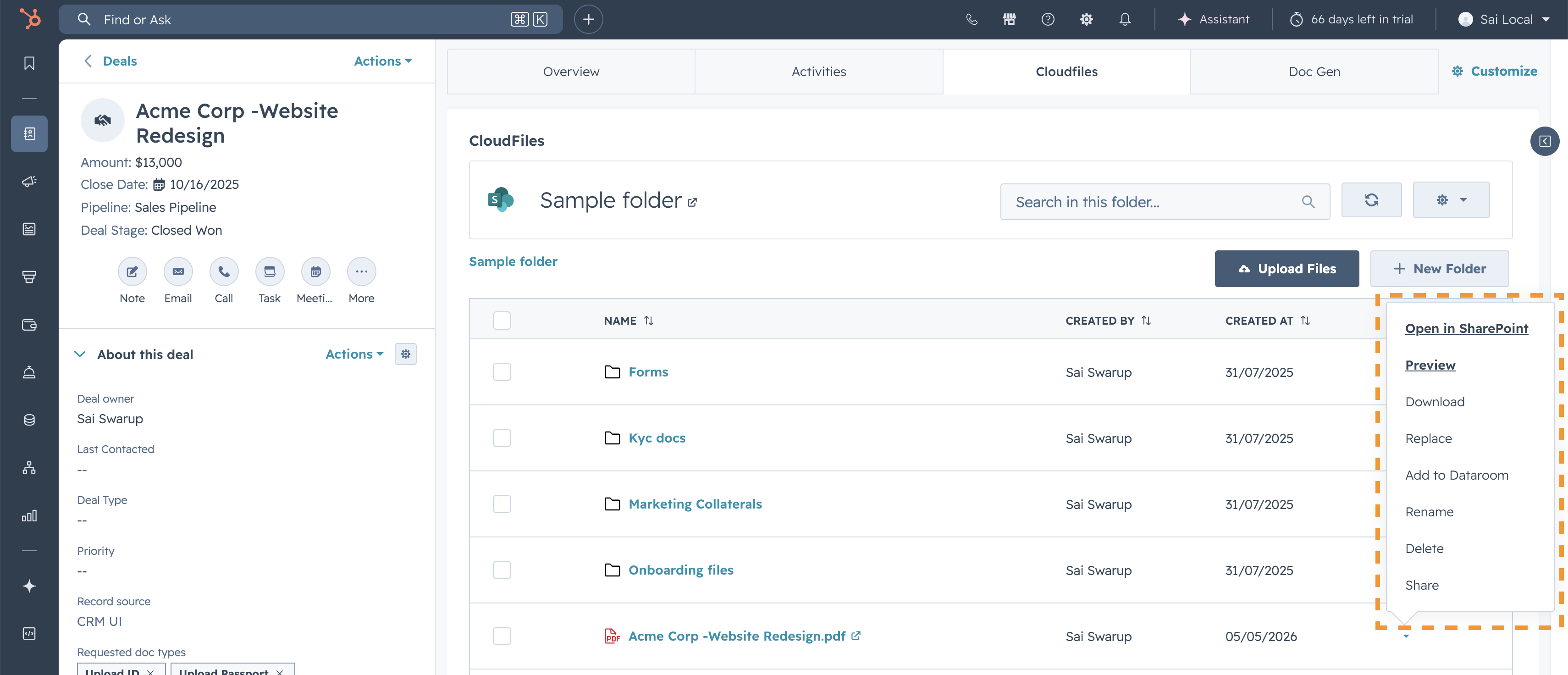
Permissions & Access Control
CloudFiles supports permission handling using both HubSpot user permissions and external storage permissions. This ensures users only access the files and folders they are authorised to view or manage. Changes made in external storage permissions are automatically reflected inside HubSpot. To learn more check Permission sets
Workflow Automations
CloudFiles workflow actions help businesses automate document management processes within HubSpot workflows.
Teams can automatically create folders, attach files to records, move resources, update permissions, copy files, and organize content based on CRM activity and workflow triggers. To learn more, check workflow actions for Document Management
Common Use Cases
CloudFiles Document Management supports a wide range of business processes inside HubSpot, including deal and account file management. To explore common business scenarios and implementation examples, refer to the article- Common Use Cases.