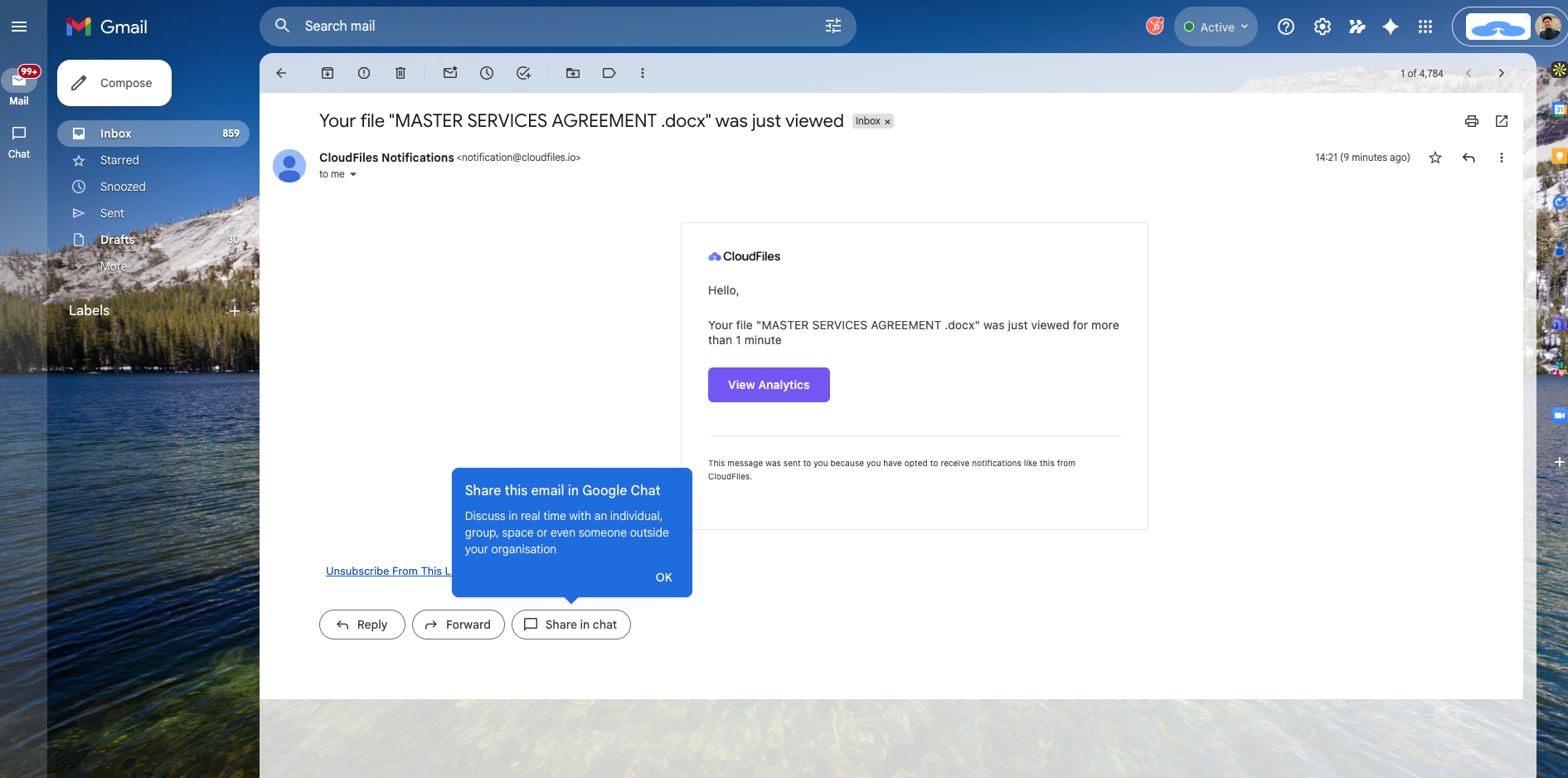
All analytics data is surfaced within HubSpot, which can be accessed from records and also used in automations, reporting, and dashboards.
This article explains the following sections:
- Document Analytics in HubSpot – How CloudFiles tracks and records engagement data.
- Analytics Modal – What information is available in the analytics dialogue.
- Understanding Engagement Metrics and Drill-Down Analytics - Metrics tracked for files, folders, and datarooms and how session-level and page-level data is structured.
- Extended Tracking and Reporting- Capabilities such as how engagement is tracked for files shared via email, how to create dashboards using analytics data in HubSpot reports and how the tracking code enhances attribution and visibility..
- Additional Analytics Features – Export, notifications, and subscriptions.
Document Analytics in HubSpot
CloudFiles converts the file into an online viewable format, such as PDF or Microsoft Excel and renders it for the client when the link is accessed. It can track file opens, total views, unique views, downloads, total time spent viewing content, and page-level interaction data. These metrics are captured consistently for files, folders, and datarooms.
All engagement data is pushed to HubSpot and associated with the relevant records. This data can be viewed directly on records, referenced in workflows, and used for reporting.
Analytics Modal
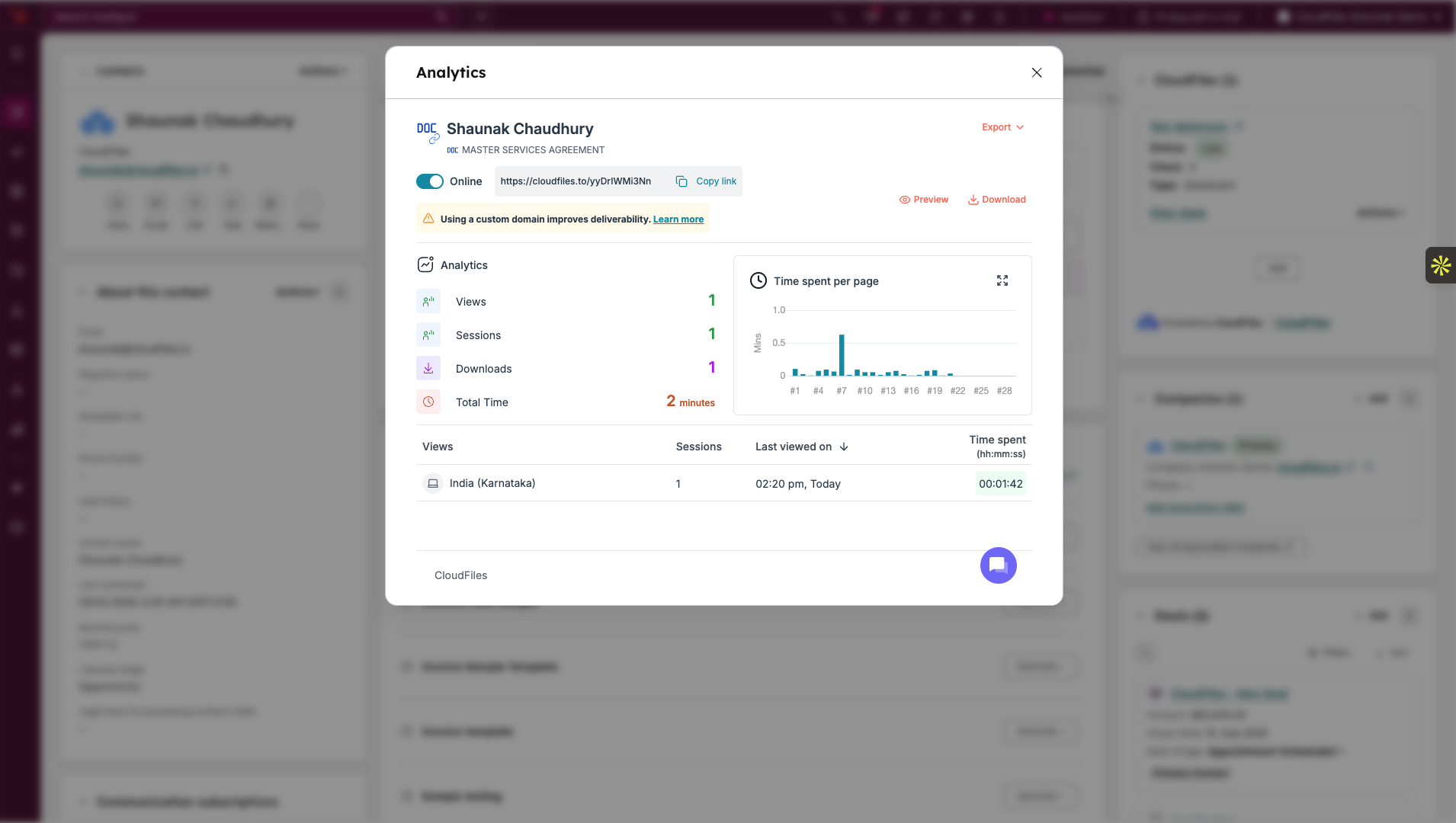
Analytics for files, folders, and datarooms are displayed using the Analytics modal in HubSpot. The modal can be opened from the CloudFiles App card, sidebar widget or from the activities section if the CloudFiles Timeline Activities are enabled.
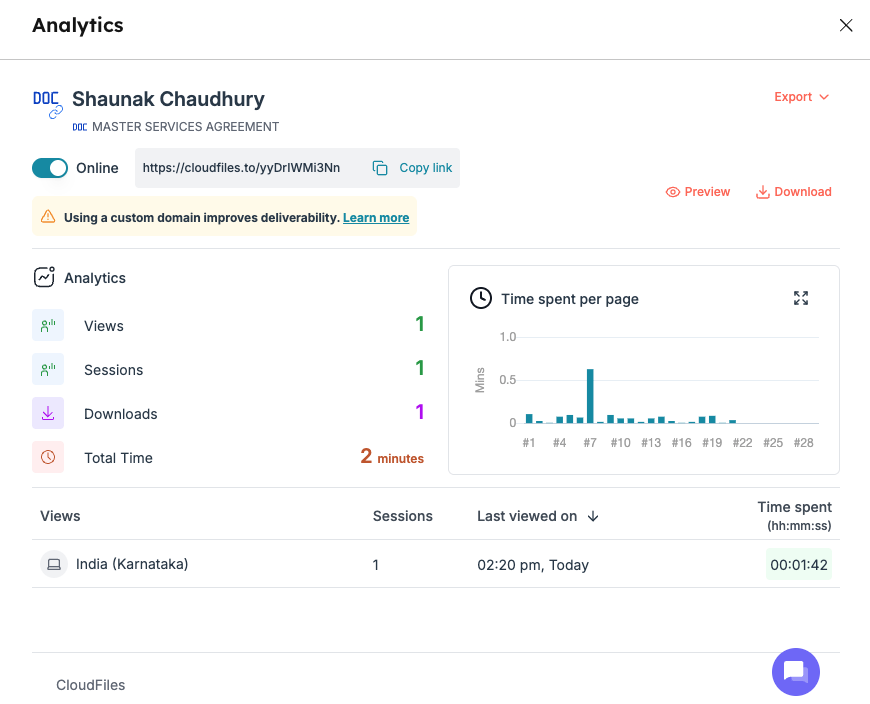
The Analytics modal provides a consolidated view of engagement data for a specific file, folder, or dataroom. The modal displays summary statistics, page-wise engagement data, and session-level details. Users can drill down into individual sessions to understand how content was accessed and how long it was viewed.
The modal also provides controls to export analytics data and to delete analytics where required.
Understanding Engagement Metrics and Drill-Down Analytics
CloudFiles analytics provide visibility into how recipients interact with shared files, folders, and datarooms. Engagement metrics summarise overall interaction with the content, while drill-down analytics provide session-level and page-level details for deeper analysis.
The sections below explain each metric and data point shown in the analytics view and how it should be interpreted.
Views
Represents the total number of times the file, folder, or dataroom link was opened. Multiple opens by the same viewer are counted as separate views.
Sessions
A session represents a single continuous viewing activity by a viewer. If the same viewer opens the link again later, a new session is recorded.
Downloads
Shows the total number of times the file was downloaded by viewers. This metric is recorded only when downloads are enabled for the link.
Total Time
Indicates the cumulative time spent by all viewers across all sessions. This includes time spent viewing each page within the document.
Time Spent per Page
Displays the amount of time viewers spent on each page of the document. This helps identify which pages of the document received the most attention.
Session List
Provides a breakdown of individual viewing sessions for the link. Each session shows when the content was accessed and how long it was viewed.
Last Viewed On
Shows the most recent date and time the content was accessed. This is updated whenever a new viewing session occurs.
Viewer Location
Indicates the approximate geographic location of the viewer based on IP data. Location is captured at the session level and may vary between sessions.
Session Time Spent
Shows the total time spent in (hh: mm: ss) during a specific viewing session. This value reflects active engagement within that session only.
Extended Tracking and Reporting
This section covers additional analytics capabilities that extend document engagement tracking beyond individual link views.
Email Tracking
CloudFiles tracks engagement for files shared through HubSpot emails when attachments are added using CloudFiles. Engagement with email attachments is tracked using the same analytics model as link-based sharing. Views, downloads, and time spent are recorded and associated with the relevant HubSpot contact or record.
This allows document engagement from emails, sales sequences, and campaigns to be analyzed alongside other CloudFiles analytics. Read E-mail Attachment Tracking for more information on this.
Dashboarding and Reporting
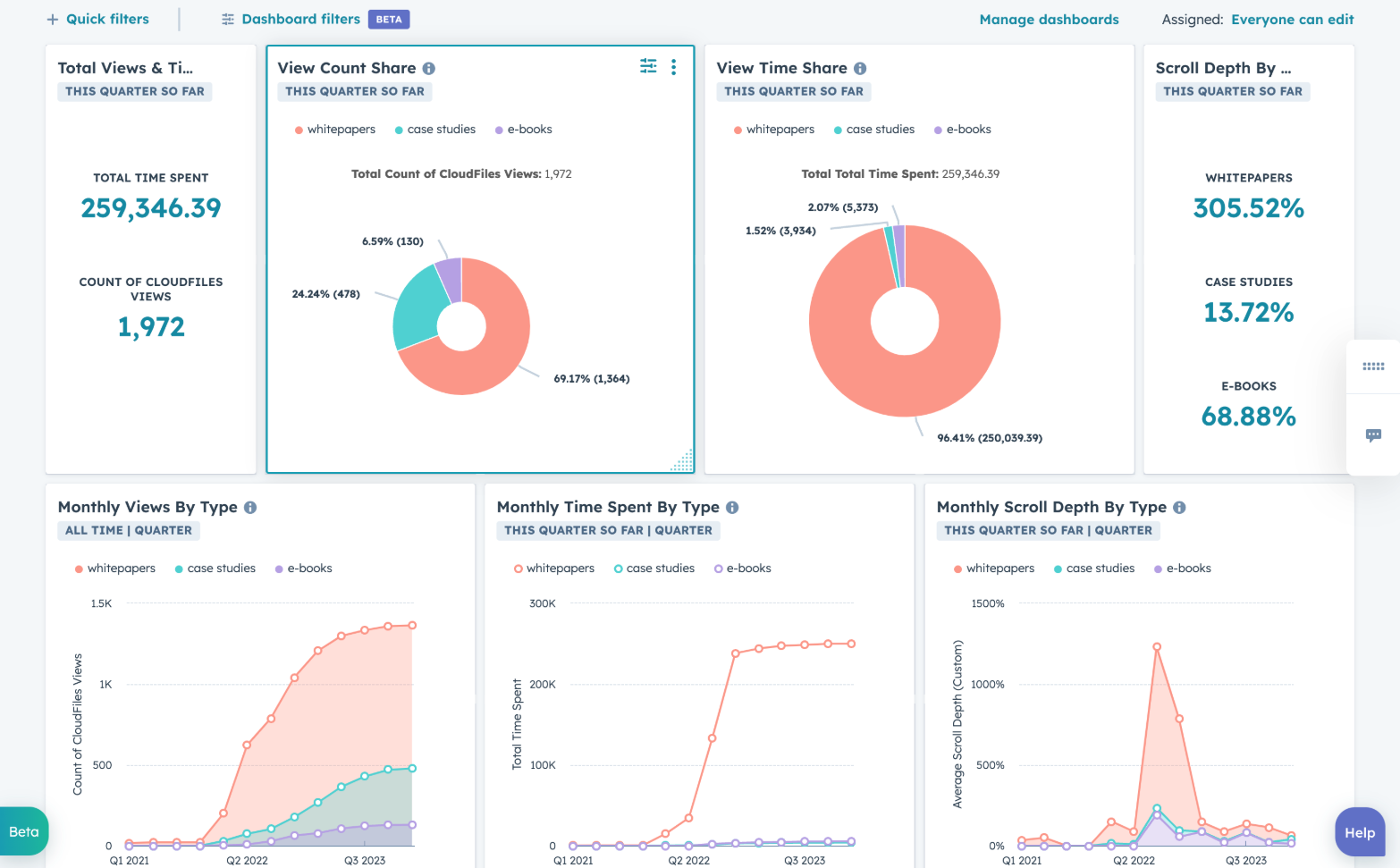
CloudFiles custom object in HubSpot can be used to track and analyse file views. Reports can be further created to analyse engagement trends, document performance, and usage across files, folders, and datarooms. Reports can be added to dashboards to provide aggregated visibility into document engagement for teams and stakeholders.
HubSpot Tracking Code
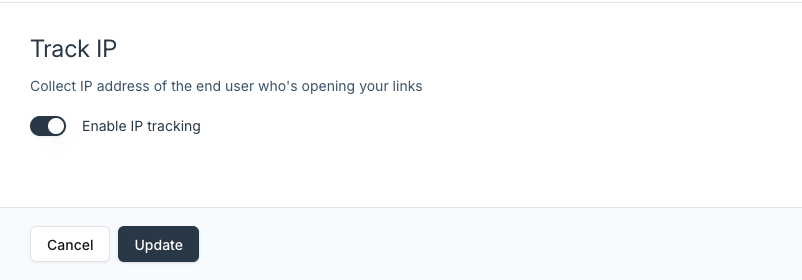
CloudFiles also supports embedding the HubSpot tracking code into CloudFiles viewer pages. When enabled, document views are associated with HubSpot tracking cookies, UTMs, and campaign attribution data. Anonymous views can later be linked to contacts once identification occurs. The tracking code is enabled at the account level and is applied automatically to all CloudFiles viewer pages.
Related HubSpot Capabilities
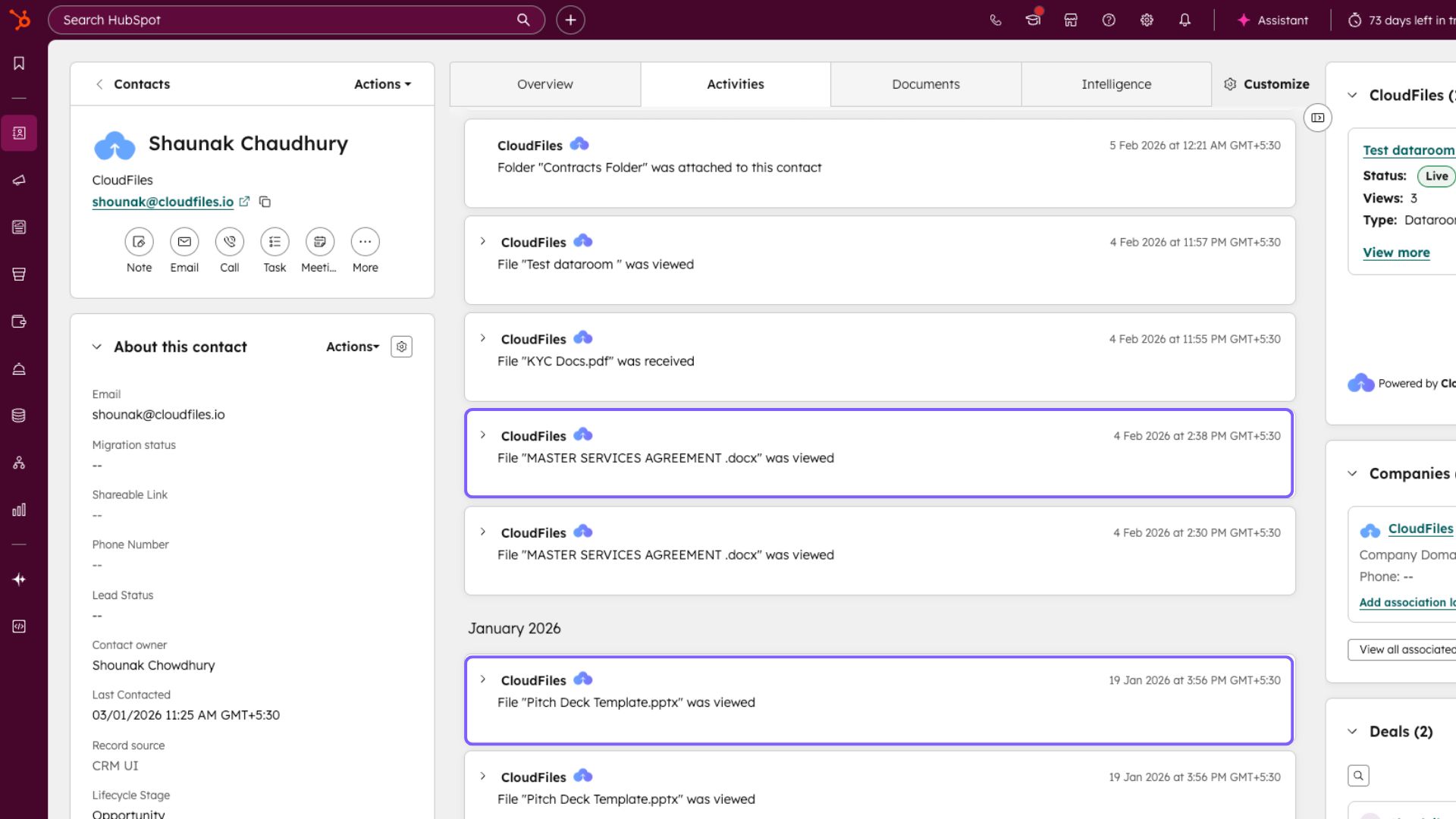
CloudFiles pushes analytics-related events to HubSpot, such as the CloudFiles: File Viewed event. These events appear on record timelines and can be used in workflows, lists, and automation logic. To automate processes based on File related activities, read All CloudFiles Events and All CloudFiles Properties .
Link personalization parameters allow recipient information to be passed directly within the link. When used with HubSpot personalization tokens, this enables ungated tracking while still associating analytics with the correct contact.
When a custom domain connected to HubSpot is used, CloudFiles can read and write to the HubSpot tracking cookie, enabling enhanced attribution and association of anonymous views.
Additional Analytics Features
Analytics data can be exported directly from the Analytics modal in HubSpot for offline analysis. CloudFiles can send email notifications when files are viewed. Notification frequency can be controlled through link settings and admin-level defaults.