Step 1: Visit Page
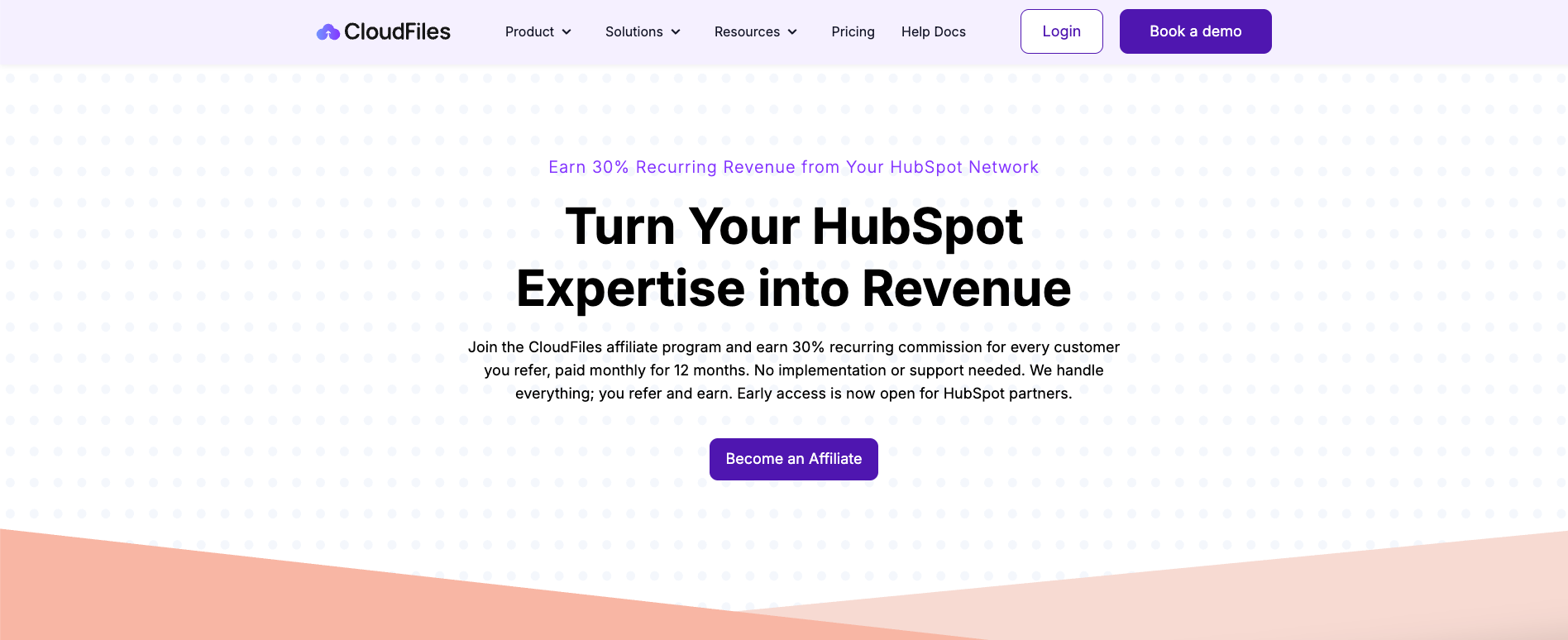
To get started, navigate to the CloudFiles Partner Program page-https://www.cloudfiles.io/hubspot/partner-program
Here, you’ll find an overview of program including the commission structure (30% recurring for 12 months), how partner can recommend CloudFiles and start earning, who the program is designed for (HubSpot partners, consultants, agencies and creators) etc...
Click on “Become an Affiliate” to begin the application.
Step 2: Application Form
Once you click on apply, you will be redirected to the application form. You will be asked to provide basic details such as name, email address, organisation details etc... These are necessary for our verification purpose.
The application is quick and designed to understand your background with HubSpot and how you plan to recommend CloudFiles.
By applying to CloudFiles Affiliate Program, you acknowledge that you have read, understood and agree to be bound by the Affiliate Program Agreement and related program policies.
To view agreement visit- CloudFiles Affiliate Program Agreement
Submitting the application does not guarantee entry into the program. It is an interest-based application for access.
Step 3: Approval
After submitting your application, CloudFiles team reviews the information provided and evaluates your profile based on your experience with HubSpot and fit for the program and initiates a short onboarding process. CloudFiles team usually respond to applications within 2–3 business days.
What's Next ?
If you have already received approval as well as an email invitation to create your portal account, you can continue to the next article for Portal Registration.