Introduction
The Document Generation Setup Wizard helps you configure CloudFiles to generate documents directly from HubSpot CRM data. It walks you through connecting the CloudFiles Office add-in, preparing document templates, enabling document generation on HubSpot records and generating documents from published templates.
The wizard is designed to be completed in sequence, ensuring all required components are correctly configured. However, individual steps can be revisited at any time if changes are needed.
Accessing the Setup Wizard
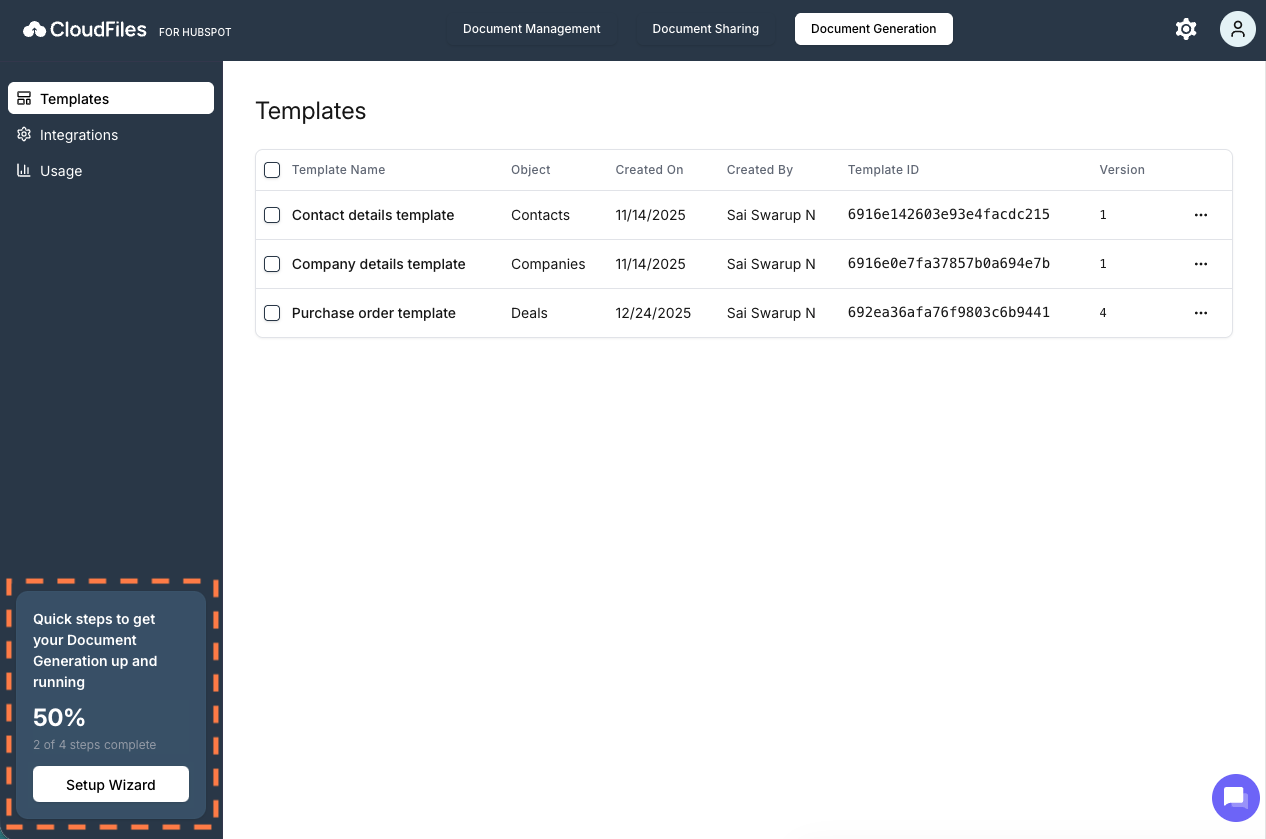
The setup wizard can be accessed from the Document Generation section within the CloudFiles app using the left-hand sidebar.
A progress indicator displayed alongside the wizard shows completed and pending steps, allowing you to easily track setup status and resume configuration where needed.
Setup Wizard Overview
The Document Generation setup wizard consists of 4 steps, each addressing a setup detail for enabling document generation within HubSpot.
Step 1: Install and Connect the CloudFiles Add-in
This step ensures the CloudFiles Office Add-In setup is completed and connected to your CloudFiles account. The add-in is required to create and manage document templates in Word, Excel or PowerPoint using HubSpot CRM data.
Once connected, you can create and access templates and make them available for document generation inside HubSpot.
Step 2: Create and Publish a Template
In this step, you create document templates that define the structure and content of generated documents. Templates can include dynamic fields, images, conditional logic and data pulled from HubSpot records. We covered in detail on creating and publishing templates in section- Design Studio
After you complete the template setup and save it, the template is published to CloudFiles and can be used for document generation.
Step 3: Add the Document Generation Widget to HubSpot Records
This step enables the Document Generation widget on HubSpot record pages. The widget allows users to access published templates directly from Supported HubSpot Objects such as Contacts, Companies, Deals etc.
Once added, document generation widget becomes part of your HubSpot record experience.
Step 4: Generate a Document
The final step verifies that Generating Documents is working as expected. Users can select a published template from the widget and generate documents using live HubSpot record data. Generated documents are immediately available for download.
Completion and Progress Tracking
Each completed step is visually marked in the setup wizard and the progress indicator updates accordingly. You can complete the setup in one session or return later to finish or review individual steps.
In the upcoming articles, we’ll cover the CloudFiles Document Generation setup in detail, with step-by-step guidance for completing each stage of the setup wizard