Introduction
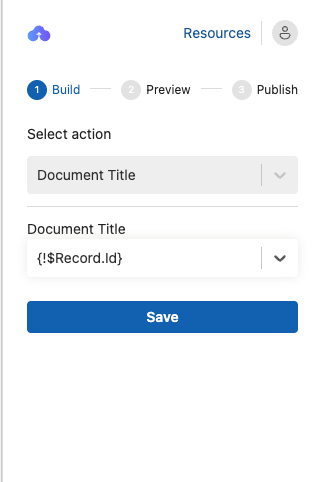
The Document Title action allows you to define the name of the document generated from the PowerPoint template. By selecting a HubSpot property, you can ensure generated documents are clearly named and easy to identify.
Follow the steps below to set a Document Title
- Select "Document Title" in the "Select Action" drop-down menu.
- Choose a HubSpot property to be set as the Document Title.
- Click "Save" to set the selected field as the Document Title. Once set, every document generated from this template will use the selected field value as its title.