The following tutorial on Data Consent and Privacy Notice will guide you through the complete setup.
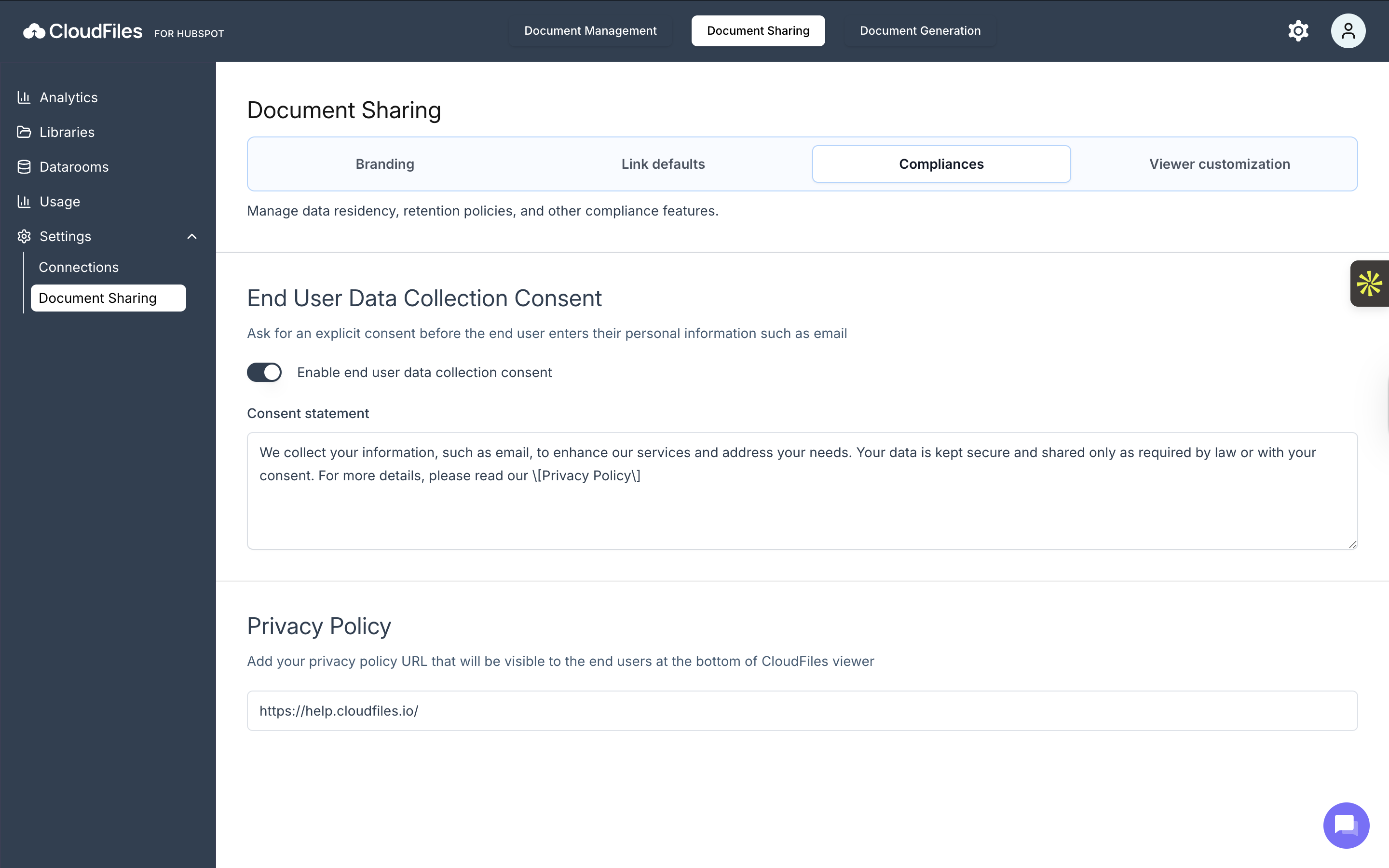
End User Data Collection Consent
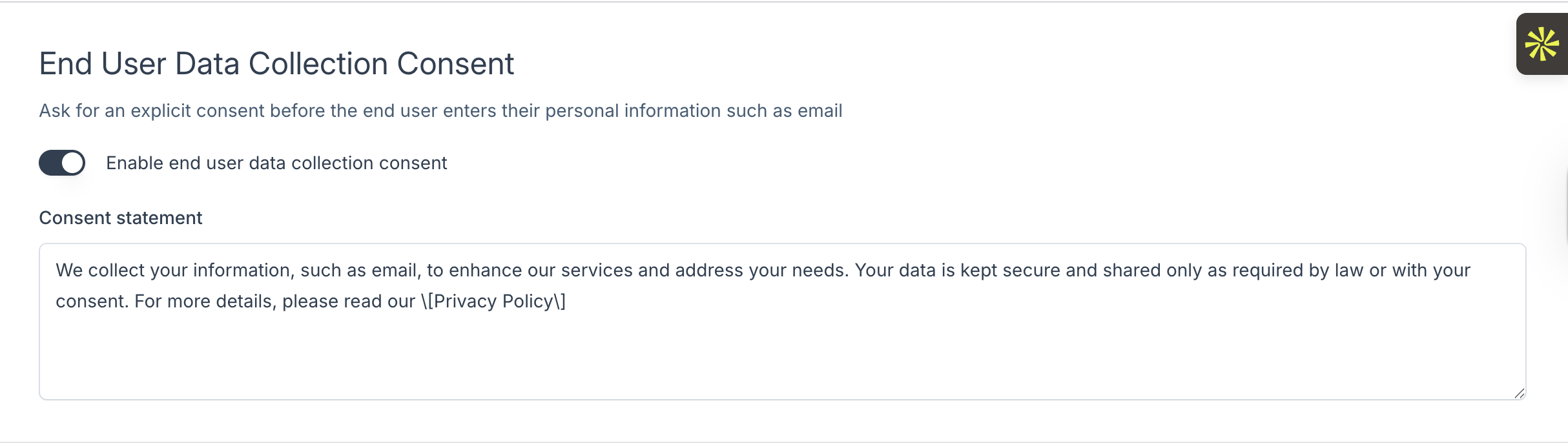
This setting enables a consent prompt that appears before viewers submit any personal information, such as their email address. When turned on, users must explicitly agree to the provided statement before they can proceed. This is particularly important for teams that must comply with consent-based regulations or whenever transparency around data handling is required.
Consent Statement
You can customise the message shown in the consent prompt. This statement should explain what information is being collected, why it is needed, and how it will be used. Using clear and concise language ensures viewers understand exactly what they are agreeing to. The text you provide here is shown to viewers each time they access a link requiring consent.
Privacy Policy
This option allows you to add your organisation’s privacy policy URL. The link appears at the bottom of the CloudFiles viewer, giving recipients direct access to detailed information about data practices. Including your privacy policy promotes openness and supports compliance with internal and external data-protection standards.

Once you have configured everything, click on the "Update" button. By configuring these compliance settings, you ensure that every shared link aligns with your organisation’s privacy expectations and provides viewers with the clarity they need when sharing their information.