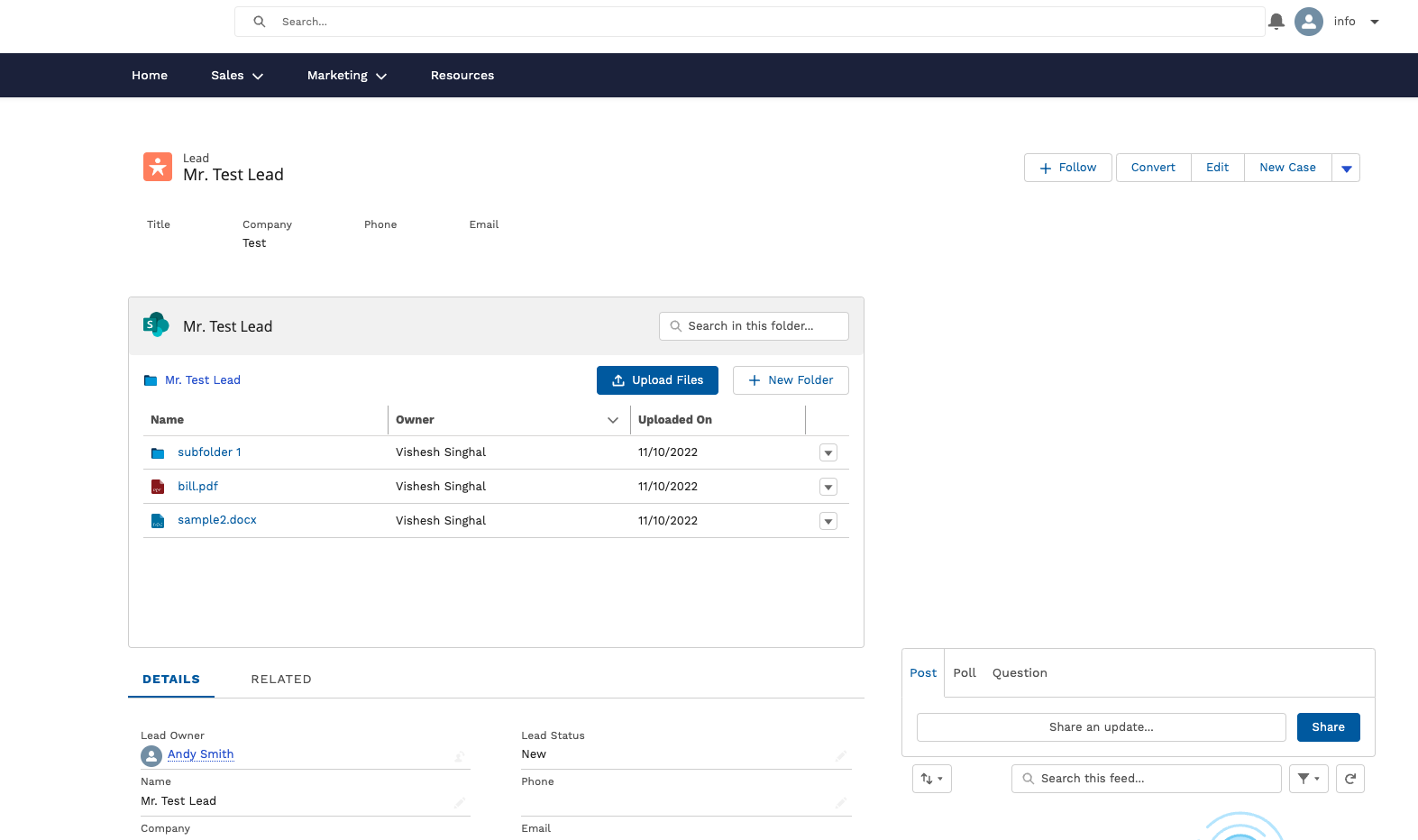
This widget bridges the gap between internal Salesforce users and external stakeholders, enabling bi-directional file syncing between your cloud storage (e.g., Google Drive, SharePoint, Dropbox), Salesforce objects, and community users. With this widget, businesses can efficiently manage document workflows for both internal and external users.
Getting Started - Widget Set-up
To set up the Experience Cloud Widget -
- Install the CloudFiles app from Salesforce AppExchange.
- Connect your cloud storage to Salesforce using CloudFiles.
- Add the widget to your Experience Site using the Salesforce Site Builder.
- Configure permissions to control access for external users.
- For detailed setup instructions, refer Share files in experience cloud (community) .