Create Data Room
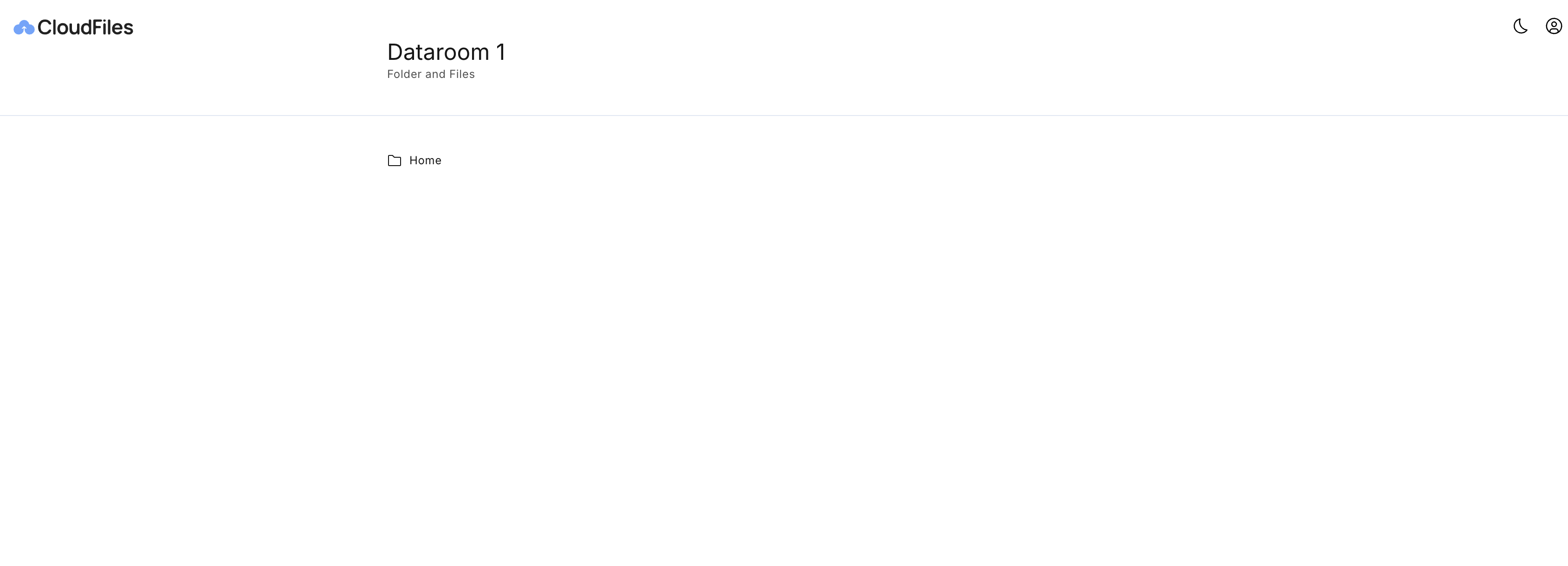
You can create a Dataroom using the Create Dataroom flow action. You could set its name and description. Once created, the Dataroom acts as a central container for all files, folders, and file requests, all of which can later be shared through a CloudFiles link.
Create File Request
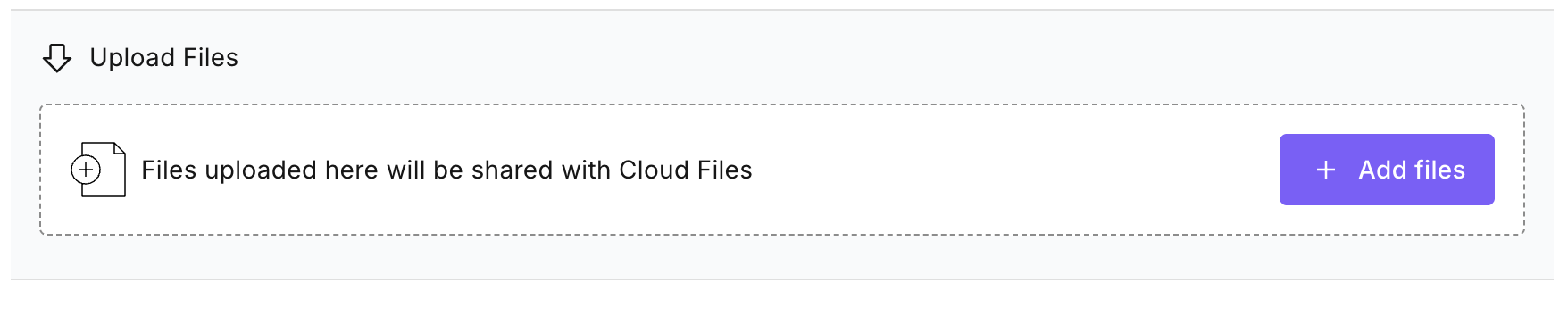
A File Request enables external users to upload files to a designated external storage location configured from the Dataroom. It helps streamline the process of collecting documents such as contracts, forms, or identity proofs from clients or partners.
In Salesforce, the Create File Request flow action is used to configure and manage these uploads. You can define the name, description, and the destination where uploaded files shall be directed and stored. Once the sharing link is generated and shared, any files uploaded by end users are automatically saved to the specified location.
Add Files, Folders, or File Requests to Dataroom
Once a Dataroom is created, you can add files, folders, or file requests. This is done using the Add to Dataroom Flow action.
The action supports two types of collections:
- Resources: Files or folders to be included in the Dataroom.
- File Requests: Items of type “File Request” used to collect external uploads.
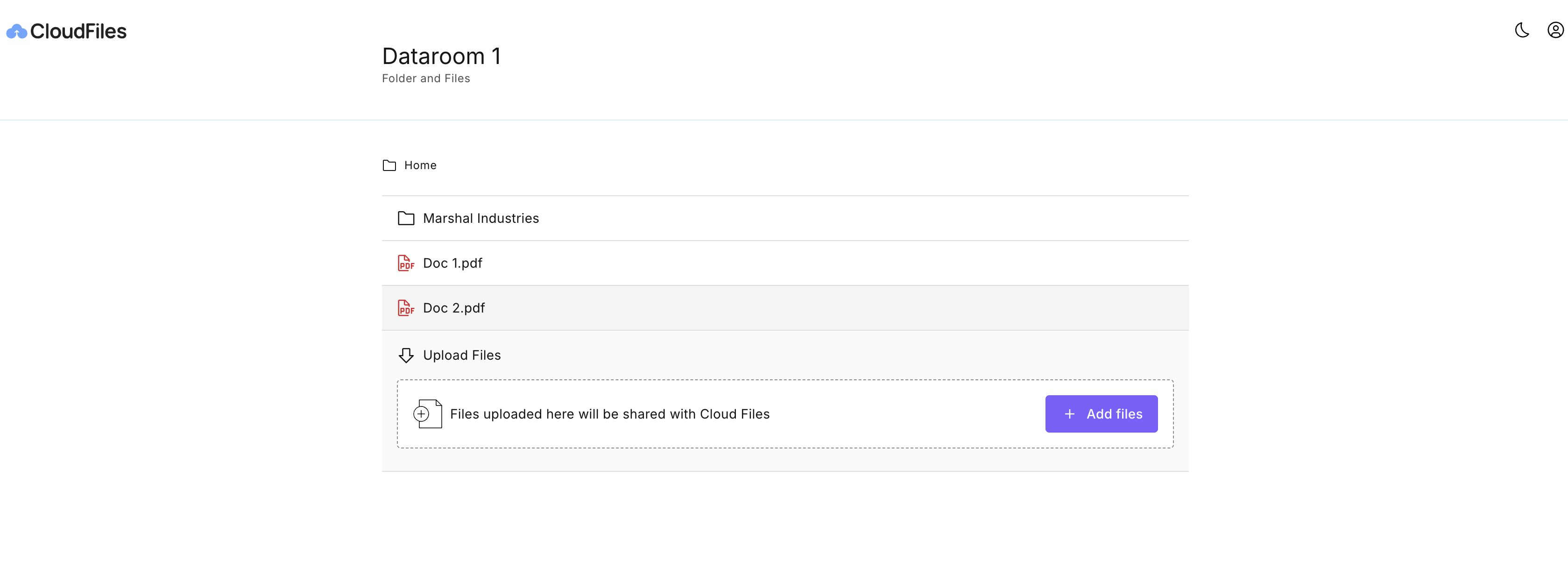
Once the Files, Folders and File Requests were added, a Dataroom will look like this when it is accessed through a link:
After setting up a Dataroom, refer to the Create Links section to generate sharable link.